AI Code Explainer: Understand Any Code in Plain English
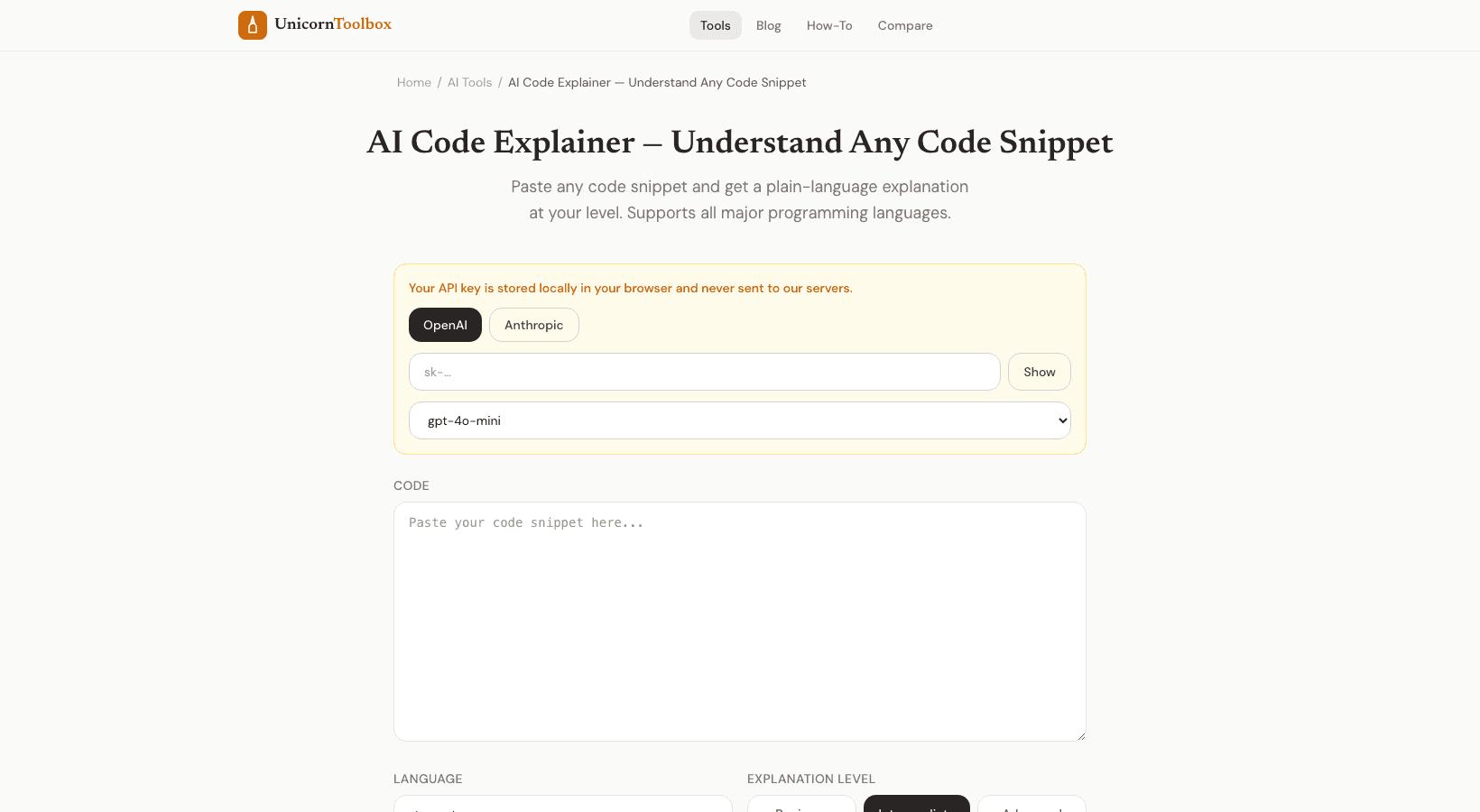
Looking at someone else's code and trying to figure out what it does? We've all been there.
An AI code explainer can quickly break down code that is hard to understand, like a confusing regex, an old function with no comments, or code in a language you are still learning.
When Code Explanation Is Useful These are the times when I always use this tool: Reading codebases you don't know — Are you starting a new job or working on an open source project? You read more code than you write.
Learning a new language: Do you see Python but think in JavaScript? The explanation fills in the gaps.
Decoding regex: Let's be honest, no one reads regex well.
Not even the person who made it.
Understanding Stack Overflow answers: That answer that got 200 upvotes?
In some cases, you need to know what it means before you paste it in.
How It Works Copy and paste your code, choose the language (or let it figure it out on its own), and then click "explain." The AI looks at the code and explains it to you in plain English, either line by line or block by block.
It can handle almost any language you throw at it, including Python, JavaScript, TypeScript, Java, C, C++, Go, Rust, PHP, Ruby, SQL, Bash, and more.
Both short snippets and longer functions work well.
Not Just Translation The explainer doesn't just tell you what each line does; it also tells you why the code is written the way it is.
Why is there a loop?
What is this variable keeping track of
What is the main pattern being used
This is great for people who are just starting out.
It's much more helpful to know that a block of code "implements binary search" than to know that it "sets mid to the average of low and high."" This is great for code reviews, and even experienced developers use it.
A quick summary is helpful when you're looking at code from a different team or reviewing a PR with patterns you don't know.
It's quicker than going through the logic by hand, especially for utility functions and helper methods.
I've also used it to double-check my own code.
If the AI's explanation doesn't match what I meant, that could mean something is wrong.
Know Any Code At this point Stop making guesses about what code does.
If you're learning, debugging, or just trying to figure out someone else's work, paste it in and get a clear explanation.
Give it a shot for free.