AI Course Outline Generator: Plan Online Courses With AI
It's fun to plan an online course, but it's not so fun when you have to organize it.
What goes in module 1 and what goes in module 3? How many lessons are in each section?
What are the goals of the learning
An AI course outline generator takes your subject and makes a detailed, logical structure that you can use to build on.
The Most Difficult Part of Making a Course You usually know your stuff when it comes to the content.
Putting it in an order that makes sense for learners is the hard part.
If you put advanced ideas too soon, students will get confused.
They get bored if you keep things too simple for too long.
I've spent whole weekends trying to organize a course, moving topics around, and second-guessing how it will flow.
The AI outline generator gives you a good structure to start with in just a few minutes, so you can focus on the actual content you want to teach.
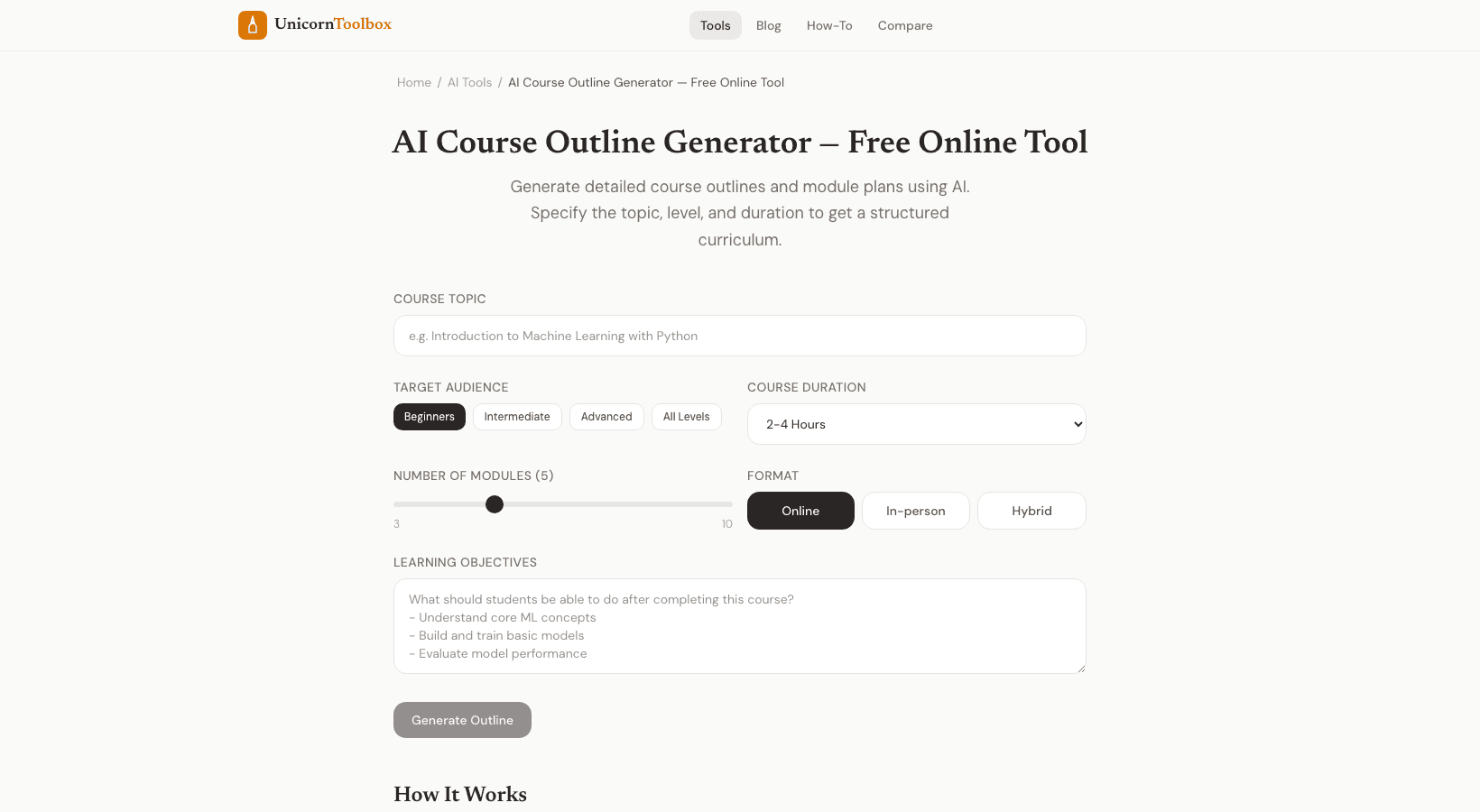
What the Generator Does Makes Put in the subject of your course, the level of skill you want to teach (beginner, intermediate, or advanced), and the people you want to reach.
The AI makes: Structure of the module — Logical groups of related topics, arranged from basic to advanced Lessons for each person — Specific lesson names for each module Goals for learning — What students should be able to do after each module How long it will take — Recommended time for each lesson and module What students need to know before starting Works for Any Subject The generator changes to fit what you're teaching, whether it's programming, photography, cooking, marketing, music, or anything else.
It knows how to teach: start with the basics, add more difficult material over time, give students chances to practice, and finish with capstone projects.
I've tried it out with both technical subjects, like machine learning, and creative ones, like painting with watercolors.
Both made outlines that made sense and followed a logical order of learning.
A Beginning, Not an End Product The AI gives you a solid base, but you should definitely make it your own.
You can add your own examples, change the order of the modules to fit your teaching style, and leave out lessons that don't fit your specific point of view.
It's like a first draft that saves you hours of planning the structure.
Some people use the outline directly to make the structure of their course platform's modules.
Others use it as a planning document for their content and change it a lot.
Either way works.
Make a plan for your course Now Stop looking at a blank outline.
Type in your topic and get a detailed course outline that you can start working on right away.
Give it a try for free.