AI Email Writer: Generate Professional Emails in Seconds
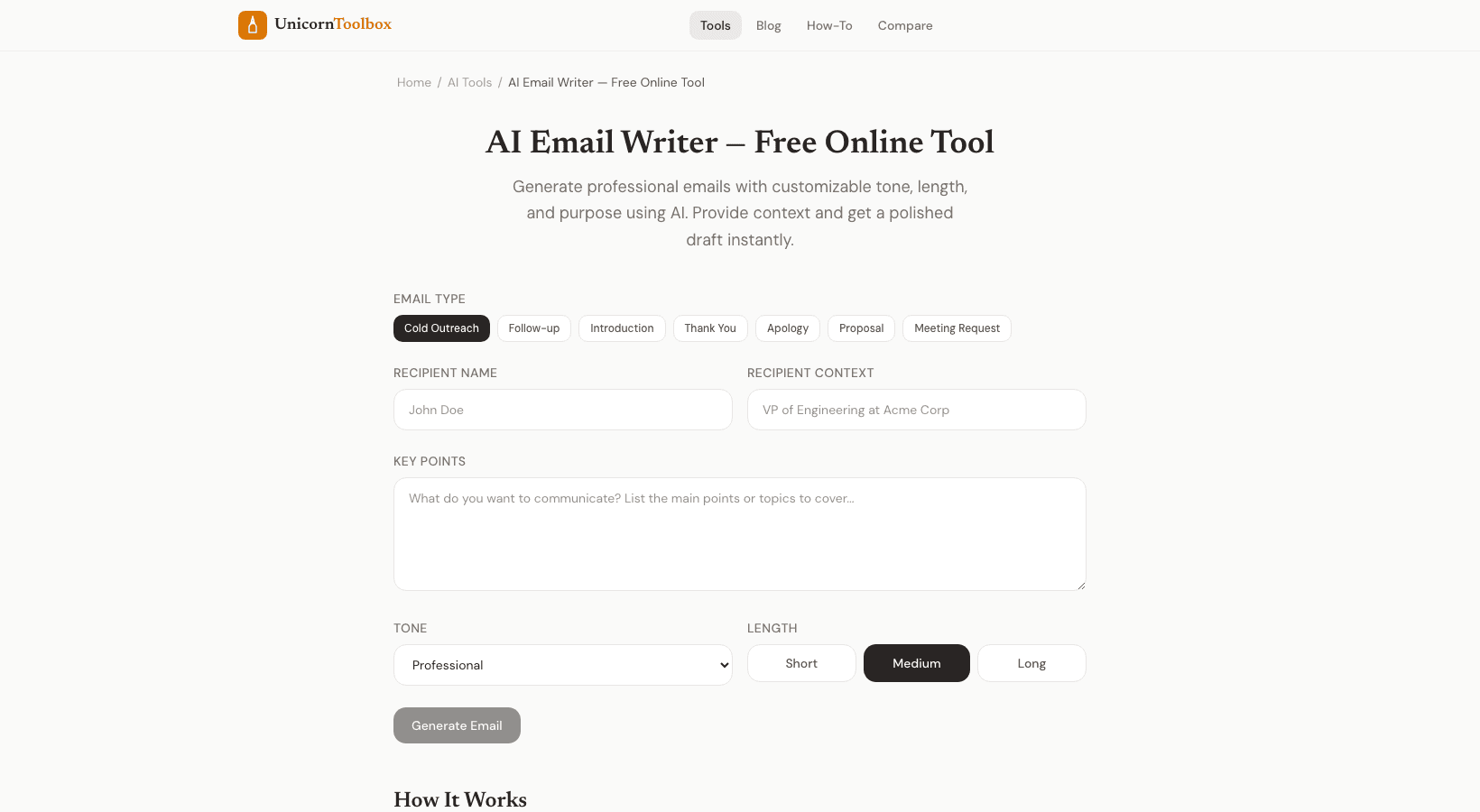
Looking for a free AI email writer? We all write too many emails — staring at a blank compose window, writing three sentences, deleting two. This free AI email writer online tool makes that pain go away. Give it some background, choose a tone, and get a polished draft in seconds.
I'm not saying you should send AI-generated emails without reading them first. But what about having a good first draft to work with? That cuts my email time in half, no problem. When an AI Email Writer Is Really Useful It's not about taking over your voice; it's about getting past the blank page.
This is where it really shines: Follow-up emails—emails just to check in are boring to write but necessary to send. Cold outreach—finding the right balance between professional and friendly is hard. Hard talks—turning down an invitation, negotiating terms, giving feedback Formal requests include asking for time off, asking for a reference, or contacting a professor. Thank you notes—after meetings, interviews, or getting help—Choosing the Right Tone Tone is the most important thing in email.
How you say something can make it sound friendly, demanding, or passive-aggressive. You can choose a tone for your email from professional, casual, friendly, formal, or urgent with our AI email writer. When in doubt, I always choose to be professional but friendly. It works for 90% of emails sent to businesses.
Use formal language only for legal matters and business communications. How to Get the Most Out of It The AI will do a better job if you give it more information. Instead of just saying "write a follow-up email," say something like "follow up on a job interview." I had an interview for a marketing manager job at Acme Corp last Tuesday. I want to let them know I'm still interested and ask about the timeline.
The email feels personal and real, not generic and robotic, because of the specific details. The AI can only do what you tell it to. Always check your work before sending it. This is very important.
AI is a great place to start, but you should always read it out loud to make sure it flows, add personal details that the AI couldn't know, take out anything that doesn't fit your relationship with the person you're sending it to, and check names, dates, and other facts. Don't think of the AI email writer as your ghostwriter. Instead, think of it as your drafting assistant. The end result should still sound like you.