AI Meeting Summarizer: Turn Transcripts Into Action Items
There are meetings.
What doesn't usually happen? Great notes.
You talk about a dozen things on a call that lasts an hour, give out action items, and then no one can agree on what was decided.
An AI meeting summarizer takes your transcript and makes a clear, organized summary with real things to do.
The Problem with Meeting Notes Here's what usually goes wrong: either no one takes notes and decisions get lost, or someone does take notes but they don't have all the information because they were also trying to participate.
Or people write down notes, but they're a wall of text that no one reads later.
It's easy to fix: record the meeting (most video call tools do this now), get a transcript, and let AI turn that raw transcript into something useful.
What the Summarizer Gives You Paste your transcript, and the AI will make a structured summary that includes: Important things that were talked about — What the meeting was really about, in bullet points Decisions made—specific choices that were made; Action items— Things that need to be done, with names of people in charge and due dates when they are given Open questions are things that were brought up but not answered.
A short summary—this is a one-paragraph overview for people who weren't there.
I wish every meeting followed this format.
It takes an hour-long, messy conversation and boils it down to the things that really matter.
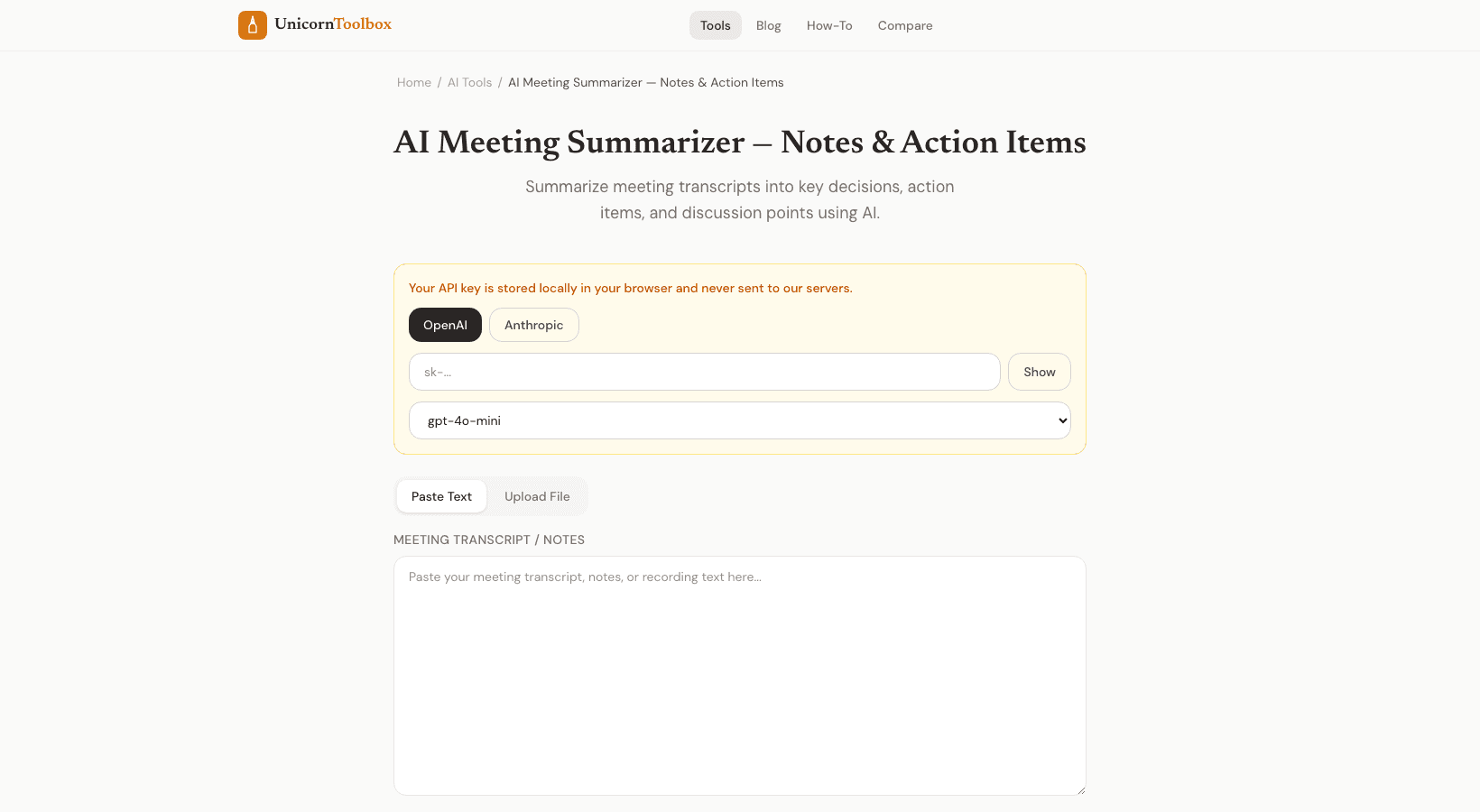
How to Use Copy your meeting notes from Zoom, Google Meet, Teams, Otter.ai, or any other tool you use.
Put it into the summarizer and let the AI work on it.
In about 30 seconds, you'll get a clear summary.
The tool can work with different types of transcripts, like raw text, timestamps, or speaker labels.
It finds out who said what and pulls out the most important parts, no matter what format they are in.
Why AI Is Better at This Than People AI doesn't lose focus during the meeting.
It doesn't miss things because it was busy with something else.
It processes the whole transcript the same way, so it picks up on casual comments about deadlines or commitments that a human note-taker might miss.
I've started using this tool to check the transcripts of all my important meetings, and the quality of follow-up has gotten a lot better.
Things get done when everyone can see a clear list of who is doing what.
Give a brief overview of your next meeting.
Don't lose decisions and action items in messy transcripts.
Put your meeting notes in and get a summary that you can use.
Give it a try for free.