Cron Expression Builder: Create Cron Jobs Visually
Nobody remembers cron expressions. Is the field for the day of the week first or last? Does the month start at 0 or 1?
What does */5 mean again
You won't have to search for the same thing on Google a hundred times if you use a cron expression builder. I've been writing cron jobs for years, and I still check my expressions every time. It's okay to use a visual tool; it just makes things go faster and safer.
What is a Cron Expression
A cron expression is a string of five or six fields that tells you when to do something. It tells your server when to do a task: every minute, every day at 3 a.m., every Monday at noon, the first of each month, or whenever you need it. Minute, hour, day of the month, month, and day of the week are the five fields. Numbers, ranges, wildcards, and special characters like */5 (every 5 units) or 1–5 (Monday through Friday) can all be entered into each field.
Cron Schedules That Are Common These are the ones you'll use the most: Every minute: * * * * * Every hour: 0 * * * * Every day at midnight: 0 0 * * * 0 9 * * 1-5 every weekday at 9am 0 0 1 on the first of every month * * Easy enough for these. But what about every 15 minutes from 8 a.m. to 6 p.m. on weekdays? That's where things get complicated, and that's when a visual builder comes in handy.
What is the point of a visual cron builder
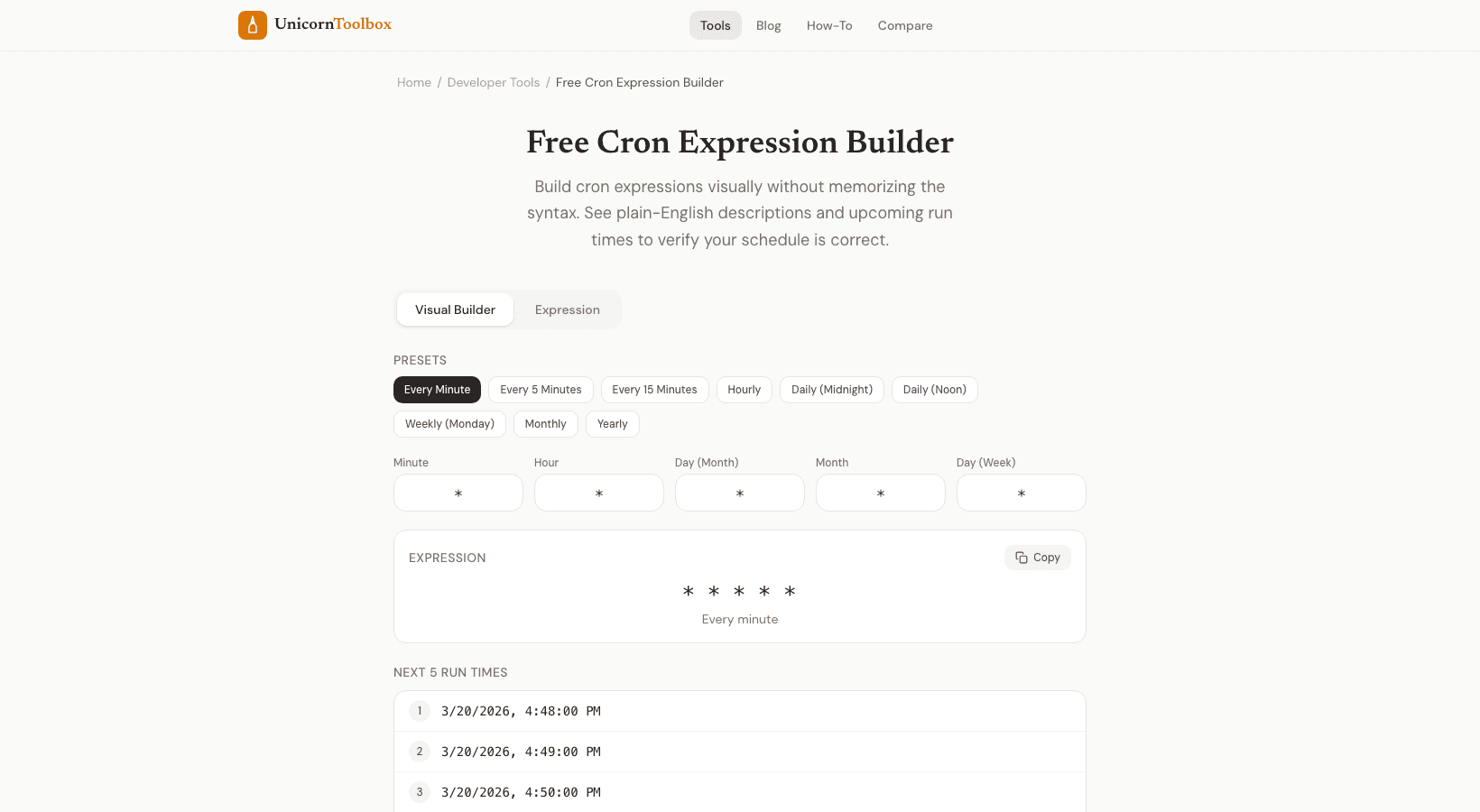
Three reasons. First, you get a clear explanation of what your expression does, so you don't have to guess. Second, you can check that the next few run times are correct by looking at them. Third, you build it by clicking instead of memorizing how to write code.
Your clicks are turned into a valid expression by the cron expression builder. Do you want it to run every half hour? Select every 30 from the minute dropdown. Want only weekdays?
Choose Monday through Friday. The phrase changes in real time. Be Careful of These Gotchas: Cron has some oddities that can confuse people. Different systems use different numbers for the days of the week.
Some start with 0 for Sunday, while others use 1. The month field goes from 1 to 12, not 0 to 11. Most cron implementations treat day-of-month and day-of-week as OR, not AND, if you set both. Our cron expression builder takes care of all of this for you.
Make your schedule by dragging and dropping, check the next run times, copy the expression, and paste it into your CI/CD or crontab config. In a matter of seconds.