CSS and JavaScript Minifier: Reduce File Sizes Online
Your visitors have to wait longer for your site to load every extra kilobyte of CSS and JavaScript. A CSS and JavaScript minifier removes comments, whitespace, and line breaks from a file, making it smaller and faster. What Minification Really Does You add whitespace, comments, and clear variable names to your code to keep it organized. Browsers don't care about any of that.
Minification takes out everything that people need and leaves only what the browser needs to run the code. For CSS, that means getting rid of spaces between selectors, combining shorthand properties when you can, and getting rid of all comments. When it comes to JavaScript, this means getting rid of whitespace, shortening variable names (in some cases), and getting rid of dead code.
What happened
Files that are 20% to 60% smaller, depending on how many comments and blank spaces are in your original code. Why the Size of the File Important for Web Performance Page speed is one of the things that Google looks at when ranking pages. Faster load times mean better rankings and happier users, which means smaller files. Every kilobyte counts, especially when you're using a mobile connection.
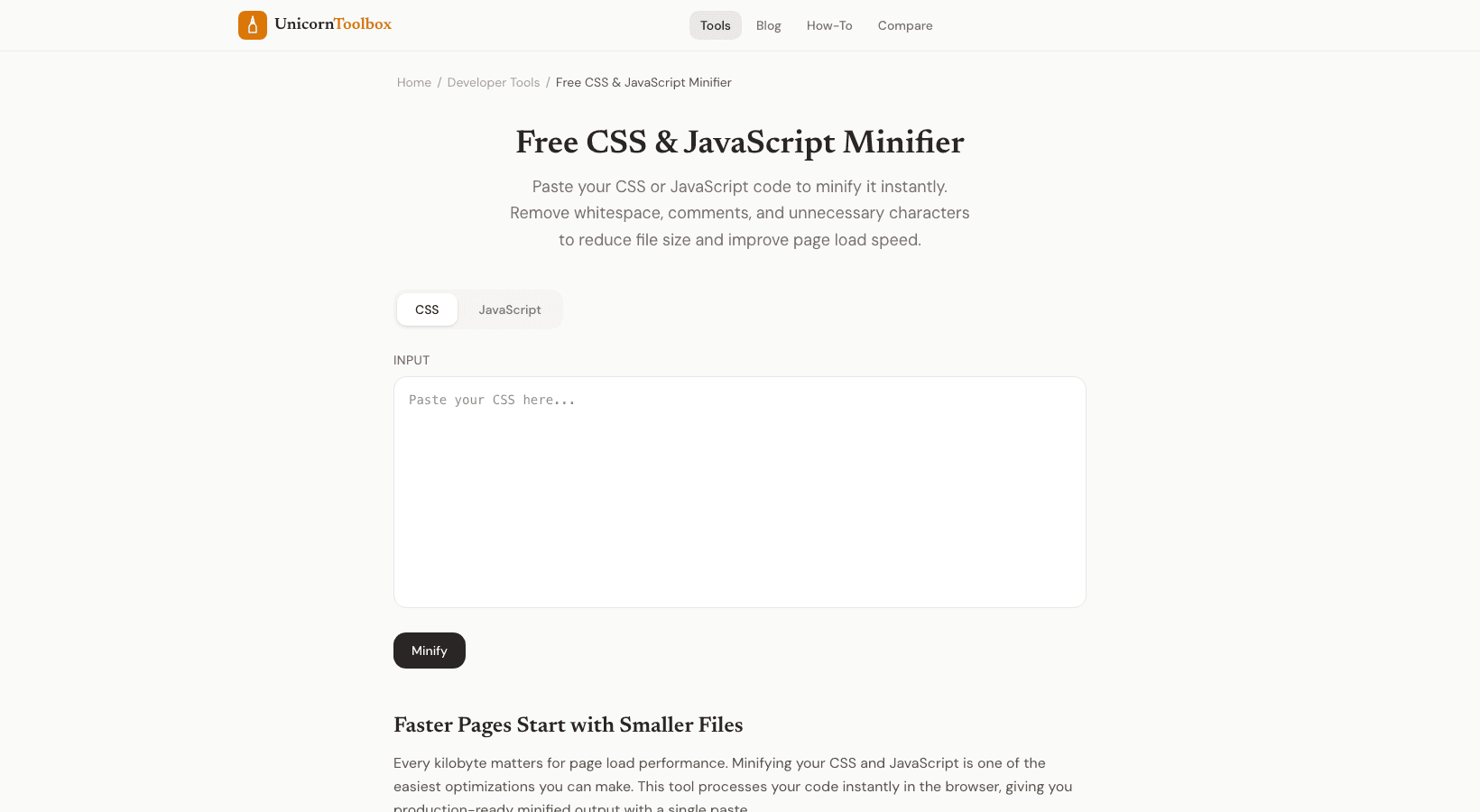
By minifying their CSS and JS, I've seen sites cut their load time by a whole second. That may not seem like much, but research shows that even a one-second delay can greatly lower conversion rates. How to Use the Minifier Put your CSS or JavaScript in the input box. Choose a language (CSS or JS).
Press "minify." There will be a percentage next to the minified output that shows how much smaller the file is now. Copy the output and use it to replace the files you had before. Most people make a "style.min.css" or "script.min.js" file next to their originals. This way, you always have the readable version to edit and the minified version to use in production.
Should You Minimize Everything? Yes, for production sites. Serving minified files to your visitors has no downsides. Just remember to keep your original, unminified files for development.
It's hard to debug minified code because everything is on one line and the variable names don't make sense. If you use a build tool like Webpack or Vite, they will automatically minify your code. But for quick, one-time jobs or small projects that don't need a build process, this online tool is much faster than setting up a whole pipeline. Want pages to load faster?