Free Barcode Generator: Code 128, EAN-13, UPC-A
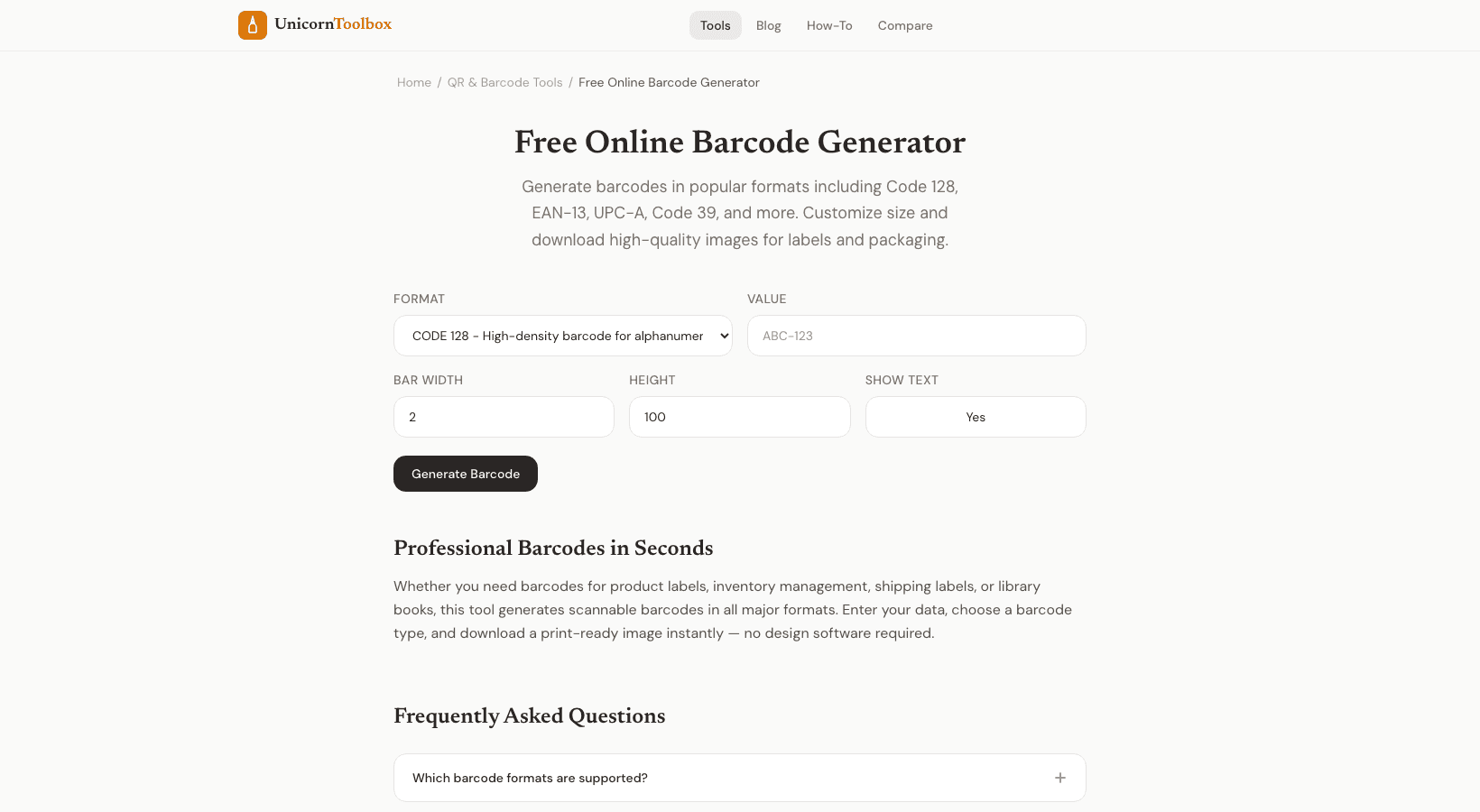
Whether you're labeling inventory, creating product packaging, or setting up an asset tracking system, you need barcodes. The barcode generator creates industry-standard barcodes in all the common formats — Code 128, EAN-13, UPC-A, Code 39, and more.
Which Barcode Format Do You Need?
This is the question that trips most people up, so here's the quick guide:
- UPC-A — The 12-digit barcode on retail products in the US and Canada. If you're selling physical products in stores, this is probably what you need. Requires a GS1 company prefix.
- EAN-13 — The international version of UPC. 13 digits, used for retail products outside North America. Also accepted in the US.
- Code 128 — The most versatile format. Encodes any ASCII character, any length. Great for internal inventory, shipping labels, and anything that doesn't need to be scanned at a retail checkout.
- Code 39 — An older format that's still common in automotive, defense, and healthcare. Encodes uppercase letters and numbers.
- QR Code — Not technically a barcode (it's a 2D code), but if you need one, we've got a separate tool for that.
Creating Your Barcodes
Pick your format, enter the data you want to encode, and the barcode generator creates a print-ready barcode instantly. You can adjust the size, bar width, and whether to show the human-readable text below the bars.
Download as PNG for screen use or SVG for print. SVG is what you want if you're sending these to a print shop — it scales to any size without losing quality.
Practical Use Cases
I've used this tool for a bunch of things beyond the obvious. Internal asset tracking labels for office equipment. Inventory tags for a small warehouse. Library-style labels for a personal book collection (yeah, I'm that person). Shipping labels for a small ecommerce operation.
For retail products, remember that UPC and EAN codes need to be registered through GS1. The generator creates the barcode image from your registered number, but it doesn't assign the number itself — that's a separate process.
Batch Generation
Need a bunch of barcodes at once? The bulk mode lets you paste a list of values and generates all the barcodes in one shot. Perfect for printing a sheet of inventory labels or creating barcodes for a product catalog.
Print Tips
Make sure your barcodes have enough "quiet zone" — that's the empty white space on either side of the bars. Most scanners need at least 2.5mm of clear space. The generator includes this by default, but don't crop it out when placing the barcode in your design.