Free Color Palette Generator for Designers
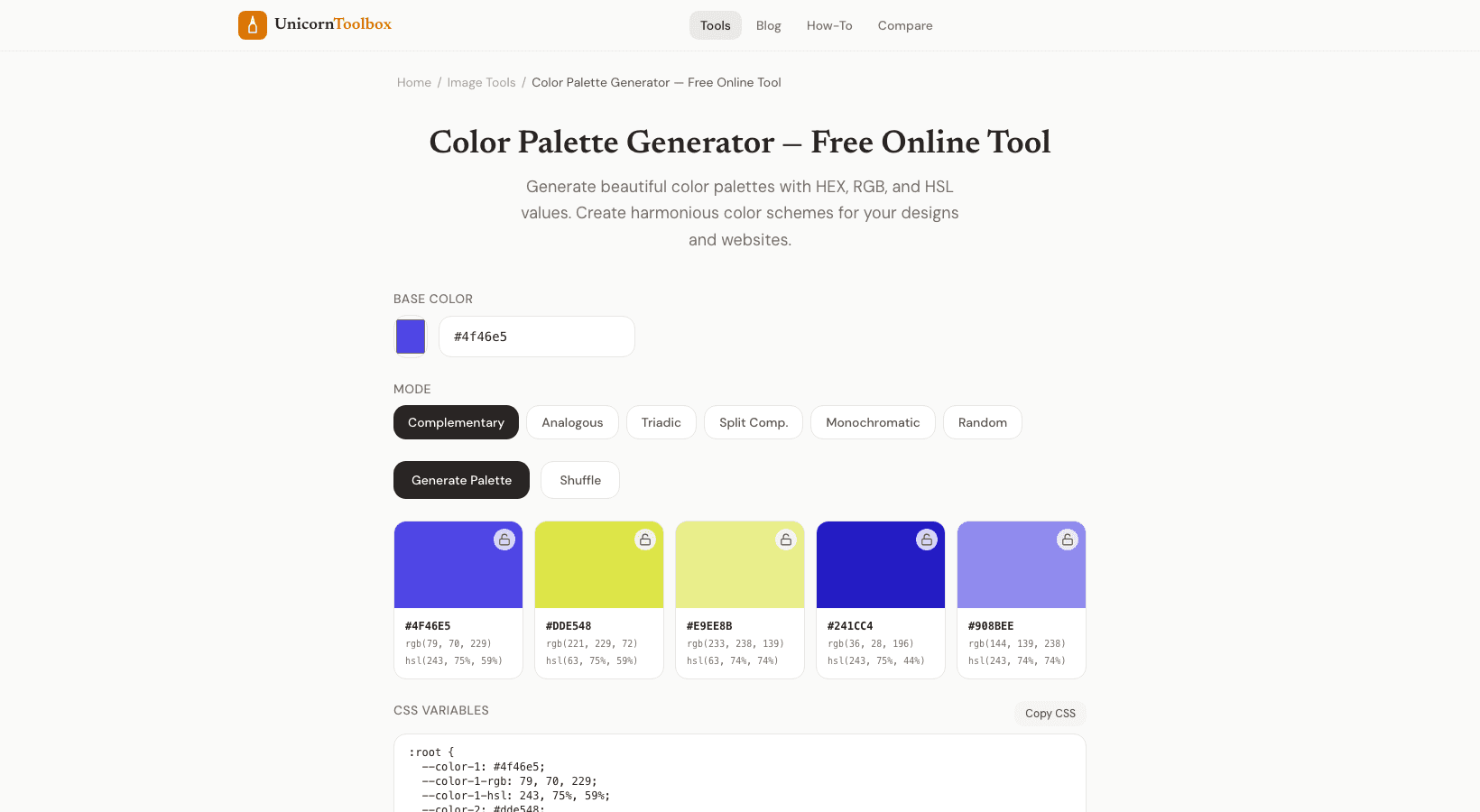
It can be hard to choose colors that look good together. You like the blue, but what goes with it? A color palette generator uses color theory to make sure that the colors you choose go well together. This way, your website won't look like a crayon explosion.
I am a developer, not a designer. This tool is what makes my projects look good. How Color Harmony Works There are mathematical rules on the color wheel that show how colors "go together." The generator uses these connections to make palettes that look balanced: Complementary colors are colors that are opposite each other, like blue and orange. A strong, high-contrast look.
Similar colors that are next to each other (blue, teal, green). A calm, unified feeling. Triadic means three colors that are evenly spaced. Colorful and even.
One color plus the two colors next to its complement make up a split-complementary color. It's subtle but still stands out. You don't need to know any of this theory to use the tool. Just choose a starting color, and it will make palettes using each method.
But knowing the basics will help you choose the right palette for your project. How to Use the Generator Pick one color to start with. It could be the main color of your brand, a color you like, or the tool could suggest a random starting point. It makes five-color palettes right away by following different harmony rules.
Click on any palette to see the HEX, RGB, and HSL values for each color. You can lock in the colors you want to keep and make new ones. This is great if you have a brand color that you can't change and need to make a palette around it. Making a Brand Palette You usually need five colors for a brand or website: a main color, a secondary color, an accent color, and two neutral colors (one dark and one light).
The color scheme generator gives you this exact structure. Don't go crazy. The majority of your site should be in neutral colors. The primary color is for important things like buttons, links, and headers.
The accent is for calls to action and highlights. What makes a design good is restraint. Check for Accessibility People can't read your text if the colors are pretty. The tool checks the contrast ratio to see if your color combinations meet WCAG accessibility standards.
This is important for making text easier to read, especially for people who have trouble seeing. For body text, the contrast ratio should be at least 4.5:1, and for large headings, it should be at least 3:1. The generator marks combinations that don't meet these standards so you can make changes before you build anything.