Free Data Cleaner Tool: Clean and Transform Datasets
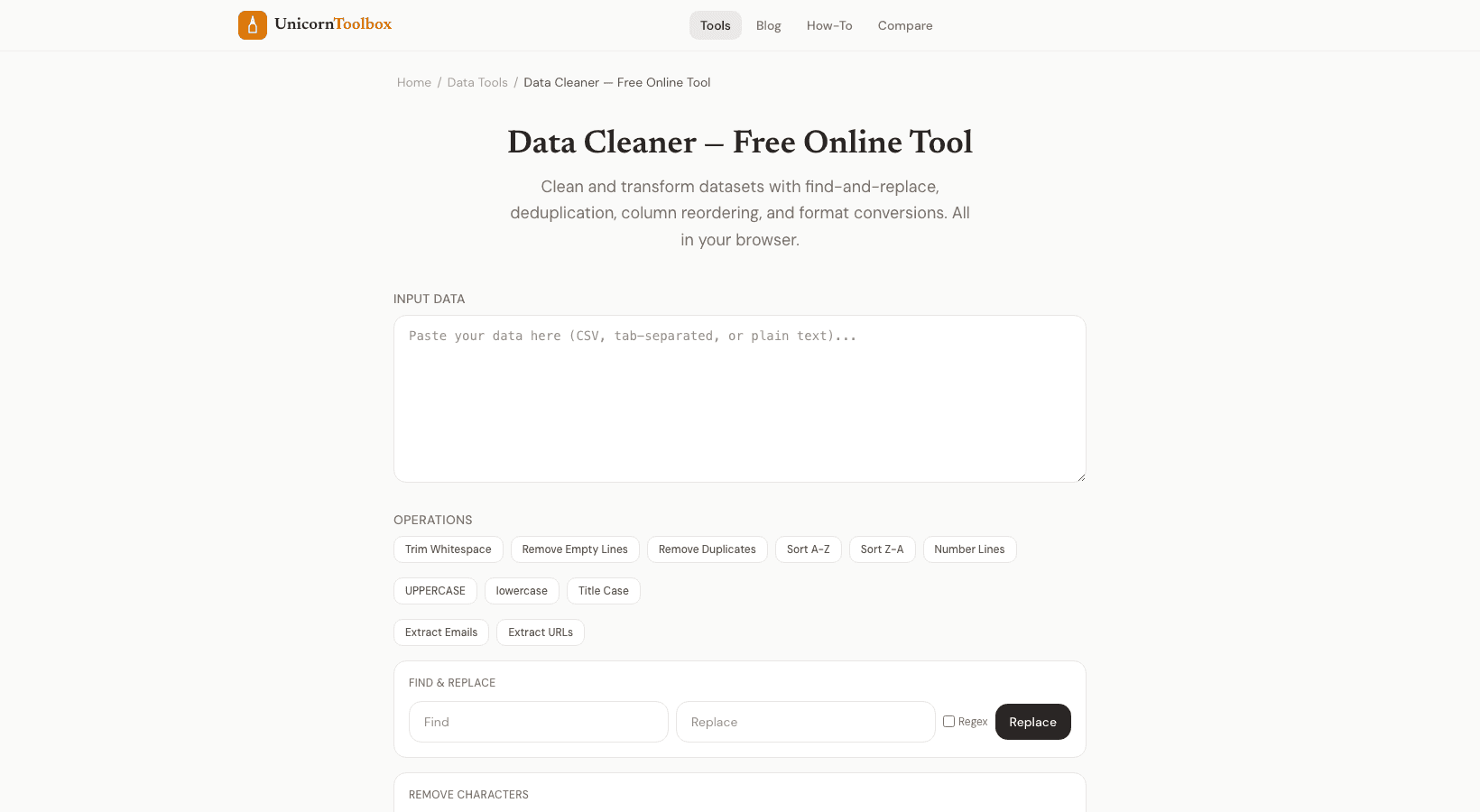
Anyone who works with data understands the pain: you get a CSV or spreadsheet and it is full with excessive spaces, duplicate rows, inconsistent formatting, and occasional blank cells. Before you can properly evaluate anything, you need to clean the data. Our free data cleaner program tackles the most frequent cleansing chores so you do not have to do it manually.
Common Data Messes And How to Fix Them Here is what I run into most often: Extra whitespace indicates leading spaces, trailing spaces, double spaces in the middle. They mess up sorting, matching, and formulae.
Duplicate rows signifies the same record entered twice or ten times, common with form submissions and combined datasets.
Inconsistent formatting means USA, us, United States, U.S. all meaning the same thing, or dates in five distinct formats. Empty rows and columns indicate blanks spread throughout that throw off your analysis.
Fixing these information by hand in a spreadsheet takes time. And it is mind-numbing work. The data cleaner automates the uninteresting parts.
What the Data Cleaner Does Does Upload your dataset (CSV, TSV, or paste directly) and pick from the cleanup operations you need: Trim whitespace eliminates leading, following, and surplus spaces from every cell.
Remove duplicates identifies and removes duplicate rows, with options for which columns to check. Find and replace enables you batch replace values throughout the entire dataset or select columns.
Standardize case changes text to capital, lowercase, or title case. Remove empty rows clears out blanks that should not be present. Format dates normalizes dates to a single standard format.
Why Clean Data Matters There is a proverb in data science: garbage in, garbage out.
If your data has duplicates, your counts are inaccurate. If there is inconsistent formatting, your filters overlook records.
If there is excess whitespace, your lookups fail. I have seen reports that were utterly inaccurate because nobody cleaned the underlying data first. It is not glamorous work, but it is the foundation of any successful analysis.
Preview Before You Commit Before making changes, the tool displays you what they will look like.
You can see exactly which rows will be deleted as duplicates, what the trimmed values will look like, and what the replacements will do. No surprises.
Download your cleaned dataset as CSV when you are done. The whole process takes minutes instead of hours. Stop spending hours cleaning up your data by hand.
Upload your messy dataset and have it analysis-ready fast. Try it free →