Free Online Image Resizer for Social Media
Each social media site has its own rules about image size. If you post an image that is the wrong size, it will be cut off in a strange way or look blurry. A good image resizer takes the guesswork out of this by giving you exact settings for each platform. Why the size of images is important on social media If your picture doesn't fit, Instagram will crop it to a square.
Facebook shrinks big pictures down to small thumbnails. The edges of LinkedIn preview images are cut off. There are certain aspect ratios and pixel sizes for each platform that will make your content look its best. I used to just upload any picture size I had and hope for the best.
What happened
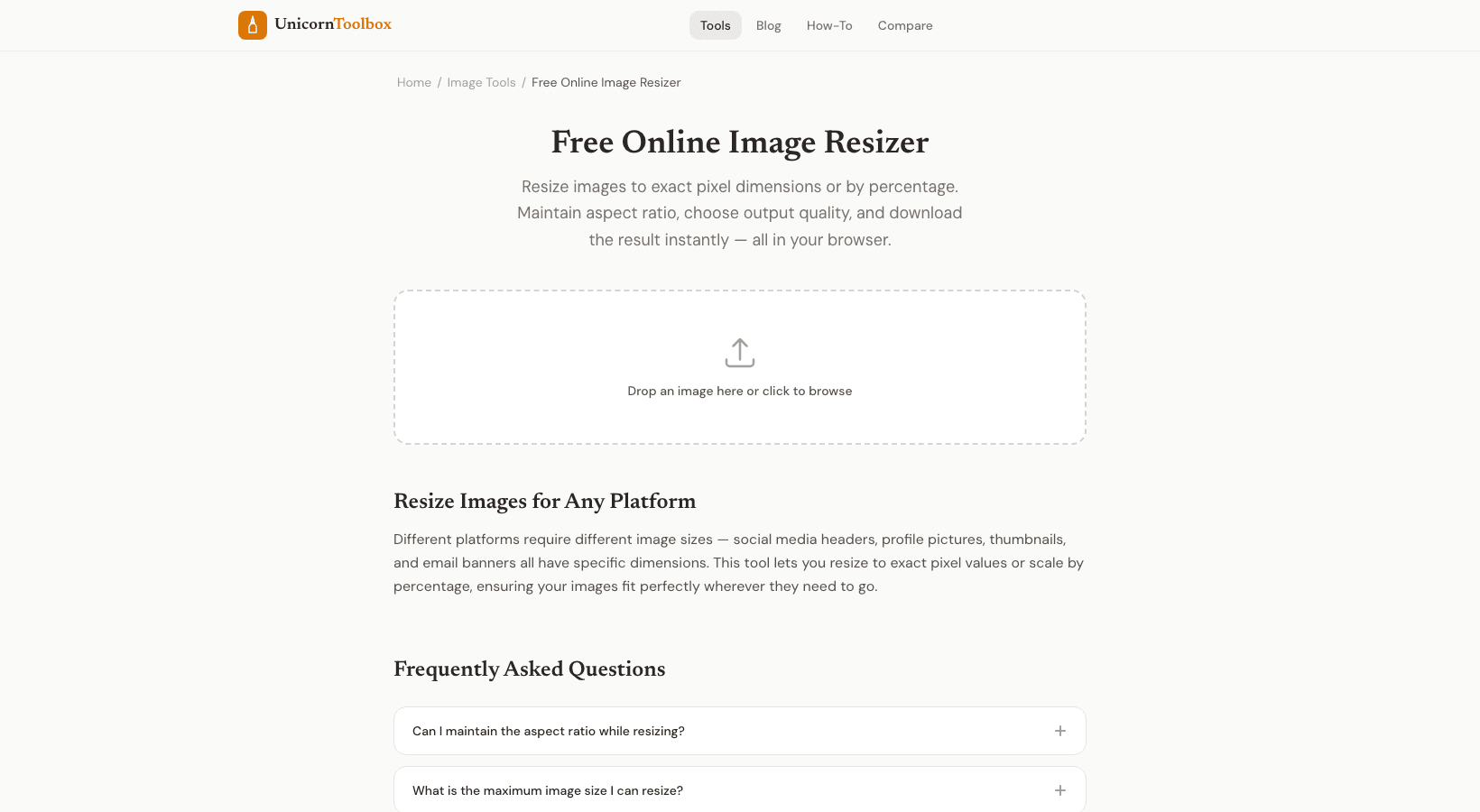
Profile pictures that were blurry, cover images with text that was cut off, and post images that looked very different from what I made. Not anymore. Social Media Settings Already Set Up You don't have to remember any numbers because the image resizer comes with presets for all the major platforms: Instagram: Square post (1080×1080), Portrait (1080×1350), Story (1080×1920), and Reel cover (1080×1920) Facebook: Post (1200×630), Cover photo (820×312), Profile (170×170), Event cover (1920×1005) Twitter/X—Post (1600×900), Header (1500×500), Profile (400×400) LinkedIn: Post (1200×627), Cover (1128×191), and Profile (400×400) YouTube: Thumbnail (1280×720) and Channel Banner (2560×1440) Also, custom sizes Not everything is good for social media. For a website, a presentation, or an email, you may need to change the size of a photo to a certain number of pixels.
You can either type in the width and height you want or use the percentage scaler to make images smaller in a way that keeps their proportions. By default, the tool keeps the aspect ratio (so your images don't get stretched), but you can change that if you need to resize them in a way that isn't proportional. Settings for Quality You can also control the quality of the output. Want a website with a small file size?
If you lower the quality to 70–80%, you won't be able to tell the difference. Do you need print output that is pixel-perfect? Leave it at 100%. Before you download, the preview shows you exactly how the output will look.
Processing in Batches This is the feature I didn't know I needed until I got it. You can drop in several pictures and resize them all to the same size at once. Very helpful when you need to take a lot of product photos or make a lot of social media posts. You don't have to upload images to a server; everything happens in your browser.
When you work with client photos or images of products that haven't been released yet, that matters.