Free Placeholder Image Generator for Web Developers
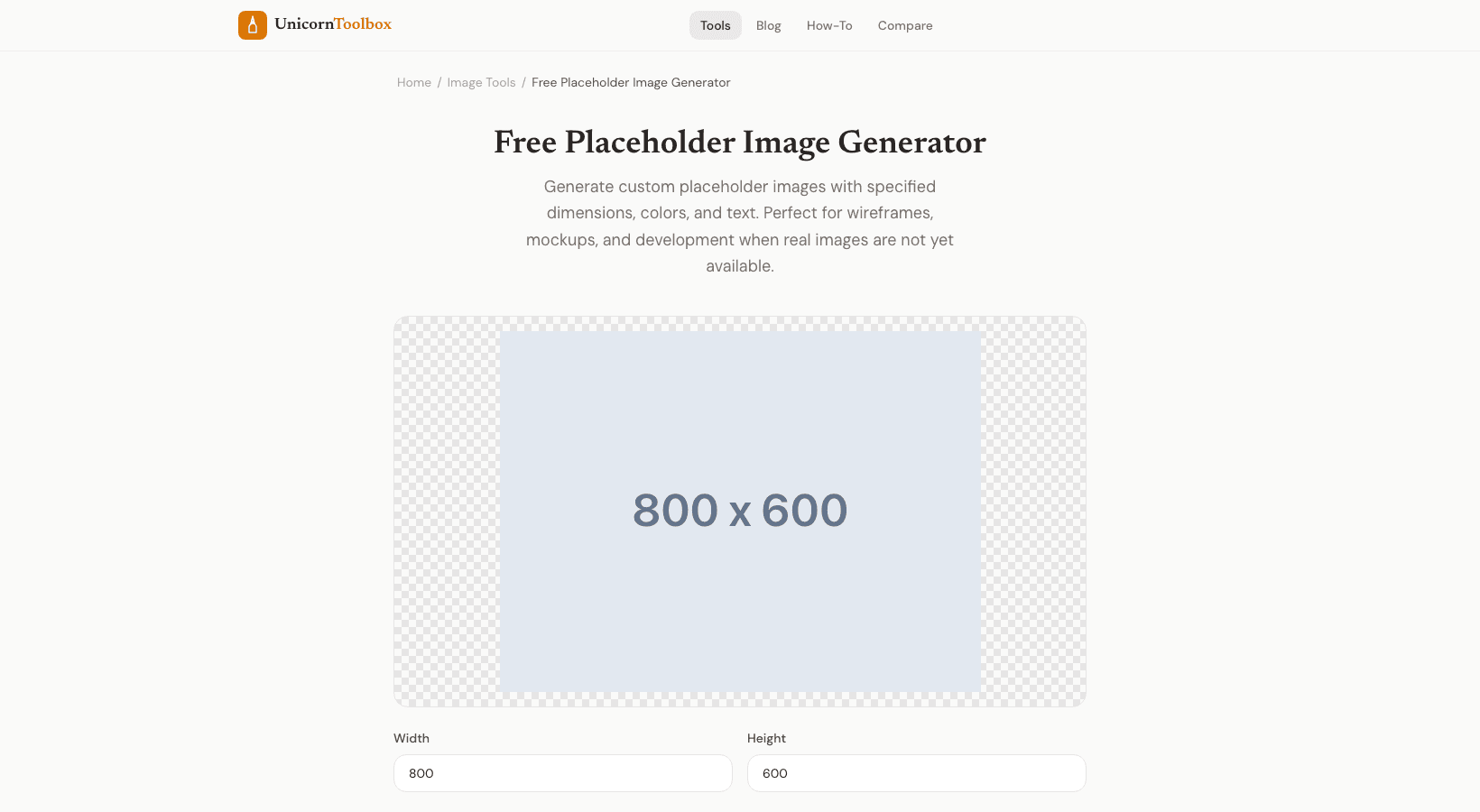
You need images before you can make a website or app.
Placeholder images fill in the blanks by showing the right size and giving you a visual reference while the real content is being made.
You can make custom placeholders with any size, color, and text you want using our placeholder image generator.
Why Developers Use Images as Placeholders You don't want to wait for the final assets during development.
You need to see how the layout looks with pictures in it.
You can use placeholder images to: Test responsive layouts: Check how your design changes at different breakpoints when you use images of different sizes.
Make wireframes to show clients where pictures will go without having to take final pictures.
Make parts— Make image galleries, cards, and grids that look like they are real sizes.
Demo prototypes: Show off working prototypes that look like they were meant to be there, not broken.
How to Make a Placeholder Pictures Choose a background color and text color, set the width and height, and optionally add your own text.
The generator makes an image that fits those exact specs.
You can get it as a PNG or JPEG file, or you can copy the direct URL and use it in your code.
I usually write the dimensions as text, like "1200x600," so that anyone who looks at the mockup knows exactly what size image should go there.
It's a small thing that will save you from having to ask questions later.
Sizes You Will Need Often Here are some placeholder sizes for your information.
I usually make hero images that are 1920x1080 or 1200x600, blog thumbnails that are 800x400, social cards that are 1200x630 (Open Graph), profile avatars that are 200x200, and product images that are 600x600.
The generator doesn't limit you to fixed sizes, though.
Need a 347x182 picture for a certain part? Do it.
Any size will do.
Better Than Services from Outside Services like placeholder.com work well, but they need an internet connection, can go down, and you have to trust someone else.
When you make your own placeholders, you get the real files.
They work offline, load right away during development, and you can change how they look.
Also, using your own colors and text makes your mockups look more planned.
A gray box that says "Hero Image—1200x600" looks a lot better in a client presentation than a random stock photo placeholder.
Make Placeholders Now Choose your size, colors, and download placeholder images that fit your layouts perfectly.
Try it out for free.