Free Receipt Generator: Create Receipts With PDF Download
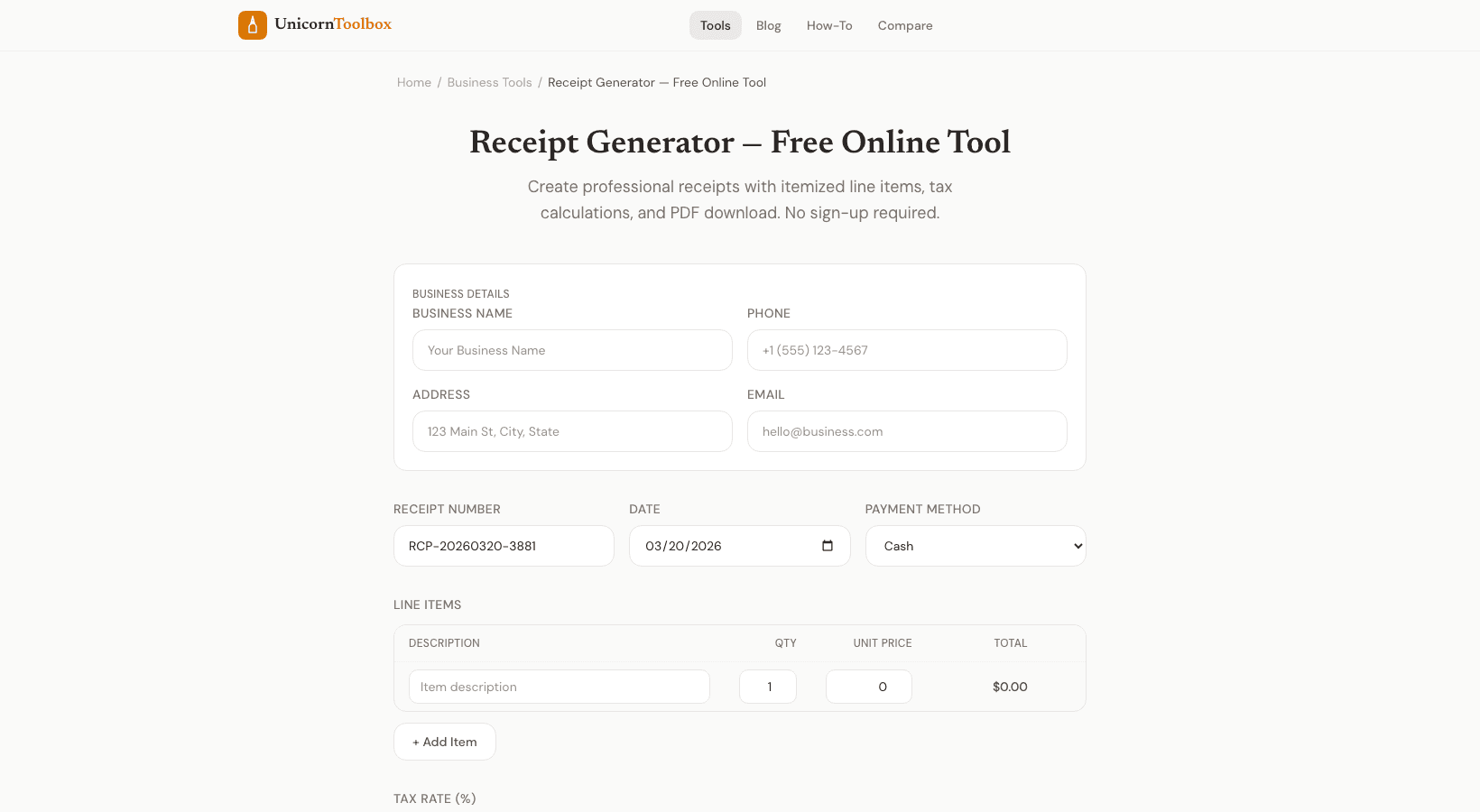
This free receipt generator makes professional-looking receipts that you can download as a PDF in less than a minute. It's great for freelancers, small business owners, or anyone who needs a receipt for a cash transaction. What You Can Put on Your Receipt The receipt maker has all the usual fields you'd expect: Business details: name, address, phone number, and email Receipt number and date—either automatically made or made by you Line items: unit price, quantity, and description Subtotal, tax, and total are all calculated automatically. How you pay—cash, card, transfer, etc.
Notes: return policy, thank you notes, or anything else you need You can add as many line items as you want. The math updates on its own. If you change a quantity or price, the totals are recalculated right away. Who needs to make a receipt?
Freelancers use this to make receipts for clients after they get paid. Small businesses that deal in cash need them to keep track of their money. Tenants get rent receipts from their landlords. People who sell things privately use them to keep track of the sale.
I use it when I get paid in cash for side jobs. It only takes 30 seconds to fill out, and both the client and I have a clear record of the deal.
Why use PDF
PDFs are the standard for financial documents because they look the same on all devices and are hard to change after they are made. You can also easily email, print, or save them. PDF works for sending receipts to clients or keeping them for tax season. Advice for Professional Receipts Adding your business name and contact information makes it look more professional and helps you keep track of things.
Use receipt numbers that are in order so you can keep track of transactions over time. Always write down the date and how you paid. Make sure the tax rate you use to make receipts for tax purposes is correct for where you live. You can set your own tax rate with the tool, so it works no matter where you are.
Do you need to make a receipt right now?