Free Statistics Calculator: Mean, Median, Standard Deviation
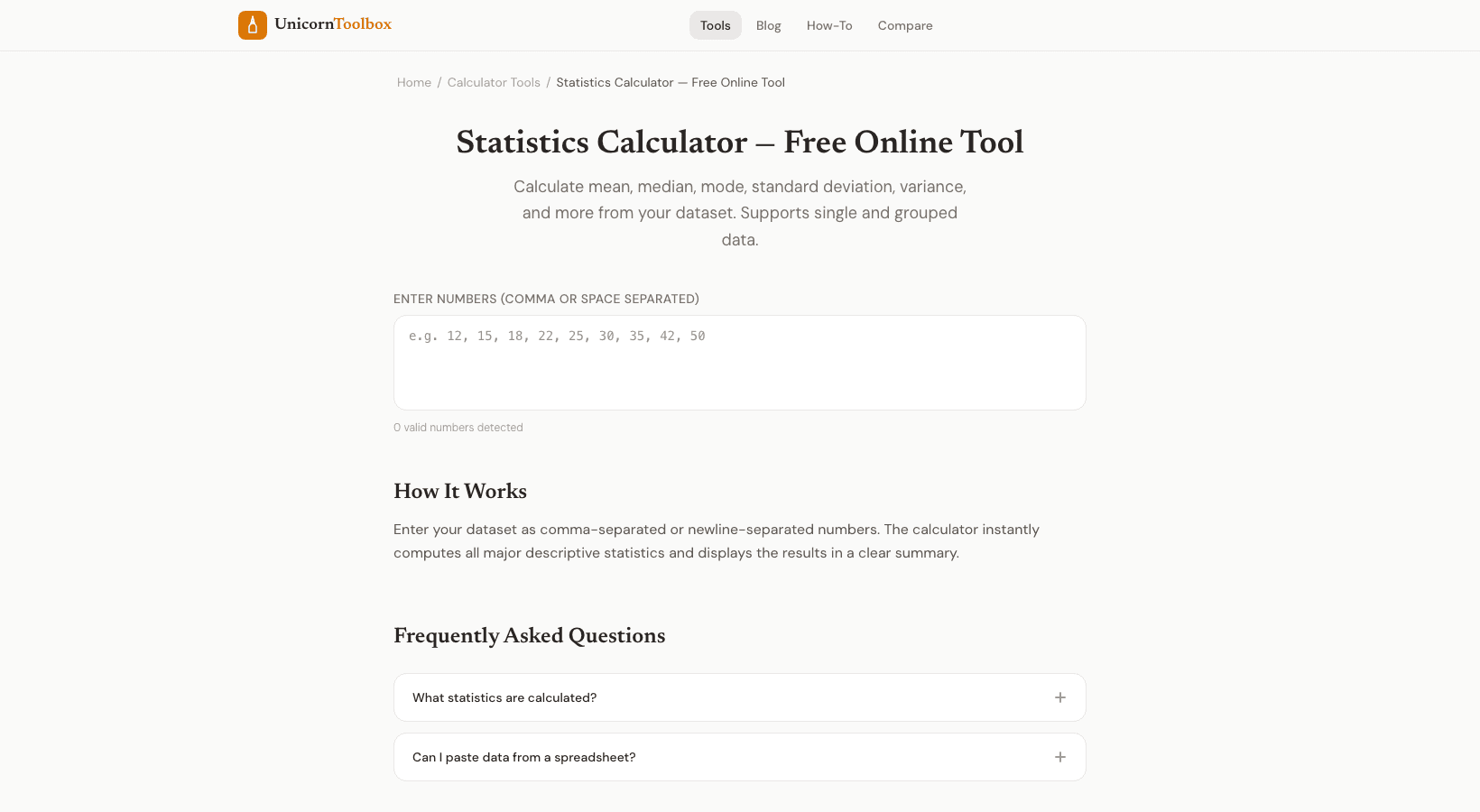
Want to do some math but don't want to open Excel or write code? You can use our free statistics calculator to get all the common statistical measures right away, like the mean, median, mode, standard deviation, variance, range, and more.
Just copy and paste your data to get results.
What It Figures Out You can enter your dataset as a comma-separated list, a space-separated list, or one number per line.
The calculator will then give you: Mean: The average of all the numbers Median: The value that is in the middle when the numbers are sorted Mode: The value(s) that happen the most often Standard deviation tells you how spread out the values are (for both the population and the sample).
Variance is the same as the square of the standard deviation.
Range: the difference between the highest and lowest values.
Sum and count: the total sum and the number of values you entered.
Quartiles: Q1, Q2 (the median), and Q3 help you understand the distribution.
When You Need Stats Fast I use this tool in a lot of different situations.
Checking survey results, looking at how long it took to respond to a performance test, grading homework, comparing sales numbers from month to month, or just being curious about a group of numbers.
You don't have to remember which Excel function does what, and it's faster than making a spreadsheet for a one-time calculation.
You don't have to write any formulas; you just put in numbers and get stats out.
What is Standard Deviation? Standard deviation can be confusing, so here's the short version: it shows you how far apart your numbers are from the average.
When the standard deviation is low, the values are close to the mean.
A high one means they're all over the place.
The calculator shows both the population and the sample standard deviation.
When you have data from every member of a group, use population.
Use sample when your data is a subset, which is almost always the case in real life.
Great for students and professionals who have to do stats homework? Put the data set for your problem in and check your math by hand.
Analysis of business?
Get quick descriptive stats without having to write a full report.
Looking into? Get the summary stats before you start looking at the data more closely.
The tool can also handle edge cases like empty datasets, single values, and datasets with no mode without giving errors or confusing results.
Find out your stats Now you can get all of the most common statistical measures with just one click.
No spreadsheets, no formulas, no trouble.
Try it for free.