Free XML Formatter and Validator Online
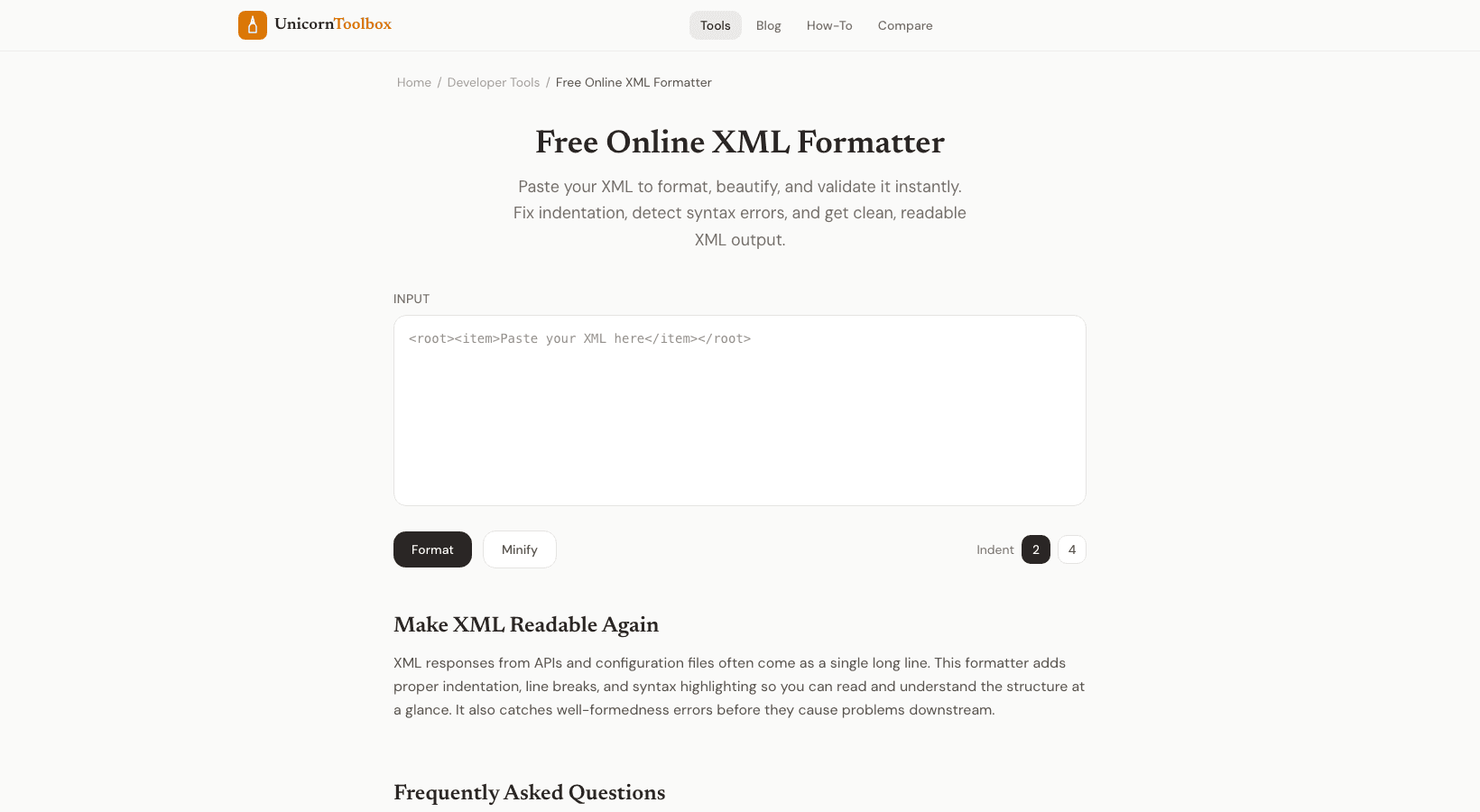
It's hard to read raw XML. It looks like a wall of angle brackets and tags that are all mixed up. The XML formatter makes your unformatted XML easy to read by adding proper indentation, syntax highlighting, and validation that finds mistakes before they cause problems.
Three main things that the XML Formatter does. It organizes messy XML with consistent indentation so you can see the structure right away.
It checks your XML against the right syntax rules and tells you exactly where the mistakes are.
And it can minify your XML for use in production by removing extra spaces and making the file smaller. When you're debugging, the formatting is very helpful. It's hard to find a missing closing tag when everything is crammed onto one line.
The structure is clear and problems are easy to spot when the indentation is done right. When You Will Need You might not think this XML shows up in more places than you think.
Responses from APIs (especially SOAP APIs), configuration files, RSS feeds, sitemaps, Android layout files, and data transfer between older systems.
If you work with any of these, you'll eventually have to deal with messy XML. I work with XML sitemaps a lot for SEO work. They usually come out as one long line and are made automatically.
It is much easier to check that all the URLs are correct and that the priorities make sense when they are formatted. The Validator Finds These Common XML Errors The usual problems are: tags that aren't closed, tags that don't match (opened with one name and closed with another), missing quotes around attribute values, invalid characters in element names, and nesting that isn't done right.
The validator tells you exactly where each error is, down to the line and character.
XML is a lot stricter about syntax than HTML. The whole document is invalid if there is even one unclosed tag. That's why it's important to check.
It's better to catch it here than to have your app crash while it's running.
Format vs. Minify
Adding whitespace to code makes it easier to read, which is great for development and debugging.
Minifying removes all extra whitespace, which is great for production when file size is important. You can switch between the two with just one click.
Minified is usually better for XML that is served over the web, like RSS feeds or API responses. Formatted is the best way to go for config files that people need to change. Need to clean up some messy XML?
Give it a try for free →