How to Check Color Contrast for WCAG Accessibility
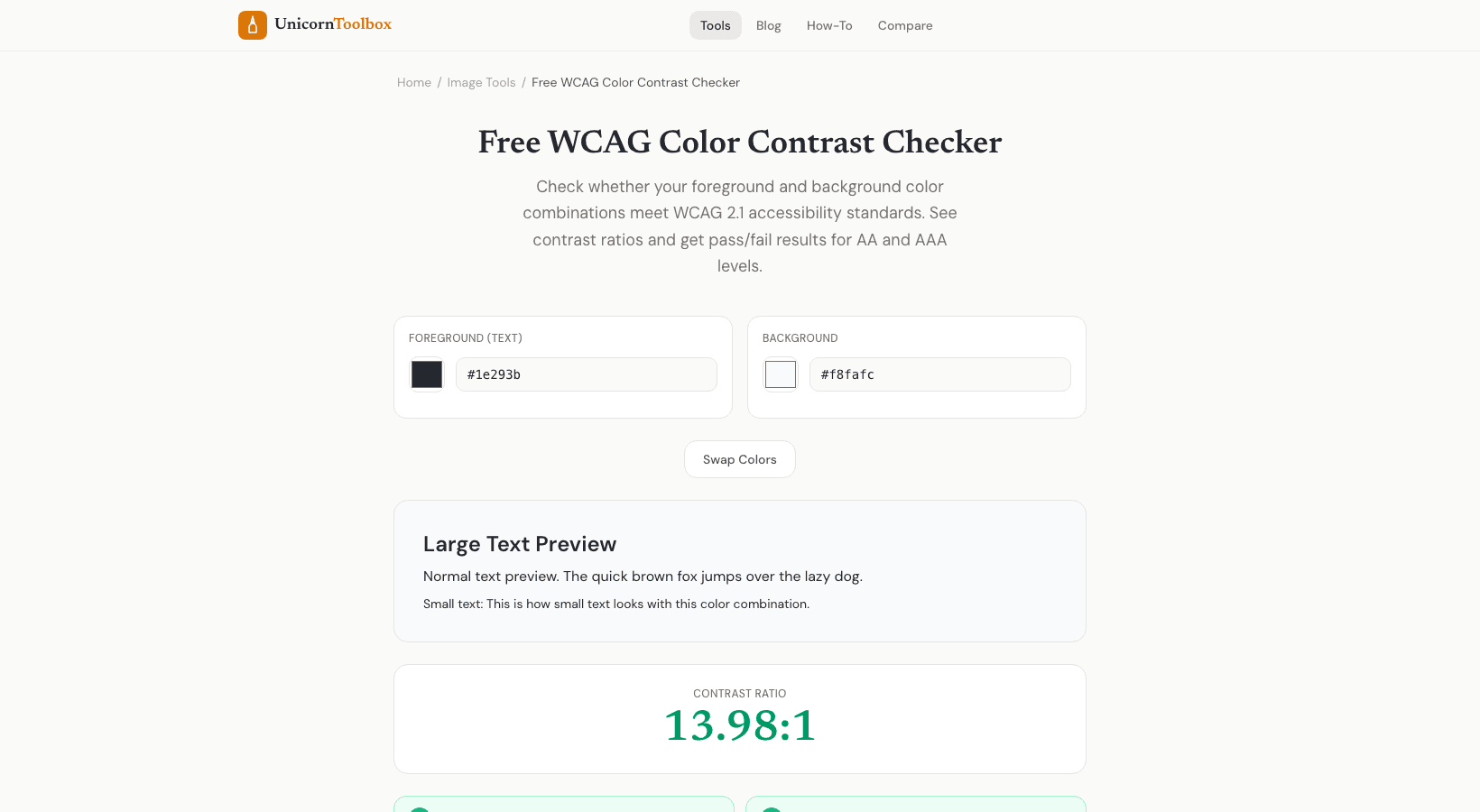
If your text is hard to read because it doesn't have enough contrast against the background, you've got an accessibility problem. A color contrast checker tells you instantly whether your color combinations meet WCAG standards — and what to fix if they don't.
What Is WCAG Color Contrast?
WCAG (Web Content Accessibility Guidelines) sets minimum contrast ratios between text and background colors. The idea is simple: if people can't read your text, your website isn't working. This includes people with low vision, color blindness, or anyone reading in bright sunlight.
There are two levels:
- AA (minimum) — Contrast ratio of at least 4.5:1 for normal text and 3:1 for large text. This is the standard most sites aim for.
- AAA (enhanced) — Contrast ratio of at least 7:1 for normal text and 4.5:1 for large text. Harder to achieve but provides the best readability.
How to Use the Checker
Enter your text color and background color (hex codes, RGB, or HSL all work). The color contrast checker instantly calculates the contrast ratio and shows you pass/fail results for both AA and AAA at normal and large text sizes.
It also shows a live preview of your text on the background color so you can see how it actually looks. Sometimes colors pass the technical ratio but still feel hard to read in practice — the preview helps you judge that.
Why This Matters More Than You Think
About 1 in 12 men and 1 in 200 women have some form of color vision deficiency. Add in age-related vision changes, low-quality screens, and outdoor glare, and suddenly a lot of people can't read your light gray text on a white background.
There's also the legal angle. In many countries, websites are required to meet accessibility standards. The ADA in the US, the Equality Act in the UK, the European Accessibility Act — all of them are increasingly being applied to websites. Getting sued because your text color is too faint? It happens more often than you'd expect.
Common Failures
The biggest offenders I see constantly: light gray text on white backgrounds (looking at you, every minimalist design trend), white text on bright colored buttons, and placeholder text in form fields that's barely visible. All easy to fix once you check the contrast ratio.
Quick Fixes
The tool includes a suggestion feature — if your colors fail, it recommends the closest passing colors. So you can keep your brand aesthetic but nudge the values just enough to meet accessibility standards. Usually it's a tiny adjustment that you wouldn't even notice visually.