How to Check URL Redirects and Redirect Chains
There are redirects all over the web.
For example, old URLs point to new ones, HTTP goes to HTTPS, and www goes to non-www.
Most of the time, they work well.
However, they can slow down your page and hurt your SEO when they don't work or when they chain together into long sequences.
You can use a redirect checker to see exactly what happens when someone goes to a URL.
Why Redirects Are Important for SEO Search engines do follow redirects, but they don't like them.
A single 301 redirect sends most of the link equity to the new URL.
But if you chain together a lot of redirects, you lose authority at each hop.
Google has said they will follow up to five redirects, but that doesn't mean they have to.
Redirect chains also make pages take longer to load.
Every redirect makes the server go back and forth.
Three redirects before reaching the actual page is three extra delays for someone who clicks a link.
The Difference Between 301 and 302 A 301 is a permanent redirect that tells search engines to send ranking signals to the new URL.
A 302 is only temporary; search engines still keep the original URL indexed.
A common mistake is to use the wrong type.
You need a 301 if you moved a page permanently.
Use a 302 if you're only temporarily redirecting (like for maintenance).
I've seen sites use 302s by mistake for permanent moves, which means that search engines keep trying to index the old URL.
Not great.
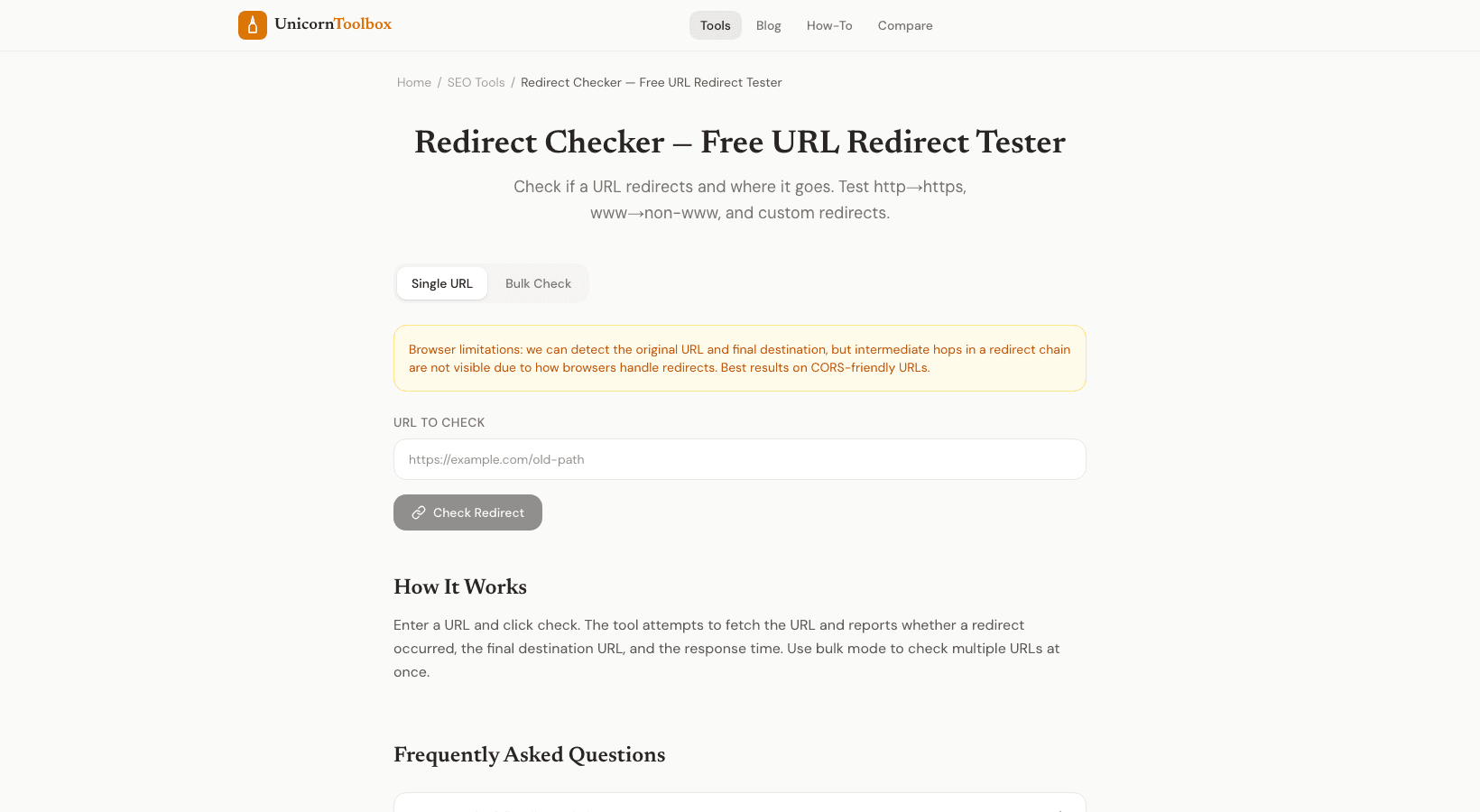
How to Use the Redirect Checker The tool follows every redirect in the chain when you enter a URL.
It shows you each hop with its status code (301, 302, 307, 308, etc.), the target URL, and the response headers.
You will see the whole route from the first URL to the last one.
It also points out possible problems: redirect loops (where URL A points to URL B and then back to A), long chains (more than 2–3 hops), and mixed redirect types.
Common Redirect Issues to Watch For The most common problems I see with this tool are chains of redirects from HTTP to HTTPS to www to non-www (that's three redirects before you get to the page), old vanity URLs that redirect through multiple intermediaries, and redirect loops that cause browser errors.
Redirect problems are almost certain to happen after a site migration.
The quickest way to make sure that all of your old URLs are going to the right place is to run them through a redirect checker.
Look at your redirects now Type in a URL and see where it really goes.
Find chains, loops, and the wrong types of redirects before they hurt your SEO.
Give it a shot for free.