How to Check Website Security Headers
If you manage a website, you have probably heard about security headers, but you might not fully understand what they do or why they matter. The good news is that checking your headers is simple, and implementing them takes just a little configuration. Let me walk you through it.
Security headers are HTTP instructions that tell browsers how to handle your website content. Think of them like security rules that run automatically in the background. They help prevent entire classes of attacks like cross-site scripting, clickjacking, and other malicious behavior that could compromise your visitors data.
Even if you think your site is just a small blog or a simple business page, security headers matter. Attackers do not discriminate based on site size. If your site is not protected, it becomes a target. The good news is that setting up headers does not require advanced coding skills.
Lets talk about the key headers you should check for. Content-Security-Policy controls which external resources your page can load, blocking malicious scripts before they execute. X-Frame-Options prevents attackers from embedding your site in invisible frames to trick users into clicking things they did not intend. Strict-Transport-Security ensures visitors always use a secure HTTPS connection, even if they type HTTP by mistake. X-Content-Type-Options stops browsers from guessing file types, which prevents them from accidentally executing dangerous content as something harmless. Referrer-Policy protects user privacy by controlling what information gets sent when someone clicks a link away from your site. And Permissions-Policy lets you control which browser features your site is allowed to use.
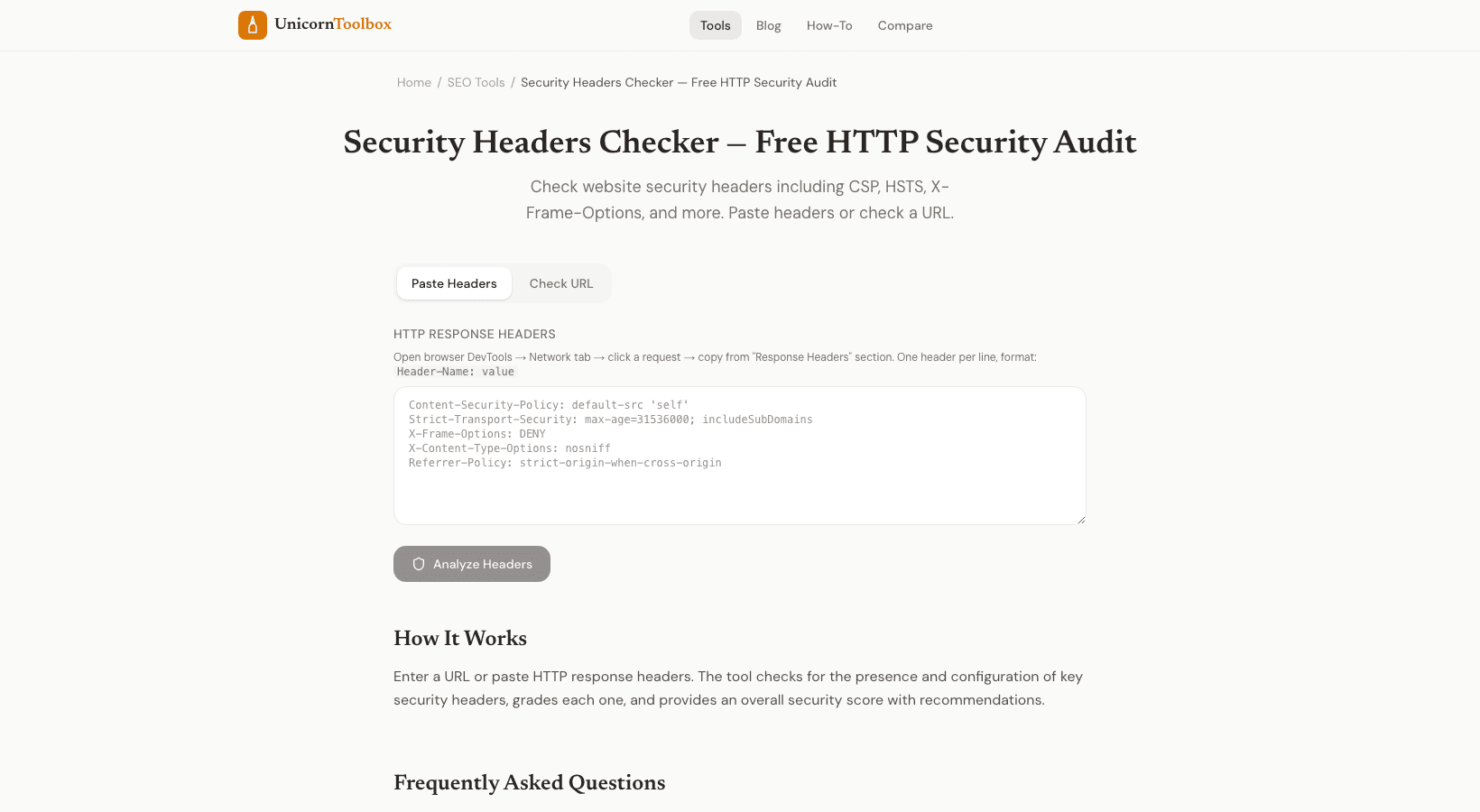
When you run a security header checker tool, it scans your website and reports which headers you are missing. It is like a security audit in seconds. You will get back a clear report showing what is configured and what needs work.
Once you identify missing headers, implementation depends on your server. If you use Nginx, you add directives to your configuration file. Apache works similarly through httpd.conf. If you are running Node.js with Express, you can add headers directly in your application code. Most hosting providers also offer ways to add headers through their control panels.
The beautiful part about security headers is that they do not slow your site down or create a complicated user experience. They are purely defensive measures that run invisibly. You set them once and they protect your visitors forever.
Start by checking your headers today. Use a free tool to see where you stand, then take an afternoon to implement the ones you are missing. Your users will thank you, even if they never know you did it.