How to Check Your Website Speed (Core Web Vitals)
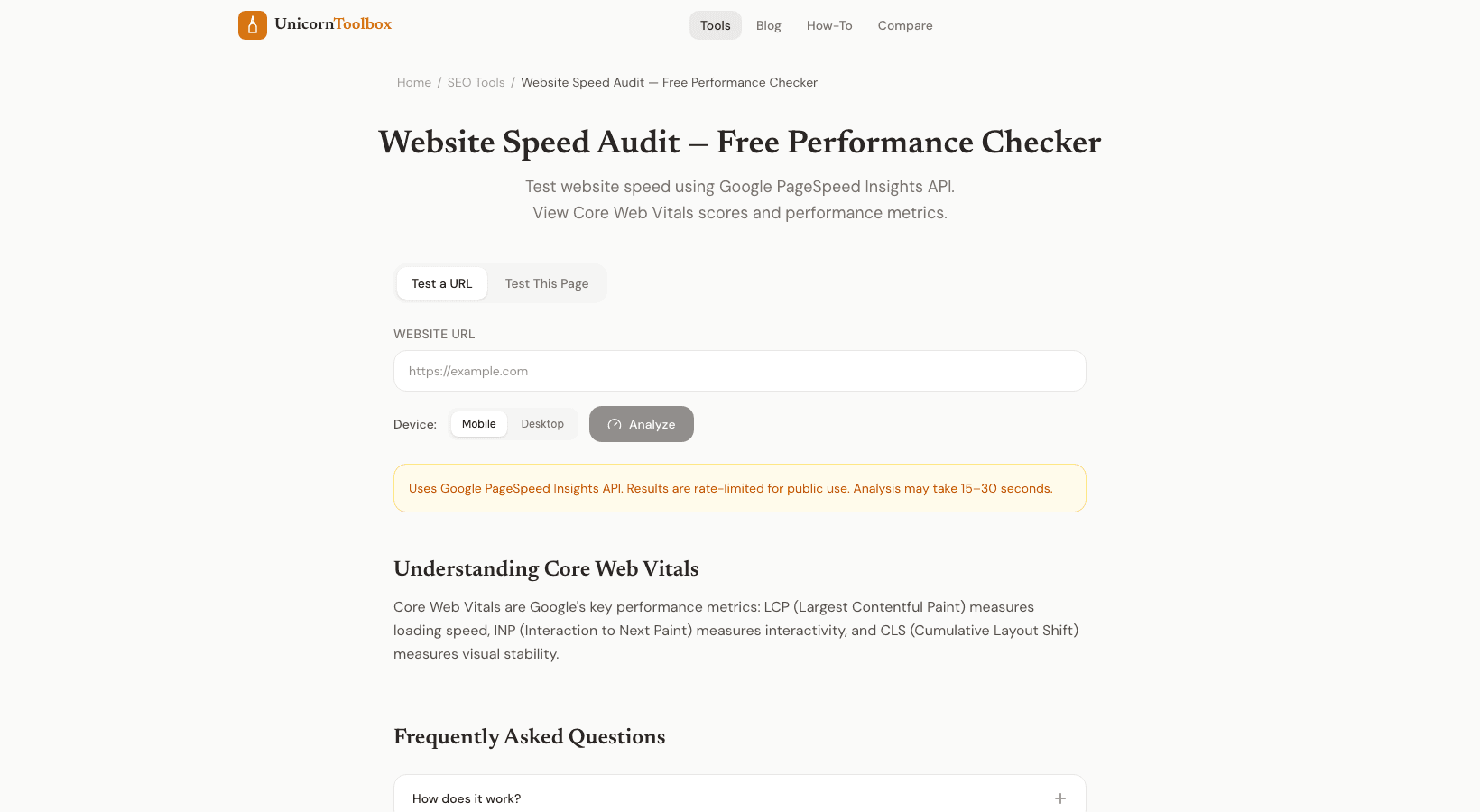
You might not even know it, but your website could be slow. Because you have a fast computer and a good internet connection, everything loads quickly for you. But what about your mobile visitors? They could be waiting five seconds for your page to load.
You can check the speed of your website and fix any problems that are slowing it down.
What are the most important web metrics
Core Web Vitals are three specific numbers Google uses to find out how good your site's user experience is: LCP stands for "Largest Contentful Paint," which is how quickly the main content loads. It should take less than 2.5 seconds. INP (Interaction to Next Paint) is how quickly your site reacts to clicks and taps. It should take less than 200 milliseconds.
CLS (Cumulative Layout Shift) tells you how much the page moves around while it loads. It should be less than 0.1. Google has confirmed that these are factors that affect rankings. Your search rankings can drop if your Core Web Vitals are low.
It only takes two minutes to check your website's speed, so it's worth it. How to Do a Speed Test Put your URL into the tool that checks the speed of websites. It opens your page and checks everything, like the time it takes to load, the Core Web Vitals scores, the sizes of the resources, and the number of requests. You get a clear score and a list of things you need to fix.
The tool tests performance on both mobile and desktop devices separately, which is important because most sites work very differently on each. You might get a 90 on your desktop and a 45 on your phone. Problems that happen a lot and how to fix them When I run speed audits, the most common problems I find are large images that aren't optimized (compress them or use WebP format), too many JavaScript files loading at once (defer what you can), no browser caching headers (add them to your server config), and CSS that blocks rendering (inline critical styles). Honestly, images are to blame about 80% of the time.
I've seen single hero images that were 3MB when they could have been 150KB without losing any quality. Simply compressing your images can double your speed score. How often should you test? After making a big change to your site, like adding a new theme, new features, or new plugins, check its speed.
Even if nothing changes, it's still a good idea to check once a month because third-party scripts (ads, analytics, chat widgets) can slow things down over time without you noticing. Want to know how fast your site really is?