How to Compress PDF Files Without Losing Quality
Your PDF is too big for email to send. The upload form won't work with it. Does this ring a bell? I run into this wall all the time when I have a lot of client documents and scans.
A good PDF compressor can fix it in a few seconds. The key is to shrink the file without making it look like it was sent by fax in 1997. This is how you really do it.
Why do PDFs take up so much space
It's usually pictures. A PDF with pictures or scanned pages can quickly get to be 20MB or more. Most of the time, PDFs that only have text in them are very small. A text file with 100 pages, for example, could only be 500KB.
All of a sudden, it's 50MB and has ten pictures. Fonts can also make things look bigger. Some PDFs have whole font families in them, even if they only use a few letters. But most of the time, it's pictures that are to blame.
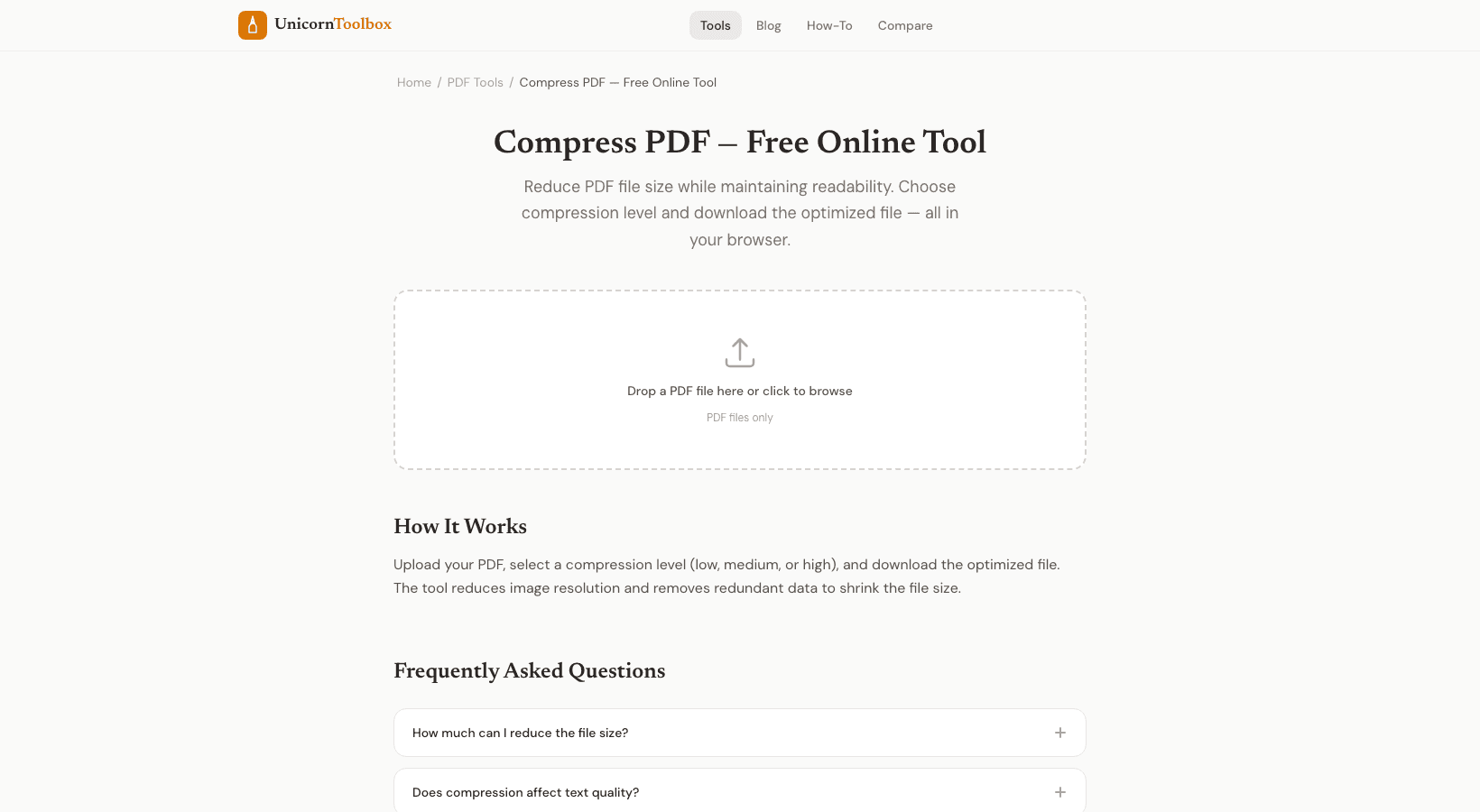
How to Create a PDF Smaller Without Breaking It This is how I do it: You can either drag and drop your PDF here or click to look through it. Can handle files that are as big as 100MB. Pick how much you want to compress. With low compression, the quality stays high, and with high compression, the file size is the smallest.
I usually choose medium for email attachments. Get the result and see how the sizes changed. Most of the time, you'll see a drop of 60 to 80%. Your browser does all the work for you.
Your documents shouldn't be uploaded to any server if you're working with private information. How much can you really squeeze? It all depends on what's in the PDF. Have you scanned documents with big pictures?
You could go from 25MB to 3MB. Are the PDFs already optimized and mostly text? Maybe a 20% to 30% drop. When you reach the 10MB email limit, it's still worth it.
I made a 47MB architecture plan smaller last week. It's still easy to read and has all the information. The client couldn't tell the difference. When to Use Low Compression and When to Use High Compression For things like portfolios, photography, and detailed diagrams where the quality of the image is important, use low compression.
If you need to email something that is just too big, like a form or a document with a lot of text, use high compression. Most things are best when they're in the middle. I honestly pick medium 80% of the time, and it works.