How to Convert Excel to PDF Online Free
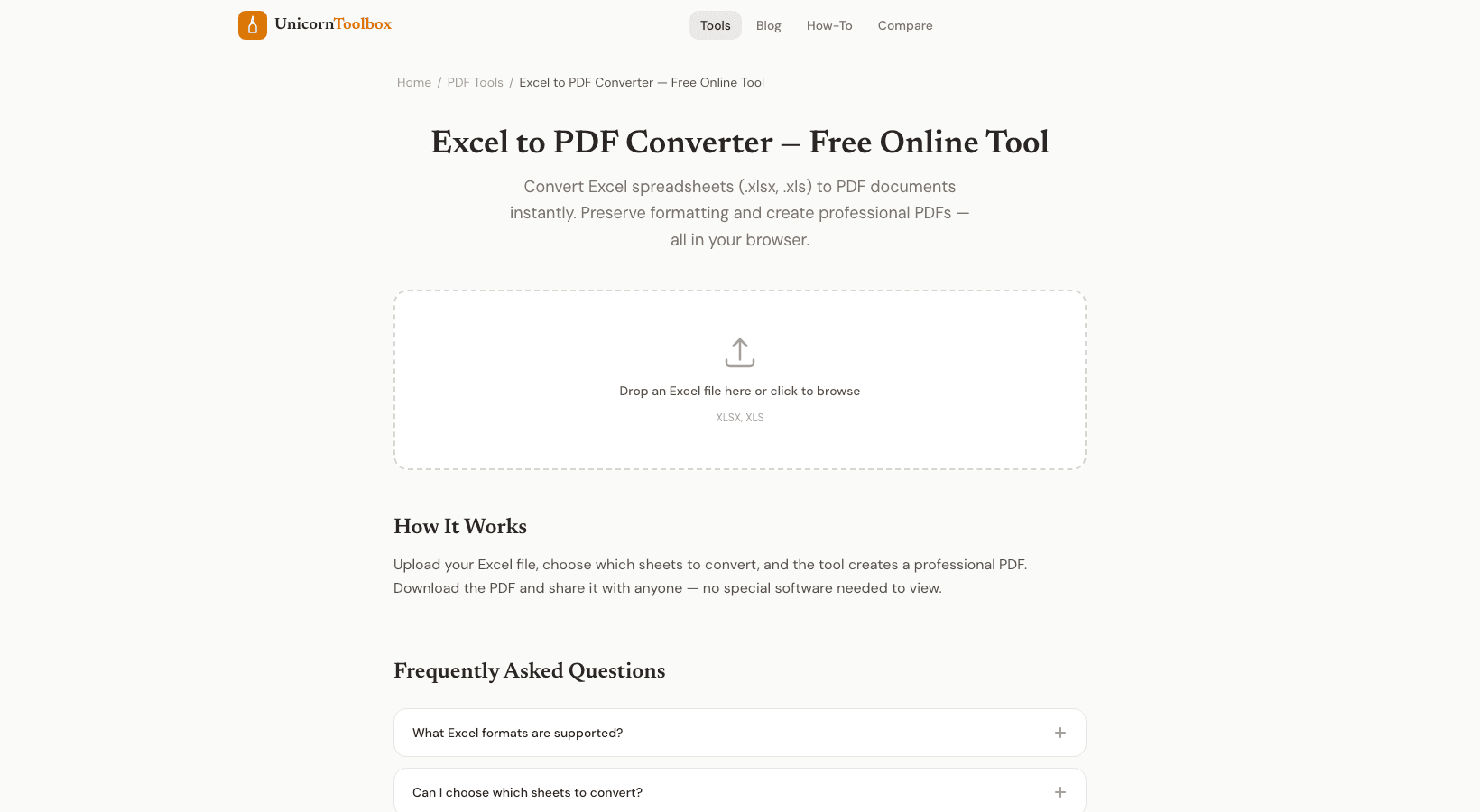
You've made a nice spreadsheet with well-organized data, tables, and maybe even some charts. Someone is asking for it as a PDF now. You could spend 20 minutes messing with Excel's print settings, or you could use the internet to change Excel to PDF in about 10 seconds and have it look great.
Why change Excel files to PDFs
PDFs look the same on all devices. If the person you send an Excel file to has a different version of Excel or opens it in Google Sheets, your carefully formatted file could suddenly look like a mess. Fonts change, columns move, and charts move. A PDF keeps everything in place.
PDFs are also better for sharing information that you don't want to change. If the person who gets the document only needs to read it and not change it, PDF is the way to go for financial reports, invoices, and data summaries. How to Use the Converter: Upload your .xlsx or .xls file. The tool works on it and makes a PDF that keeps your tables, cell formatting, borders, fonts, and colors.
Also, if your spreadsheet has charts, they come through too. Your file isn't sent to a server; the conversion happens in your browser. That matters for people who work with sensitive financial information. Getting the Best Outcomes Some things to remember for clean conversions.
Before converting, set your print area in Excel. If you don't, the PDF might have empty rows or columns that you didn't want. Change the widths of the columns so that nothing gets cut off. If your spreadsheet is wider than a normal page, you might want to switch to landscape mode.
The converter makes a multi-page PDF with one sheet per page (or more if the sheet is big) for spreadsheets with more than one sheet. Look at the page breaks to make sure your data doesn't break up in strange places. Common Uses Financial reports that need to be sent to people who have a stake in them. Invoices made from templates in a spreadsheet.
Data exports that clients need in a format that can't be changed. Print out student grade sheets. Monthly reports on analytics. In general, if someone else needs to look at your spreadsheet but not touch it, you should convert it to PDF.
Do you need to change a spreadsheet right now?