How to Convert HEX to RGB to HSL (Color Converter)
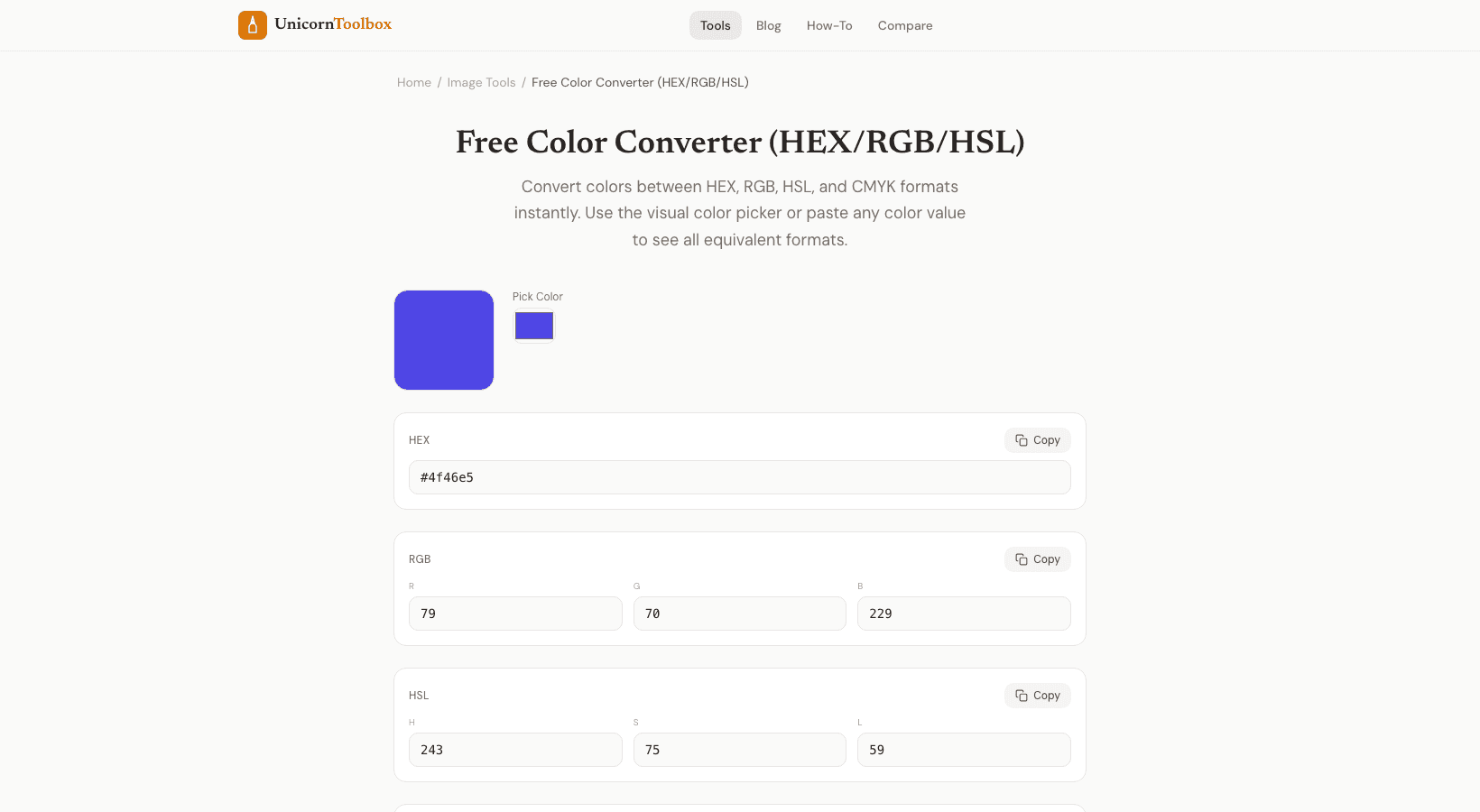
You have a color in HEX format, but you need it in RGB format. Your designer might have given you an HSL value, but your CSS framework needs a HEX value. You often have to change color formats when you design a website, and a good color converter makes it quick and easy.
What Are Color Formats
Different tools and situations use different color formats. Here's a quick summary: HEX is the standard format for the web. There is a # and then 6 characters (#FF5733). Most often found in CSS and design tools.
RGB stands for Red, Green, and Blue, and the values range from 0 to 255. Used in CSS (rgb(255, 87, 51)), image editing software, and most programming languages. Hue (0–360), Saturation (0–100%), and Lightness (0–100%) are all parts of HSL. It's easier for people to understand if you just increase the L value to make it lighter.
Cyan, Magenta, Yellow, and Key (Black) are the four colors in CMYK. For printing. You need CMYK values if you're making something that will be printed on paper. Why HSL Is the Best Format After All Here's what I think: When it comes to working with color, HSL is the easiest to understand.
Do you want a darker shade of your brand blue? Make it less bright. Want it less bright? Reduce the saturation.
Want the color that goes with it? Add 180 to the color. The math is like how we really think about color. When using HEX or RGB, you have to think hard to make a color a little warmer.
You only need to change the hue by a few degrees with HSL. I write all of my CSS in HSL now, and it's made working with color palettes a lot easier. How to Use the Color Converter The color converter can go in any direction. You can enter a value in any format and see what it is in all other formats right away.
You can see the RGB, HSL, and CMYK values change in real time when you type a HEX code. You can also use the visual color picker to choose a color and get all the values at once. There's also an eyedropper tool that lets you pick colors from your screen. This is great for matching colors from designs or images that are already there.
Making a Palette The tool not only changes one color, but it also makes related colors on its own. You can get complementary, analogous, triadic, and split-complementary palettes by entering just one color. This is very helpful when you want to make a color scheme using just one brand color. Helpful Advice It's important to remember that RGB/HEX and CMYK don't match up perfectly.
If you're designing for both web and print, always check how your colors look in CMYK early on because some bright screen colors can't be printed. The converter will show you the closest CMYK match, but the printed version may not look exactly like what you see on your screen. When making websites, I suggest using HSL in your CSS variables. It makes it much easier to add themes and dark mode.
You can make a whole dark theme just by changing the lightness values.