How to Create Device Mockups for App Screenshots
A plain screenshot of your app doesn't have the same effect as seeing it in a nice phone or laptop frame.
You don't need Photoshop to make device mockups, which make your work look professional and polished.
In just a few seconds, our device mockup generator does it.
Why Device Mockups Are Important First impressions are important, especially for marketing pages, app store listings, and portfolio sites.
A bare screenshot says, "This is how it looks." A mockup inside a real device frame shows you what it looks like in your hands.
There is a big difference in how people think about quality.
When I started using mockups in my portfolio, I got a very different response.
The same projects and screenshots, but they looked like finished products instead of works in progress when they were put in device frames.
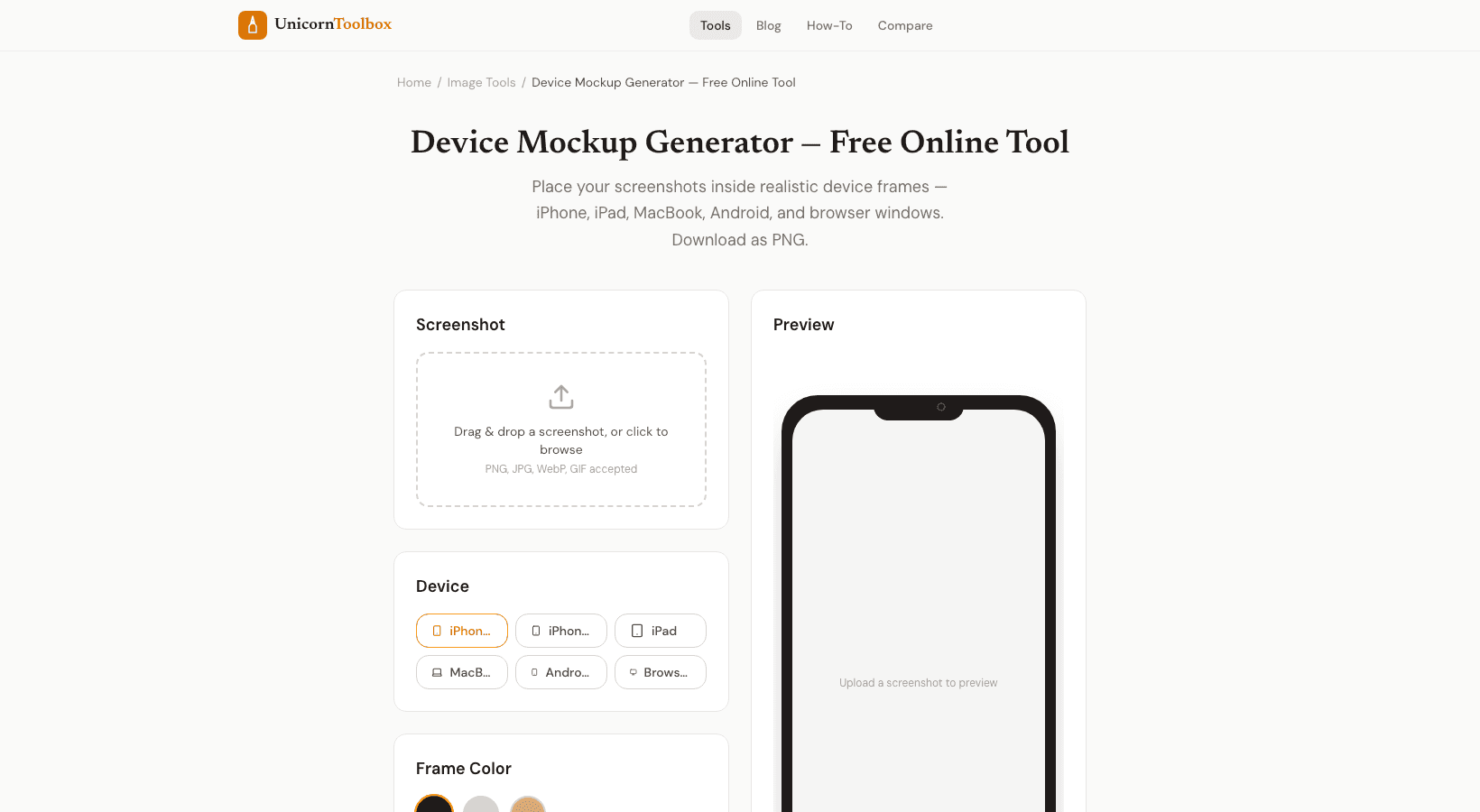
Frames for Devices Choose from a number of realistic device templates: Phones—Smartphones of all colors and styles that are up to date Tablets—iPad-style frames for screenshots of tablet apps Laptops: MacBook-style frames for web apps and dashboards Full-screen frames for website mockups on desktop monitors Each frame is carefully made to look real without taking away from your content.
Your app stays the main focus.
How to Use It lets you upload your screenshot, choose a device frame, and then it automatically puts your image inside the frame.
You don't have to worry about alignment because it takes care of sizing and positioning.
Change the color of the background or make it see-through, and then save the final mockup as a high-resolution PNG.
It takes about 30 seconds to do the whole thing.
You could also open Photoshop, find a PSD template, put your screenshot in it, line it up pixel by pixel, and then export it.
No contest.
How to Best Use Device Mockups Screenshots of apps are the most obvious ones.
Both the App Store and Google Play let you upload images that look like mockups.
But they're also great for blog posts, case studies, social media announcements, pitch decks, and product pages about your app.
If you work for yourself or an agency, having mockups in your portfolio can make the difference between saying "I made some apps" and "look at these polished products I shipped." Make Your Mockups Now you can turn plain screenshots into professional-looking device mockups.
You can upload your picture and get a polished result in seconds.
Give it a try for free.