How to Create a Favicon for Your Website (Free Tool)
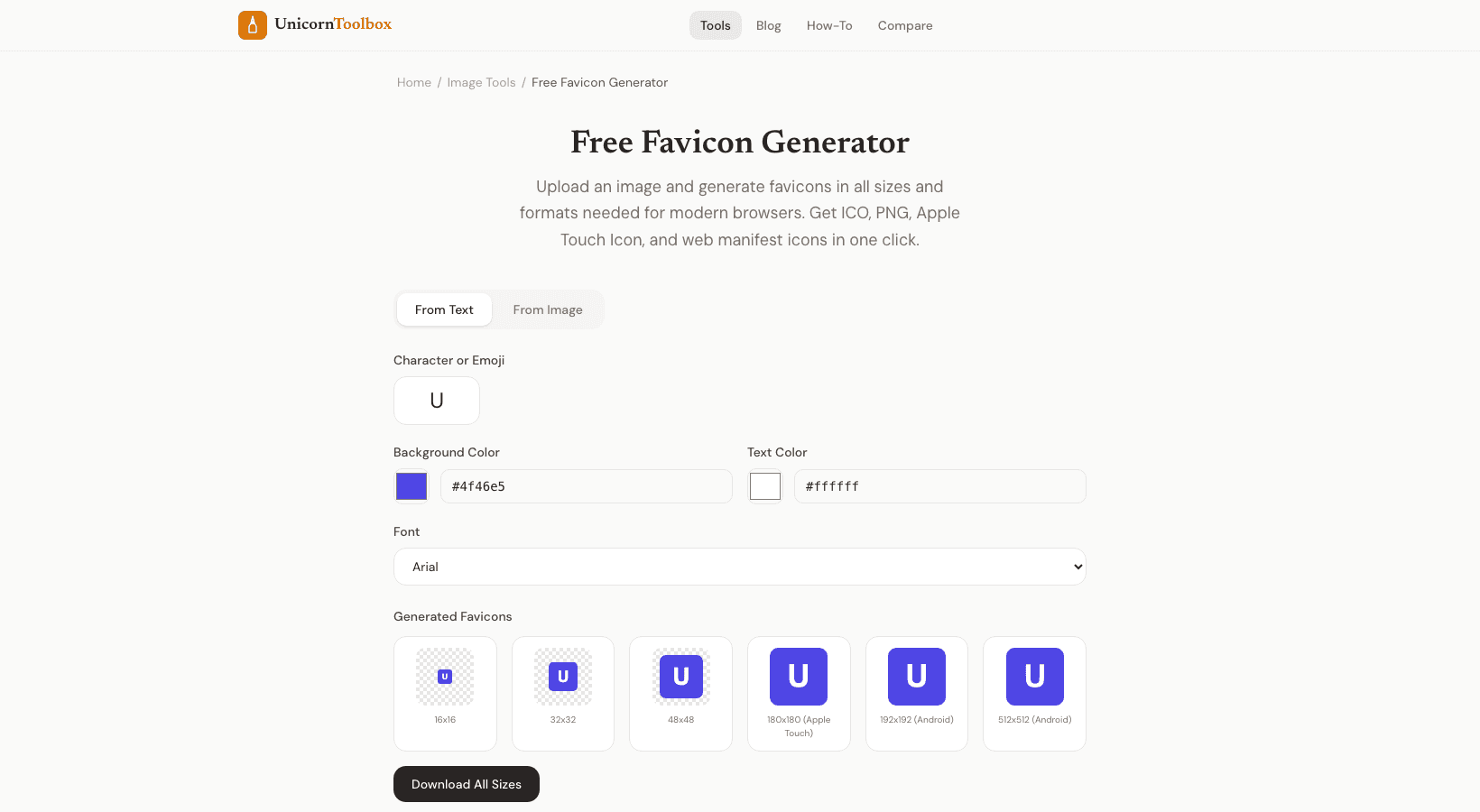
That little picture in the browser tab? That's a little icon. Most developers leave it as the default or throw something together at the last minute, even though every website needs one. From one input, a favicon generator makes the right favicons in all the sizes and formats you need.
I always put favicons in place early on in a project. One of those little things that makes a site look finished and professional. Why Favicons Are Important They are small, but they can be found in a lot of places, like browser tabs, bookmarks, mobile home screens, search results, and history lists. People use your favicon to find your site when they have 15 tabs open (which we all do).
If there is no favicon, there is a generic globe icon that doesn't stand out. Search engines also show favicons in their results. An icon that people can recognize next to your listing makes it stand out from competitors who didn't bother. Three Ways to Make a Favicon The tool gives you three places to start: From text/letter, write a letter or two and choose a font and background color.
Fast and useful for launching personal sites or MVPs. From an emoji: look up emojis and use one as your favicon. It's surprisingly good for tools and side projects. Upload your logo, and the tool will make all the necessary sizes from the image.
Most well-known brands do this. I've used all three of them. Text favicons for quick prototypes for clients. Emoji icons for personal projects.
Image favicons for production sites with a well-known brand.
What sizes do you need
A lot more than you might think. The classic favicon.ico is 32x32 and 16x16 pixels. But Apple touch icons need to be 180x180. For Android Chrome, you need 192x192 and 512x512.
The tiles from Microsoft need to be 150x150. The favicon maker makes all of these from just one input. You'll get a package that you can download with all the sizes and the HTML code that you need to add to the head section of your site. You won't have to guess which tags to use or which sizes to include.
Best Practices for Favicon Make it easy. At 16x16 pixels, you can't see any details. A letter, a simple shape, or a bold icon will do. Your whole logo with words below it?
At favicon size, it will look like a big, unreadable blob. Use a lot of contrast. The favicon can be seen on light and dark tabs, bookmark bars, and other backgrounds. The best thing is something that works on both light and dark backgrounds.
Before you make a final decision, test it against both.