How to Create a Logo Online Free (No Design Skills Needed)
You need a logo, but you don't have the money to hire a designer.
That's fair; not every project needs a brand identity that costs $5,000.
You might just need a clean, simple logo to get started.
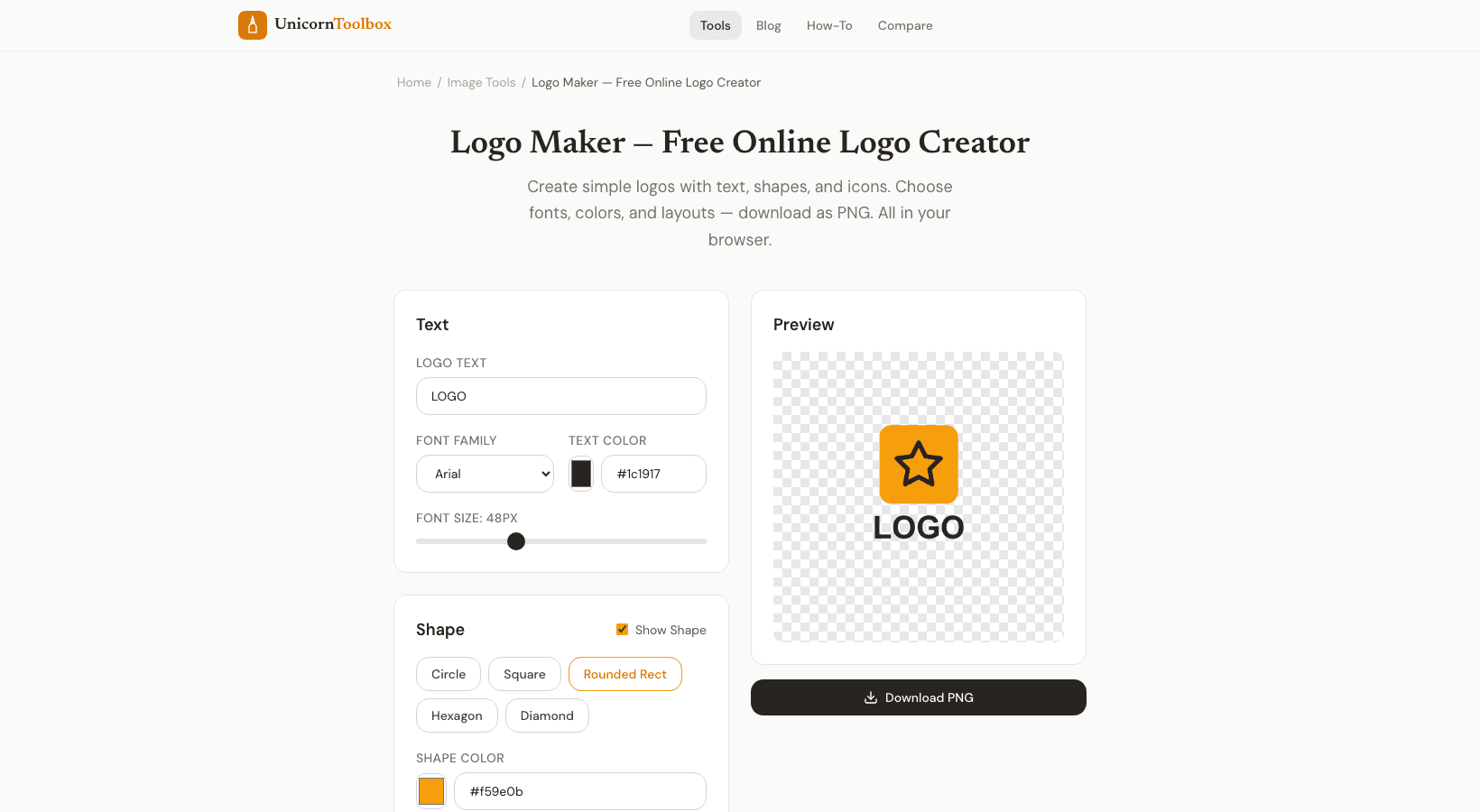
You don't need any design skills to use our free logo maker to make a logo online.
When all you need is a simple logo Let's face it: a free logo maker isn't going to make the next Apple logo.
But it's great for side projects, MVP launches, social media profiles, internal tools, event branding, and small businesses that are just starting out.
I've used quick logos for hackathon projects, as temporary branding while I was working on something, and for personal projects that needed more than just text.
You can always upgrade later when you have the money.
How the Logo Maker Works Begin with the name of your business or project.
Choose a font style: modern and clean, bold and strong, or fun and casual.
Then make it your own: Fonts—Pick from dozens of options and change the size and spacing.
Icons— Look through a library of simple shapes and icons that you can use with your text.
Colors: Choose your brand colors or use one of the suggested color palettes.
Layout: Try different arrangements, like text only, icon and text side by side, or icon on top.
You can see exactly what you're getting because everything updates in real time.
Advice for a Logo That Doesn't Look Like It Was Made by Hand You can make something that looks professional even with a simple tool: One font, one or two colors, and maybe one icon are all you need.
It gets messier the more you add.
Don't put too many things together; use enough whitespace.
Give them some space.
Try it out in small doses— Your logo will look like a small favicon and a social media avatar.
Make it easier to read if it's too small.
Professional logos usually only have a few colors, so stick to two colors at most.
Download in Different Ways You can get your logo as a PNG (with a clear background), an SVG (for scaling), or a format that works with favicons.
It's important to have a clear PNG because you'll need it to put your logo on backgrounds of different colors.
Make Your Logo Now Don't let not having a logo stop you from launching.
Make something neat and businesslike in a matter of minutes.
Give it a shot for free.