How to Create a Professional Certificate Online Free
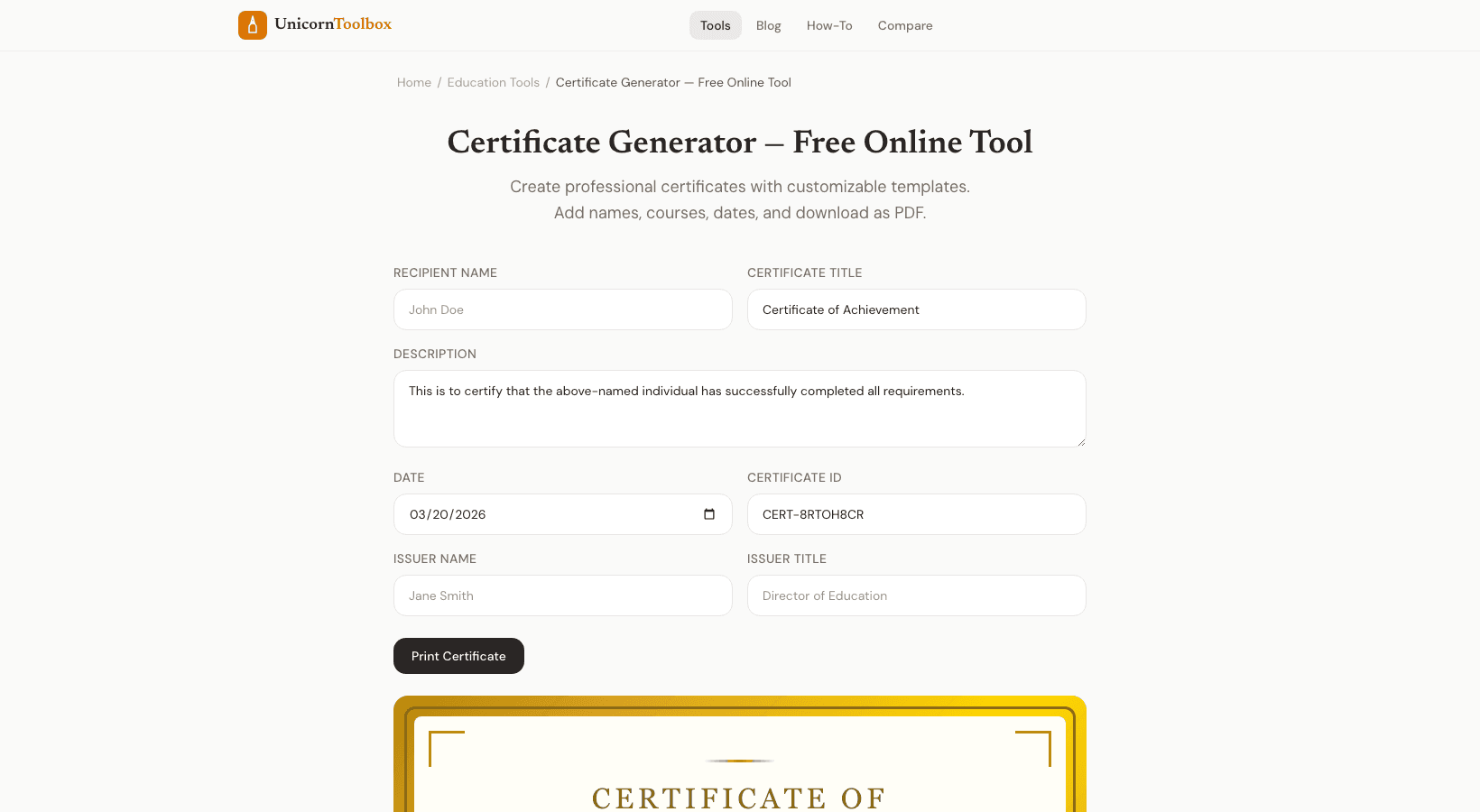
A professional-looking certificate makes things more official, whether you're running a workshop, finishing a training program, or recognizing an employee's success. You don't need a graphic designer. The certificate generator lets you make professional-looking certificates in just a few minutes and download them as PDFs.
How the Certificate Maker Works Choose a template that fits the event. There are templates for completing a course, winning an award, attending an event, and more.
Then change the text to include the name of the person receiving the message, the name of the course or achievement, the date, the name of your organization, and any signatures that are required.
The templates take care of the design for you. Borders that look professional, clean typography, and a good layout. All you have to do is fill in the information and download it.
Who Uses Certificate Makers? The people who make online courses are probably the biggest group.
Students expect a certificate at the end of a class you teach on Teachable, Udemy, or your own site.
Making them by hand for each student is not practical. You only have to fill out the template once with the generator and then change the name for each student. Companies use them to finish training for their workers.
Schools give them out as awards and recognition. Event planners give them out to people who go to workshops.
Nonprofits give them to people who work for free.
How to Make Certificates That Look Real A few design tips that can help a lot. Using your company's name and logo gives you more authority. For verification, include a date and a certificate number that is unique.
Keep the text to a minimum. The person's name and accomplishment should be the main things, not long paragraphs.
Add a line for a signature if you have permission to sign.
It makes the certificate seem real. Some people scan their real signature and upload it, while others just type their name and a title below it.
PDF Download and Printing
Certificates come as high-resolution PDFs, so they look great on your screen, when you print them at home, or when you send them to a professional printer. The quality is always the same. You can send the PDF directly to the person who needs it for digital certificates, like for online courses.
Print on nice cardstock paper for physical certificates.
It makes the certificate feel much more real. Want to make certificates?
Give it a try for free.