How to Create a Robots.txt File for Your Website
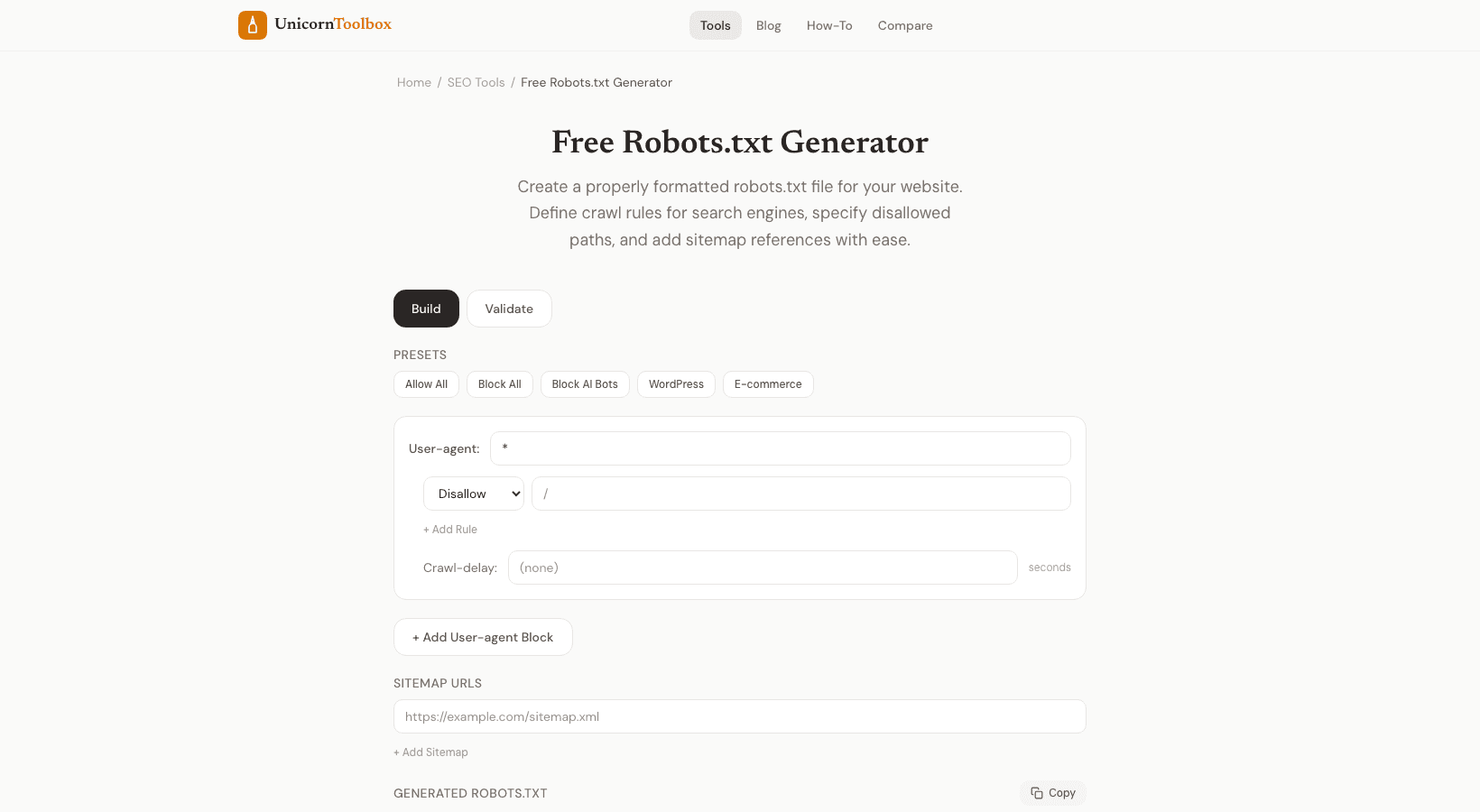
A robots.txt file is necessary for every website. It's how you tell search engines like Google which pages to look at and which ones to skip. Bots will crawl everything without one, including admin pages, staging environments, and other things you probably don't want indexed. The good news is that once you know how to use the syntax, making a robots.txt file is not too hard.
The bad news is that if you type one wrong character, you could accidentally block Google from seeing your whole site. Let's get it right this time.
What Does a Robots.txt File Actually Do
What Does the File Do
Your robots.txt file is at the root of your domain (for example, yoursite.com/robots.txt) and tells web crawlers what to do. You can tell certain bots to skip certain directories, block all bots from a page, or let all bots in. Important: robots.txt is a suggestion, not a lock. Bots that behave well, like Googlebot, follow the rules.
But bad scrapers won't. So don't use it to protect yourself; it's only for controlling how search engines index your site. Basic Robots.txt Guidelines This is how you should structure it: User-agent: tells the rules which bot they apply to. For all bots, use * Disallow: stops a certain path.
Disallow: /admin/ blocks the folder for administrators. Allow: lets a path through even if a parent directory is not allowed. Sitemap: This tells bots where to find your XML sitemap so they can find all of your pages. Things to stay away from: I've seen these go wrong more times than I can count: Blocking everything by mistake.
Disallow: / blocks your whole site. Check that that's what you want. Not remembering the slash at the end. Disallow: /admin and Disallow: /admin/ may not work the same way.
There is no link to the sitemap. At the bottom, always include your sitemap URL. Using it to cover up private information. Anyone can read robots.txt.
People can see what you're blocking. Who Needs a File Called Robots.txt? To be honest, everyone who has a website. Even if you want everything to be crawled, it's a good idea to have one that clearly lets everyone in and links to your sitemap.
It lets search engines know you've given it some thought. You can make your robots.txt file visually with our generator. Just choose user agents, add rules for what to allow and what not to allow, add your sitemap URL, and copy the file when you're done. You don't have to remember the syntax.