How to Create Social Media Banners Free Online
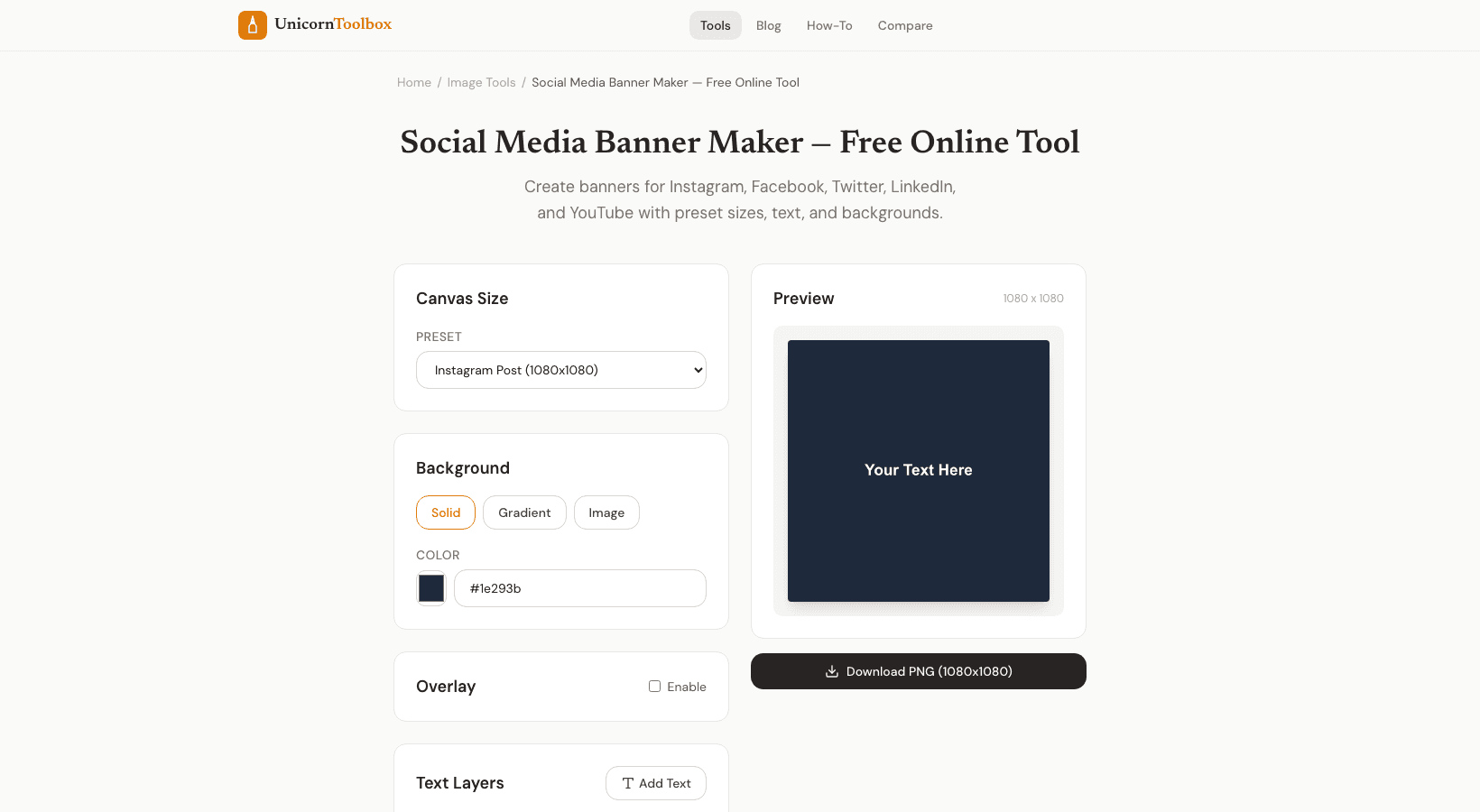
You know that moment when someone visits your Facebook profile or LinkedIn page and the first thing they see is your banner? Yeah, that matters way more than most people think. Your social media banner is basically your first handshake with someone new, and you want it to say something meaningful about who you are or what your business does.
Here is the thing about social media banners, they are not all the same size. Facebook wants one thing, Twitter wants another, and don't even get me started on YouTube. Facebook cover photos work best at 1200 by 628 pixels, while Twitter headers need to be 1584 by 396 pixels. LinkedIn banners are 1584 by 396 pixels too, and if you are doing YouTube channel art, you are looking at a different beast entirely. The point is, before you start designing, check the specs for each platform you are using. Nothing kills the professional vibe faster than a banner that looks stretched or cut off in weird places.
I see people make the same mistakes over and over when designing their own banners. The biggest culprit? Using low-resolution images that look pixelated and blurry. When you are working with small files that have to stretch to fit, your whole brand suddenly looks sketchy. Use high-quality images from the start. Also, people tend to jam way too much text into banners. You have seconds to grab attention, so keep your message to one or two sentences max. Too much text just overwhelms people and makes them scroll past without reading anything.
The good news is you don't need Photoshop skills or a design degree anymore. Free tools have made creating professional banners stupid easy. They have got templates built specifically for each platform, so you don't have to guess at sizes. Just pick your platform, choose a template you like, upload your logo and images, tweak the colors to match your brand, and you are done. Most of these tools let you drag and drop everything right into place.
Here is my advice: keep your banners simple and on-brand. Use consistent colors and fonts across all your platforms so people instantly recognize you wherever they find you. And remember to actually update your banners every few months. A fresh banner keeps your profile feeling current and shows people you are actively maintaining your space.
Think of your banner as the cover of your book. It should tell a story about who you are, look polished and intentional, and make people want to know more. With free tools available right now, there is really no excuse not to have a killer banner on every platform.