How to Create UTM Links for Campaign Tracking
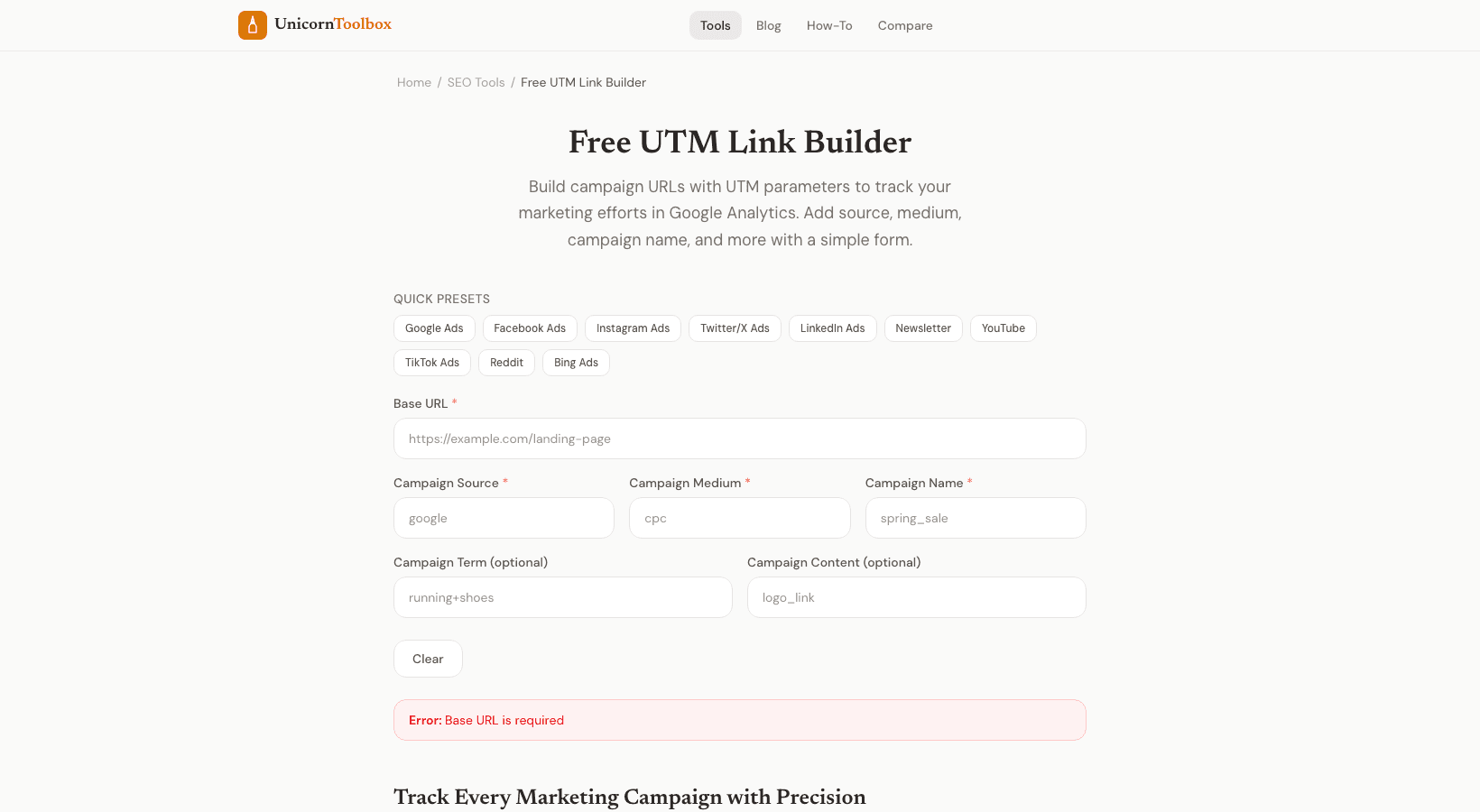
If you've ever wondered where your website traffic actually comes from, UTM links are your answer. UTM stands for Urchin Tracking Module, which sounds fancy but is really just a simple way to tag your links so you can track exactly which campaigns, channels, and posts are bringing people to your site.
Here's the thing: without UTM parameters, your analytics is basically blind. A visitor might click over to your site from an email, a social media post, or a paid ad, but if you're not tracking it properly, Google Analytics just logs it as direct traffic or some vague referral. That means you're throwing money at campaigns without knowing what actually works. UTM links fix that by adding special codes to the end of your URL that tell Analytics exactly where the click came from.
There are five UTM parameters you can add to your links. The big three that actually matter are utm_source (where the traffic came from, like Facebook or your newsletter), utm_medium (how it got there, like social or email), and utm_campaign (what initiative you're running, like summer-sale or product-launch). The other two are utm_term and utm_content, which let you get fancy with keyword tracking and A/B testing different creatives.
This is where a UTM link builder tool comes in handy. Instead of manually typing out long URLs with all those parameters, you just paste your destination URL into the tool, fill in a few fields about your campaign, and boom, it generates your complete tracking link. Copy it, paste it into your email or social media, and you're done. It takes like thirty seconds.
The key to not messing this up is consistency. Use all lowercase letters, separate multiple words with hyphens, and stick to the same naming convention every time. If you call one campaign summer-sale and another SUMMER_SALE, your analytics will treat them as completely different campaigns. Over time, this inconsistency creates a jumbled mess that's impossible to analyze.
Common mistakes kill data quality fast. People forget to tag their emails, put platform names in the wrong fields, or use inconsistent capitalization. They'll also sometimes accidentally tag internal links, which pollutes the data. The worst part? These mistakes are super easy to make once and then repeat across dozens of campaigns.
Really, the smartest move is to sit down once and document your UTM naming convention. Get your team on the same page about what utm_source values you'll use, how you'll format utm_campaign names, and which optional parameters matter for your business. Then stick to it religiously. Done right, UTM tracking transforms your analytics from noise into actual insight.