How to Find the Perfect Font Pairing for Your Website
It's not as easy as it sounds to pick fonts for a website. If you use two fonts that don't go well together, your site will look unprofessional. If you choose fonts that are too similar, they won't stand out from each other. The key is to find a font pairing where the heading and body fonts work well together.
They should be different enough to show hierarchy but similar enough to feel like they belong together. When I redesigned my personal site, I spent hours on this. I tried about 30 different combinations before I found one that worked. A font pairing tool with a live preview would have made that a lot faster.
Basic Font Rules for Pairing You don't need a degree in design for this. You can get 90% of the way there with a few rules: It's important to have contrast. Put a serif heading with a sans-serif body, or the other way around. Fonts that are alike look the same.
Only use two fonts. Three at the very most. If you go over that, your site will look like a ransom note. Get in the right mood.
A heading font that is fun and a body font that is serious send mixed signals. Keep the mood the same. Make readability your top priority. Your body font should be easy to read at small sizes for long periods of time.
Use personality only in headings. Popular Combinations of Google Fonts These tried-and-true combinations work for most sites: Source + Playfair Display Sans Pro: a stylish heading with a clean, modern body Montserrat + Merriweather: a geometric heading with a serif body that is easy to read Roboto and Roboto Slab are from the same family but have different styles. Always safe. Lora and Open Sans: a warm serif heading with a neutral sans-serif body Oswald + Lato: a bold, short heading with a friendly body font These work because they follow the rule of contrast and keep things looking good together.
But don't think you have to stick to these; there are thousands of great combinations. Testing Your Font Pair Never use lorem ipsum to test; always use real content. Your fonts should match the look of your headlines and body text. Try them out at different sizes.
A font that looks great at 48px might not look good at 16px. And test on mobile, where there isn't much space on the screen and it's even more important that things are easy to read. Things to think about when it comes to performance Adding a Google Font means making another HTTP request and download. Two fonts are usually enough.
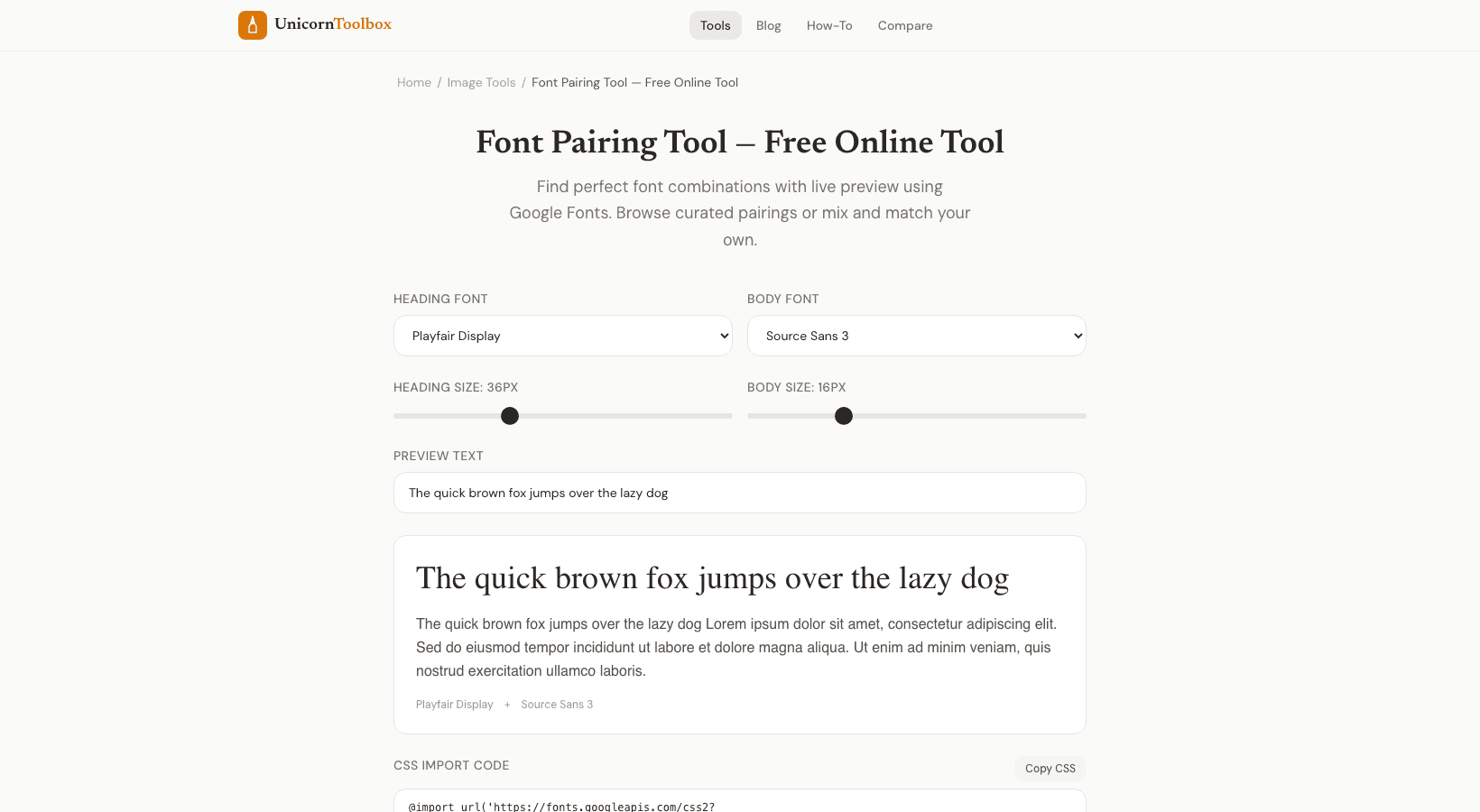
But each font with different weights (regular, bold, italic) adds more. Load only the weights that you need. Your body font might need regular and italic, but your heading font might only need bold. You can see how different font pairs look together in real time with our font pairing tool.
Check out how any two Google Fonts look together as heading and body text. You can change the sizes to find the perfect match.