How to Generate a Privacy Policy for Your Website
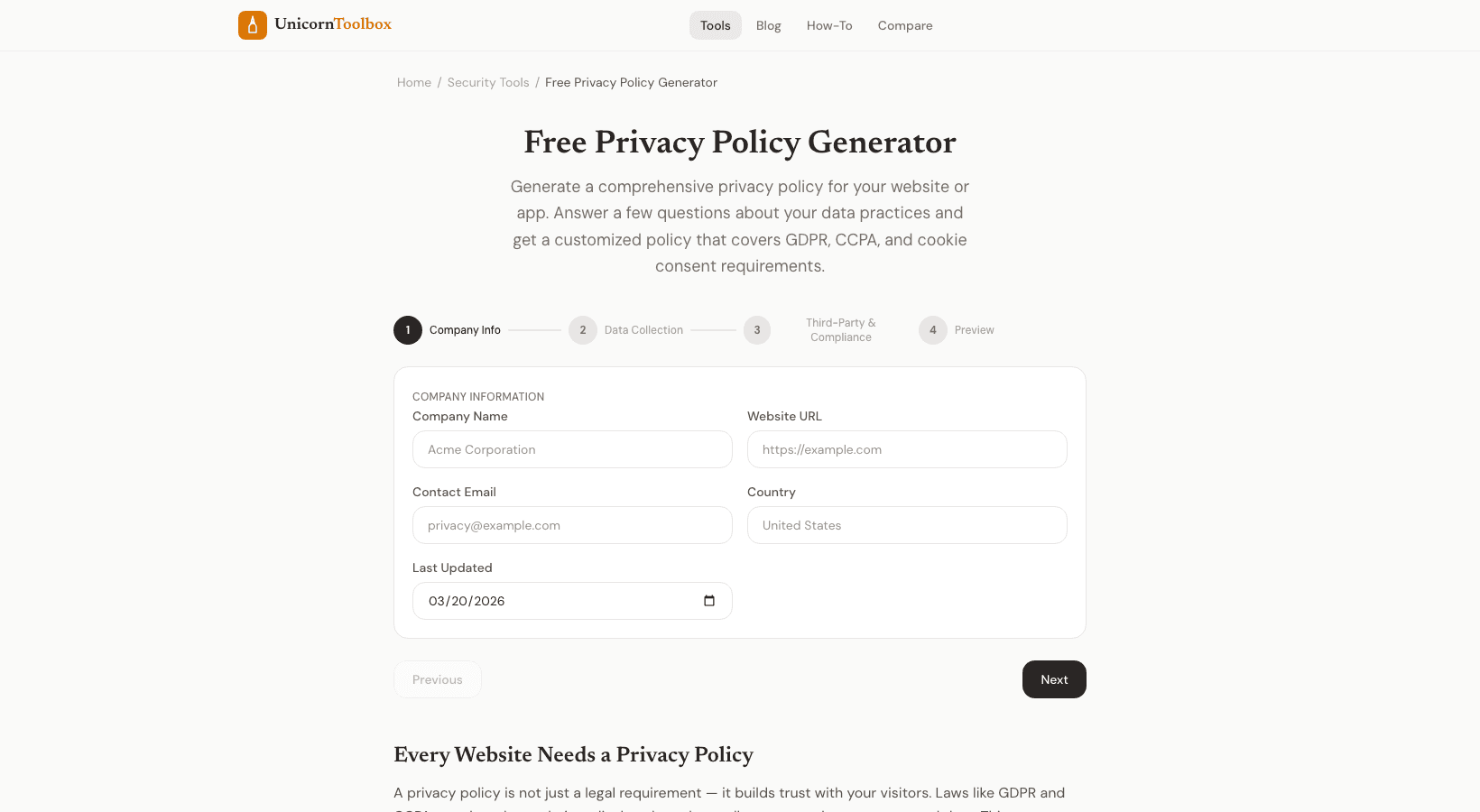
You need to have a privacy policy. If you have a blog, an online store, or a SaaS app, privacy laws like GDPR and CCPA say you have to tell visitors what data you collect and how you use it. This is a lot easier than starting from scratch with a privacy policy generator. Do you really need a privacy policy?
The short answer is yes. You need one if your website collects any personal information, which it almost certainly does. Do you use Google Analytics? You're gathering information.
Do you have a way for people to get in touch with you? Information. Do you accept cookies? Information.
Do you run ads? Definitely information. GDPR applies to your site if anyone from the EU visits it, which is basically everyone. If you have visitors from California, CCPA applies.
Apple and Google both require privacy policies for all apps in their stores, even if neither of these things happened. You have to do it now. What the Generator Includes The privacy policy generator asks you a number of questions about your business and then makes a policy based on your answers: What information you gather, such as names, email addresses, IP addresses, payment information, cookies, and device data Forms, cookies, analytics tools, and third-party services are some of the ways you get it. Why you collect it: to provide services, for marketing, for analytics, or because the law requires it Who you share it with: payment processors, email providers, and ad networks User rights include access, correction, deletion, and data portability.
Cookie policy: what kinds of cookies you use and how to say no to them Following the GDPR and CCPA The policy that was made has all the parts that are required by the main privacy laws. That means that GDPR includes things like the legal basis for processing, how long data can be kept, and users' rights to access and delete their data. The "Do Not Sell My Personal Information" provisions and California-specific disclosures are part of CCPA. I want to be honest, though: a generated privacy policy is a great place to start, but if you're dealing with sensitive information like medical records, financial information, or children's data, you should have a lawyer look it over.
The generator has everything you need for most small businesses and regular websites. How to Use It You enter your business information into the form, check the boxes for what applies to you, and the tool makes the HTML. Copy it and put it on the page for your privacy policy. It takes about five minutes to do the whole thing.
To keep it accurate, I suggest looking it over once a year or whenever you add new services, like a new payment processor or analytics tool.