How to Generate Schema Markup for SEO (JSON-LD)
You know the cool search results on Google that have star ratings, FAQs that drop down, recipe information, or event dates? That's what schema markup does. When you add structured data to your pages, Google knows exactly what your content is about. In return, you get search results that are richer and more clickable.
What is the markup for schema
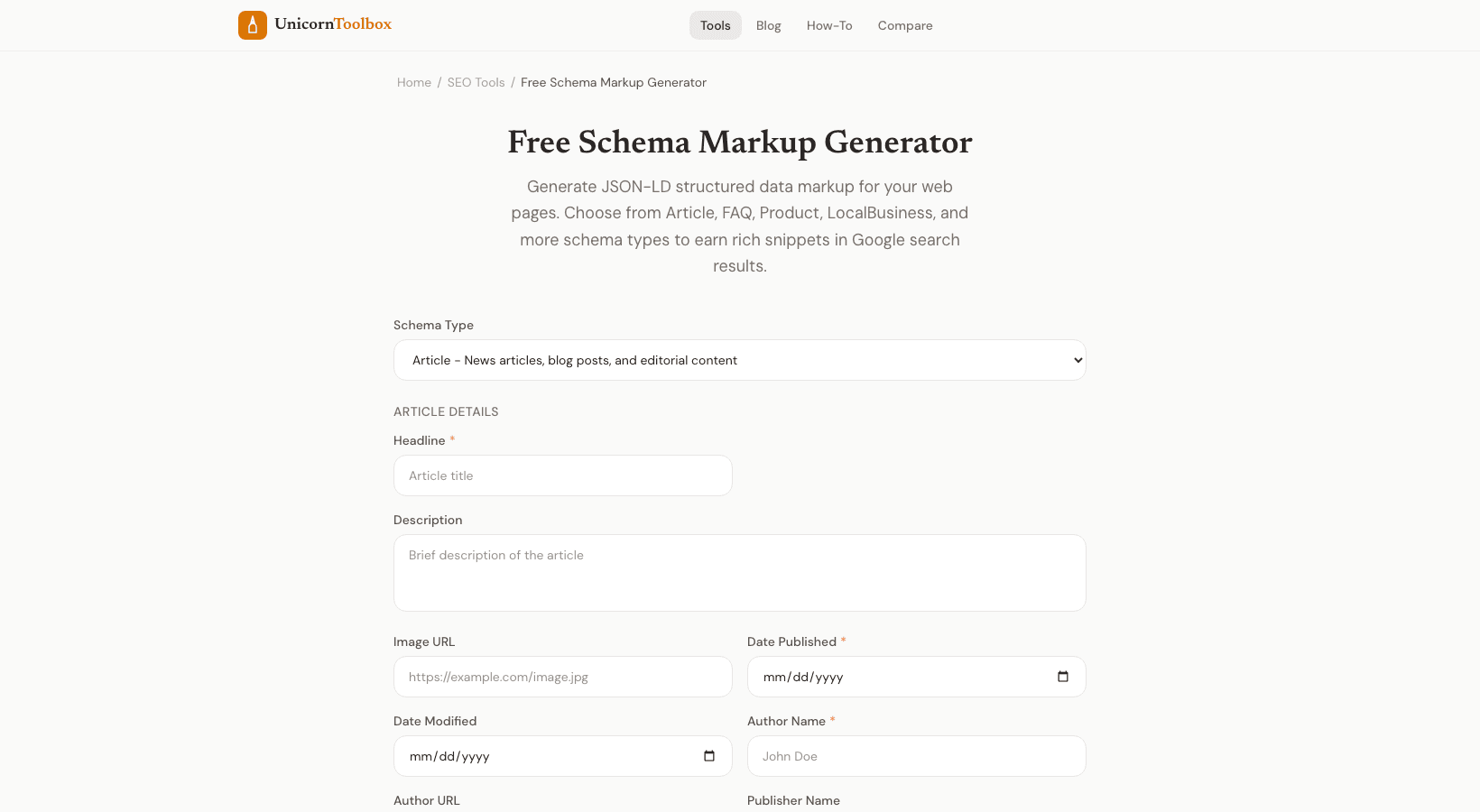
Schema markup is a standard way (from schema.org) to help search engines figure out what your content is about. Schema markup makes it clear that your page is a recipe by saying things like "this is a recipe, the cook time is 30 minutes, it serves 4 people, and it has a 4.5 star rating.""Google likes JSON-LD the best." You add a script tag to the HTML of your page. This doesn't change how your page looks to visitors, but it gives search engines a lot more information about your content. How to Use the Schema Maker Choose the kind of schema you need: Article, Product, FAQ, Recipe, Local Business, Event, or How-To.
You just have to fill out the fields (title, description, author, dates, etc.), and the tool will make the JSON-LD code for you. Copy the code and put it in the head section of your page. That's all. No need for plugins or complicated setup.
It's just a script tag. What Schema Types Are Most Important Article schema is the most important thing for you if you have a blog. It helps Google figure out who wrote something, when it was published, and what it's about. If your page answers common questions, FAQ schema is great because Google can show those right in the search results.
Product schema is very important for online shopping. It can show prices, availability, and ratings from reviews right in the search results. Local Business schema helps stores that are open and have contact information show up in map results. Does Schema Markup Really Help SEO?
Google has said that schema doesn't directly improve your rankings. But it does make your search results stand out more, which makes more people click on them. And over time, higher click-through rates do affect rankings. I've seen FAQ schema make a page take up twice as much space in search results.
More people click on your listing when it is twice as big as your competitors'. That's just math. Checking Your Schema Markup Use Google's Rich Results Test to check your page after you've added schema to it. It will let you know if there are any problems or warnings.
Before you can expect rich results to show up, you need to fix those problems. Invalid schema is completely ignored. Want your website to have rich snippets?