How to Generate an XML Sitemap for Your Website
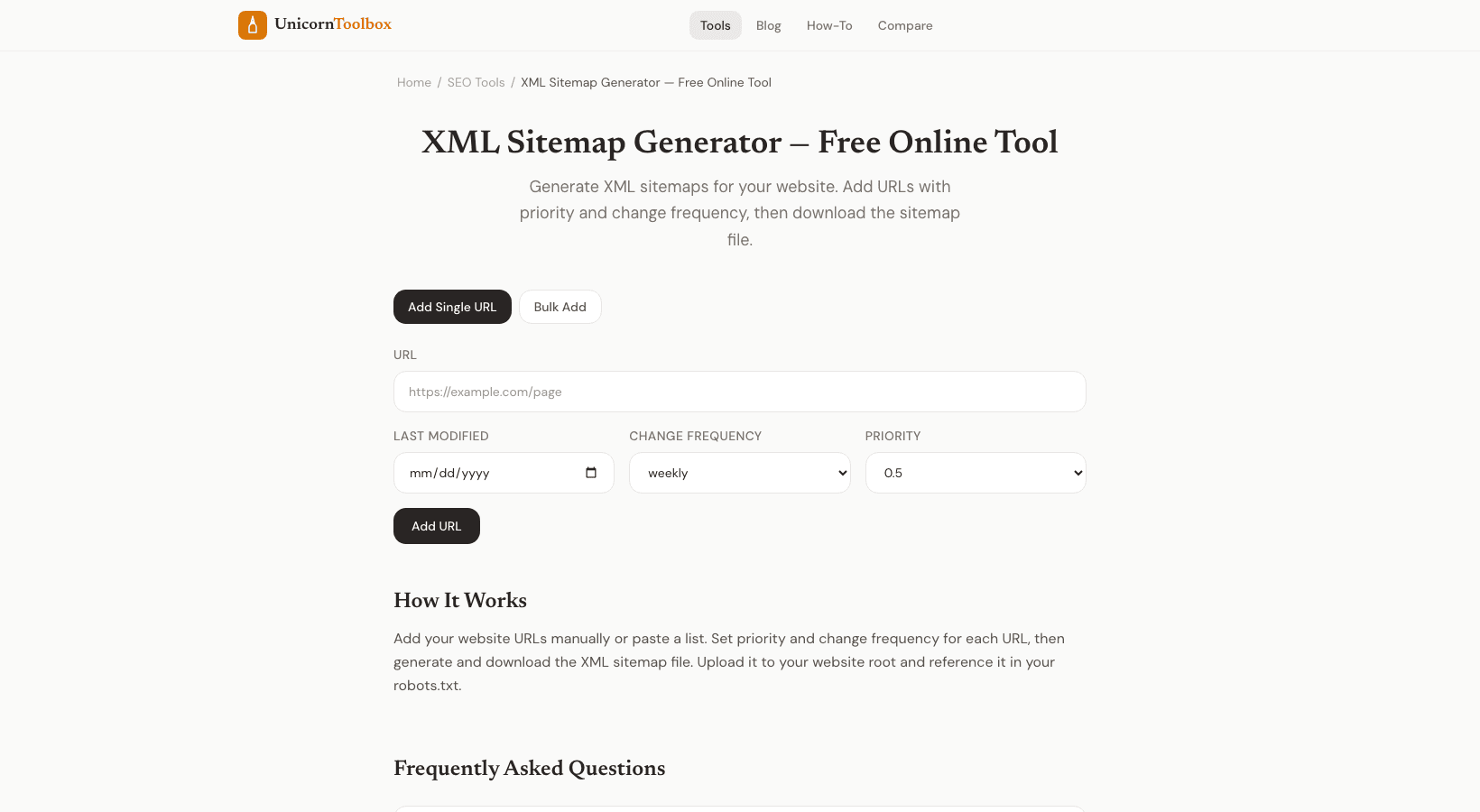
You need an XML sitemap for Google to find all of your pages. It's like a map of your website that shows search engines what pages are there, when they were last updated, and how important they are to each other. Search engines have to guess without one, and they don't always get it right. I've seen sites with hundreds of pages, but Google only indexed a small number of them.
I added a sitemap, sent it to Search Console, and in less than a week, the number of indexed pages went up a lot. It's one of the easiest ways to win at SEO.
What does an XML Sitemap have
A file called an XML sitemap (usually found at yoursite.com/sitemap.xml) lists all the URLs you want search engines to find. There can be: loc: the URL itself (required) lastmod: when the page was last updated changefreq: how often the page changes (daily, weekly, monthly) priority: how important this page is compared to others (0.0 to 1.0) Google is mostly interested in loc and lastmod. Many search engines don't pay much attention to the other two hints anymore, but they don't hurt to add. Why You Should Have a Sitemap Sometimes, small sites with good internal linking don't need one.
A sitemap is necessary for your site if it has any of the following: New website with few links from other sites, so crawlers need help finding pages A big site has hundreds or thousands of pages, and not all of them may be linked to each other. Pages that aren't linked to from your navigation or other pages are called orphan pages. Content that is updated often, like blog posts, product pages, and news articles How to Send Your Sitemap to Google There are two steps to take after making your sitemap. First, put the XML file in the root directory of your website.
Second, open Google Search Console, go to Sitemaps, and paste in the link. It will take Google a day or two to start working on it. You can also put a link to your sitemap in your robots.txt file: Sitemap: https://yoursite.com/sitemap.xml. This makes it easier for other search engines to find it on their own.
Update It You can't just set up a sitemap and forget about it. Your sitemap should show any new pages you add or old pages you update. Most CMS platforms do this for you, but if you're doing it by hand, make sure to regenerate it every time your site's structure changes. Our sitemap generator makes an XML sitemap that is formatted correctly from your URLs.
Add your pages, set their priorities and how often they should be updated, and then download the file that is ready to be uploaded.