How to Remove Background From Images Online Free
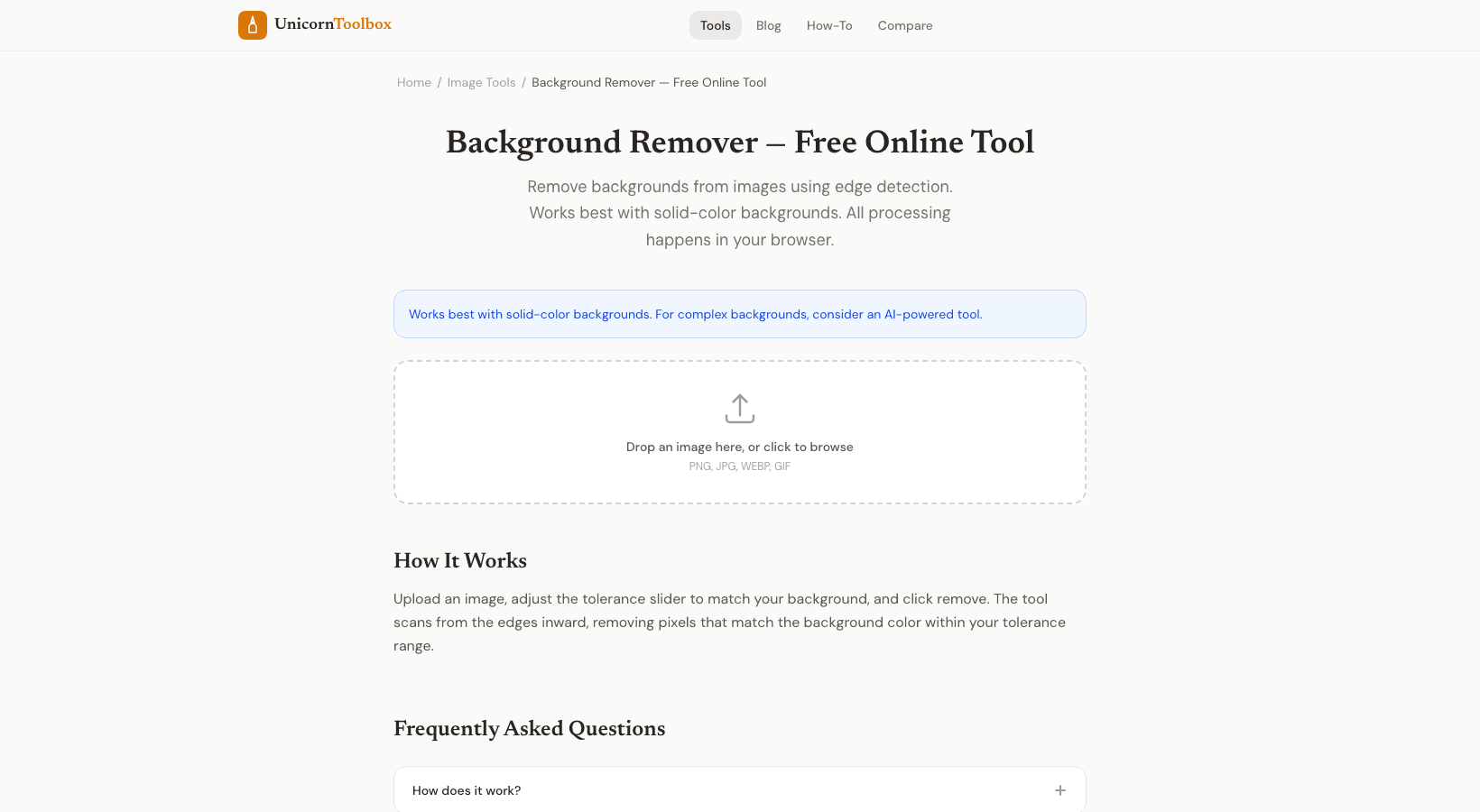
Need to remove the background from an image? Maybe you've got product photos with messy backgrounds, a headshot that needs a clean look, or a logo you want on a transparent background. The background remover uses AI to detect edges and strip out the background in seconds.
How AI Background Removal Works
The tool uses machine learning to identify the main subject in your image and separate it from the background. It analyzes edges, colors, and shapes to figure out what's the "thing" and what's the "background." The result is a clean cutout with a transparent background, saved as a PNG.
It's gotten really good in the past couple years. Hair, fur, complex edges — things that used to require 20 minutes of careful work in Photoshop now take about three seconds. I still do manual touch-ups occasionally for tricky images, but for 90% of use cases, the AI nails it on the first try.
Best Use Cases
- Product photography — Ecommerce listings look way more professional on clean white or transparent backgrounds. Amazon and most marketplaces prefer (or require) white backgrounds for product images.
- Profile photos — Strip the background from a headshot and replace it with a solid color or gradient. Great for LinkedIn, team pages, or ID badges.
- Logo cleanup — Got a logo on a white background that should be transparent? The background remover handles this perfectly.
- Social media graphics — Layer subjects onto new backgrounds for Instagram posts, YouTube thumbnails, or banner images.
- Presentations — Place product images or people onto slide backgrounds without that ugly white rectangle around them.
Tips for Best Results
The AI works best when there's clear contrast between the subject and background. A person in a red shirt against a white wall? Perfect results. A gray cat on a gray couch? The edges might need some cleanup.
For product photos, shoot on a contrasting surface if you can. It makes the AI's job easier and gives you cleaner edges. But even with tricky backgrounds, the results are usually solid enough for social media and web use.
What About Photoshop?
Photoshop is still the gold standard for complex editing work. But honestly, for basic background removal, a free online tool gets you 95% of the way there in a fraction of the time. I save Photoshop for the edge cases where I need pixel-perfect precision. For everything else, this tool does the job.
Your images process right in the browser, so nothing gets uploaded to external servers. That's a nice bonus when you're working with client photos or unreleased products.