How to Test APIs Online: Free API Request Builder
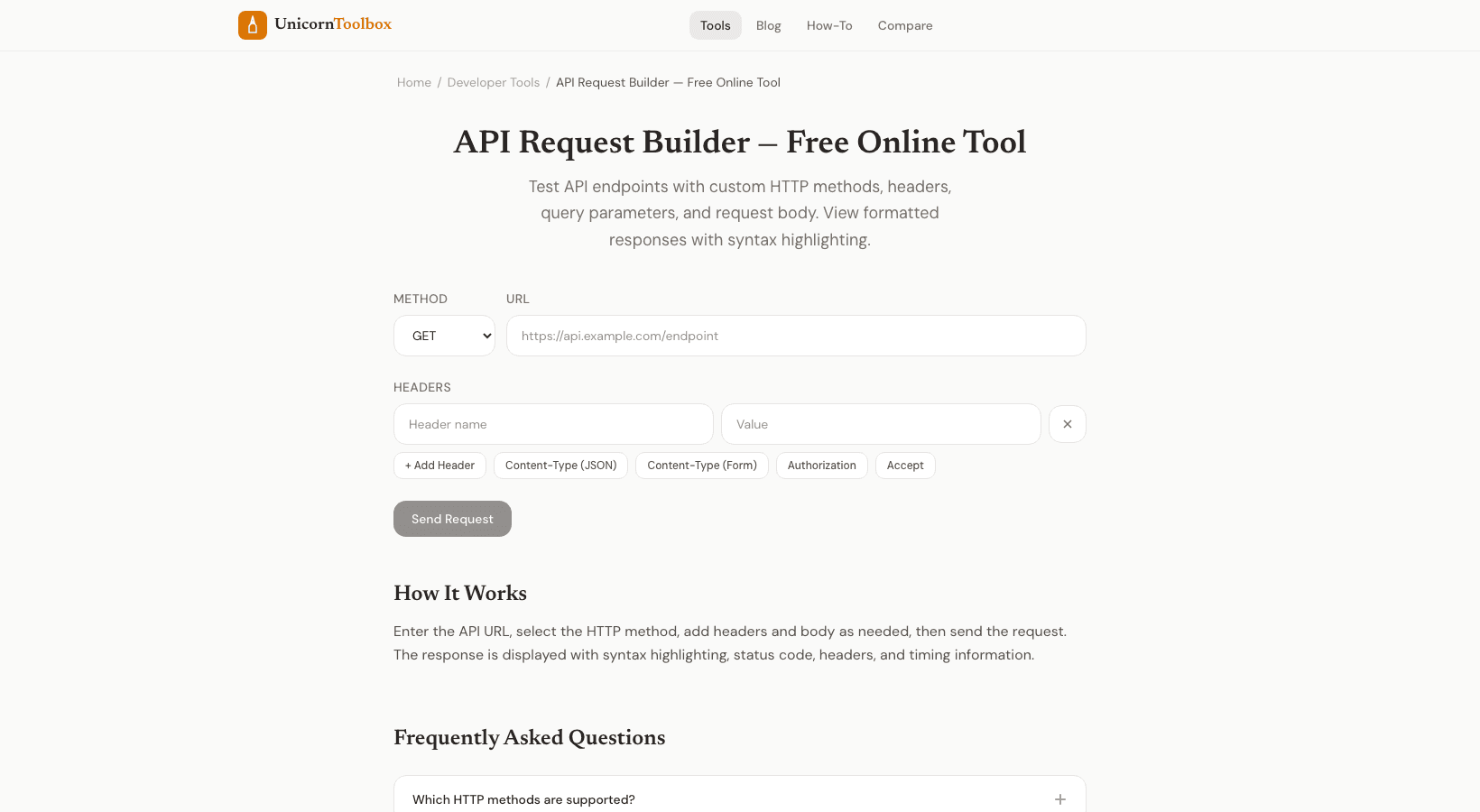
Do you need to quickly test an API endpoint but don't want to open Postman or type in a curl command? You can build and send HTTP requests right in your browser with our free API tester.
You can set the method, add headers, write the body, and see the response all in one easy-to-use interface.
Why You Should Test APIs Online A browser-based API tester is the fastest choice in a lot of situations: Quick endpoint checks: You just want to know if an API is working and what data it gives back.
No local setup means you're using a computer that doesn't have Postman installed or you don't want to install anything.
Sharing tests lets you show someone exactly what you asked for and what you got back.
Learning APIs: When you're learning about a new API, you want to quickly poke at different endpoints.
I keep this page in my bookmarks so that I can quickly check an endpoint response during a meeting or while working on a computer that isn't mine.
How It Works Type in the URL, choose your HTTP method (GET, POST, PUT, PATCH, DELETE, HEAD, OPTIONS), and set up the request: Headers—Add whatever you need, like authorization tokens, content type, or custom headers.
Body: For POST and PUT requests, write JSON, form data, or plain text.
Query parameters: Use a clean key-value editor to add URL parameters.
You can see the response status code, headers, body (with syntax highlighting for JSON), and response time when you hit send.
Everything you need to check that the API is working right.
Important Features You don't have to squint at minified JSON because the response body is automatically pretty-printed.
If you need to, you can also see the raw response.
You can see response times to find slow endpoints.
And you can see the whole request and response, which is great for debugging.
The tool works with HTTPS and handles common ways of logging in.
Bearer tokens, API keys, or Basic auth credentials can be pasted in as headers.
When to Use This and When to Use Postman If you're doing a lot of API development with collections, environments, and automated testing, Postman is still the best choice.
But for quick debugging, one-time tests, and casual browsing, a browser-based tool is much faster.
No need to switch apps or set up anything.
Check your APIs now Make a request, hit send, and see what happens.
Testing an API doesn't have to be hard.
Give it a try for free.