How to Use an eSignature Generator to Sign Documents Online
You get a document from someone to sign. You don't have a scanner or printer. You don't want to pay for DocuSign just to sign one thing.
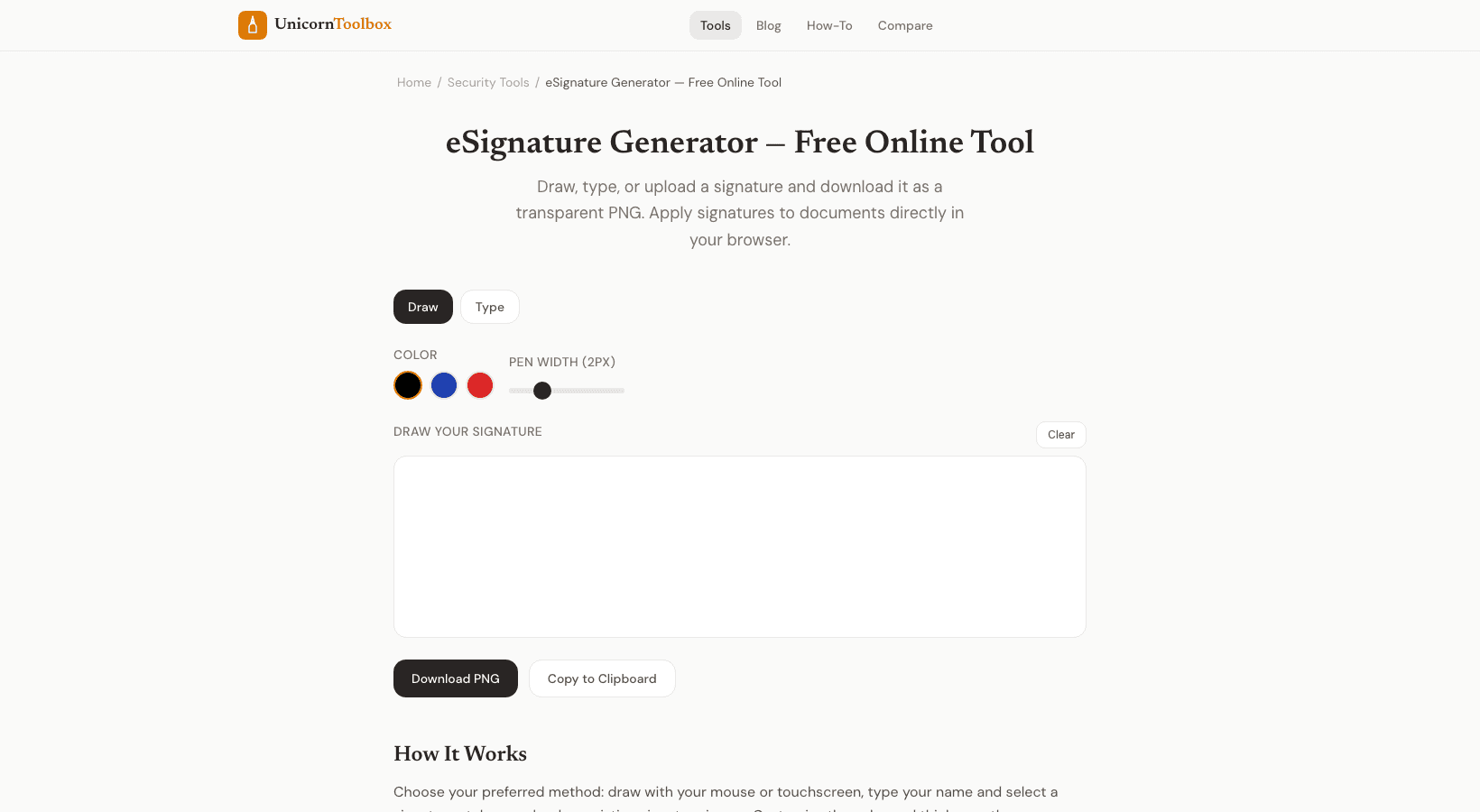
You can make a professional electronic signature for free with the eSignature generator. You can do this by drawing it with your mouse or typing your name in a signature font.
How to Make Your eSignature You have two choices.
Use your mouse, trackpad, or touchscreen to sign your name. This gives the best results, especially on a tablet or phone where you can use your finger. You can also type your name and choose from a number of handwriting-style fonts that make it look like a real signature.
You get a clean signature image that you can use on any document, no matter what. Keep it so you don't have to make it again every time.
Are electronic signatures valid?
Yes, in most countries. Both the US ESIGN Act and the EU eIDAS regulation say that electronic signatures are legally valid for most kinds of documents. In some places, real estate documents, wills, and court orders may still need to be signed with wet ink.
Electronic signatures are perfectly legal and widely accepted for everyday business papers like contracts, agreements, NDAs, and forms. Putting Your Signature on Papers You can download your signature as a clear PNG image after you've made it.
This is helpful because you can then put it on any file, like a PDF, Word document, or even an image file.
Put it right on the line for your signature. You can also use the tool to put your signature directly on a PDF. Upload the document, click where you want your signature to go, change the size, and then download the signed copy.
A lot easier than print-sign-scan. How to Make a Good Electronic Signature Use a stylus or your finger on a touchscreen to draw if you want it to look the most natural.
Mouse signatures often look shaky, which is normal.
A touchscreen, on the other hand, gives better results. When you type, choose a font that looks like the way you write. Most people choose something that has a little flair but isn't so fancy that it's hard to read.
Make sure your signature is always the same. Use the same one every time so that people can find it in different documents.
If you save it to your computer, you'll always have the same version.
Do you need to sign something right now? Give it a try for free.