JWT Decoder: Inspect and Debug JWT Tokens Online
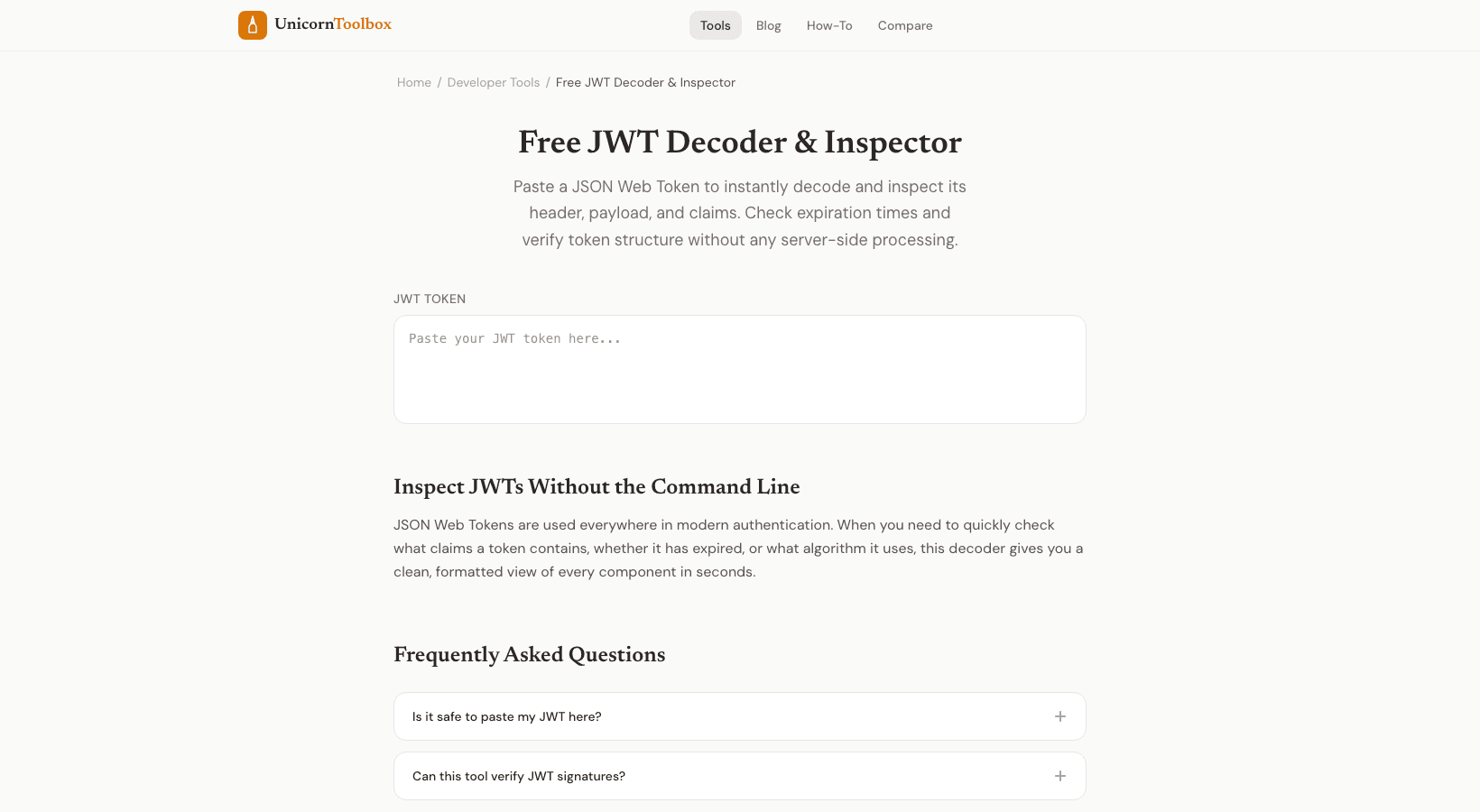
If you've ever spent 20 minutes trying to figure out why your API gives you a 401 error, Unauthorized, you know how annoying it can be to debug authentication. The issue is often right in front of you in the JWT token: an expired timestamp, a missing claim, or a wrong role. It's just gibberish that's been encoded in Base64, so you can't see it. That's when a JWT decoder comes in handy.
You can paste your token and get the decoded header, payload, and signature in plain JSON right away. No more trying to read random strings. What's Really Inside a JWT Token? There are three parts to a JWT (JSON Web Token), and they are separated by dots.
The header is the first part. It tells you what algorithm was used to sign it, which is usually HS256 or RS256. The payload is the second part, and this is where all the good stuff is. User IDs, roles, permissions, and expiration dates.
The signature is the third part, and it shows that nothing was changed. In short, when you decode a JWT token, you're Base64-decoding the first two parts. You need the secret key to check the signature, but you don't need it to read the contents. Some common problems with JWT that you'll find Right away When I work on auth flows, I use this tool almost every day.
This is what usually goes wrong: Tokens that have expired—the exp claim is in the past. This is the most important thing. The aud or iss claim doesn't match what your server expects, so the audience or issuer is wrong. Your backend expects a role field, but the token doesn't have one.
There is a problem with the algorithm: the header says RS256, but your server is set up for HS256. How to Use the JWT Decoder It's really just three steps. Get your token from the dev tools in your browser (look in the Authorization header or cookies), paste it into the decoder, and read what it says. The header and payload are formatted as JSON, and the timestamps are changed to dates that people can read so you don't have to search for a unix timestamp converter separately.
Your browser runs everything. When you work with production credentials, it's important that your tokens never leave your machine. A quick list of things to check when debugging JWT If your auth doesn't work, try this next time: Is the token really in the request?
Is it no longer valid
Look at the difference between exp and now. Are iss and aud right? Does the header's algorithm match the configuration of your server? Are all the claims that need to be there?
Honestly, this saves me ten minutes every time. Instead of adding console.log statements everywhere, I just decode the token and the answer is usually right there.