Markdown to HTML Converter: Live Preview Online
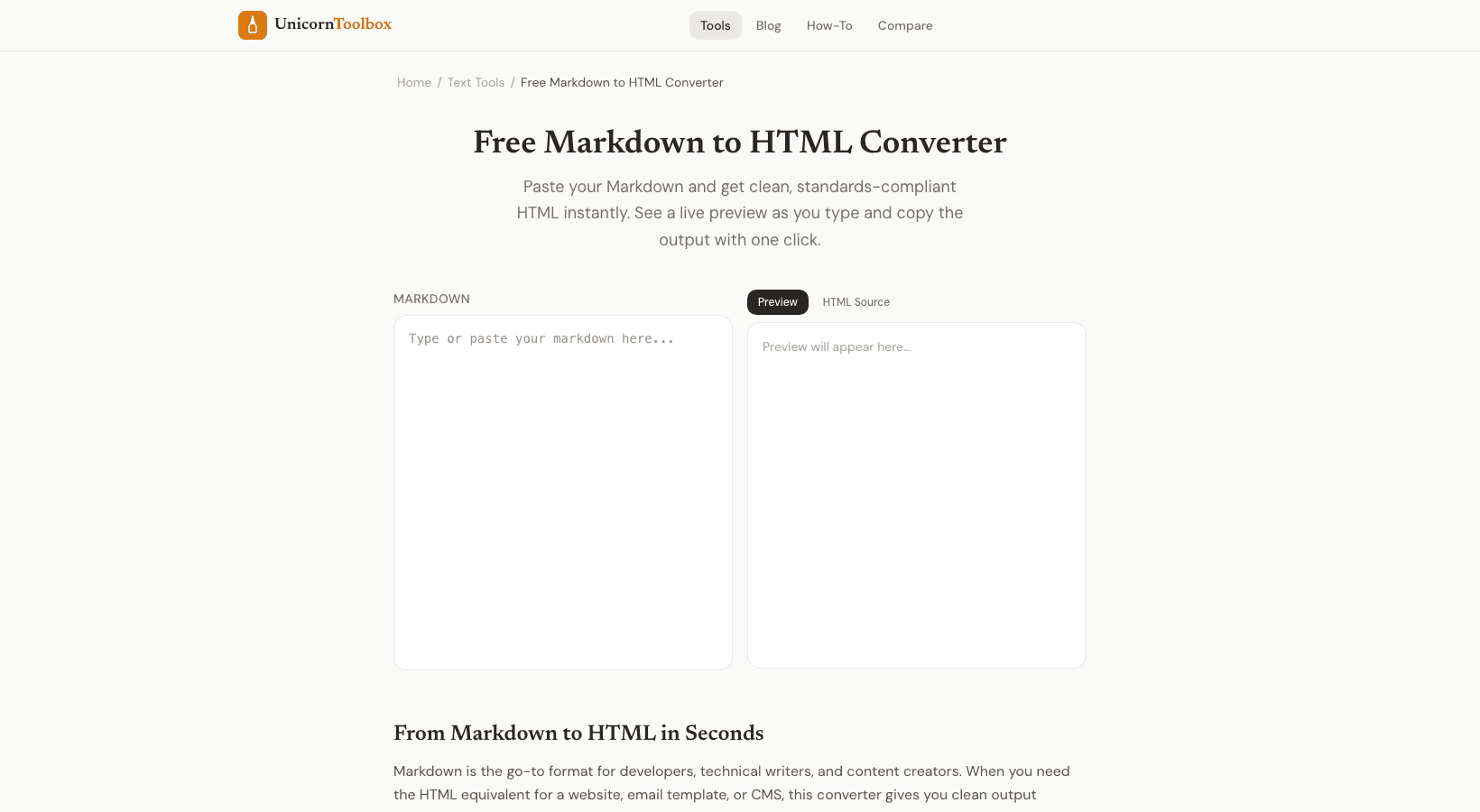
Markdown is a great way to write because it's clean, easy to read, and quick. You have to change it, though, if you want to put it on a website, in an email template, or in a CMS that expects HTML. With a live preview Markdown to HTML converter, you can write in Markdown on one side and see the HTML as it is being rendered on the other. I write almost everything in Markdown first, including blog posts, documentation, READMEs, and even emails.
When I need the output to be formatted, I change it to HTML. It's just a quicker way to work.
Why would you want to change Markdown to HTML
A few common reasons are: For blog posts, write in Markdown and then copy and paste the HTML into your CMS. Email templates: Markdown is easier to write, but email clients need HTML. Documentation—turn .md files into HTML for README files that can be hosted on the web—preview what your GitHub README will look like Static sites turn Markdown content files into HTML. Markdown Syntax Quick Reference Here's what you need to know about Markdown if you're new to it.
There are hash marks ( # H1, ## H2, and ### H3 ) for headers. To make text bold, use double asterisks ( **bold** ). Single asterisks ( *italic* ) are used for italic. Links are written like this: [text](url).
You can use dashes or numbers to make lists. That covers about 80% of what most people need. The converter can handle all of the usual Markdown syntax, such as code blocks, tables, blockquotes, and images. Live Preview Makes a Difference The side-by-side preview is the most helpful part, to be honest.
You can see the rendered output right away when you type Markdown on the left. You don't have to save, refresh, or switch between tabs. You can see formatting problems right away and fix them as you go. You can copy either the rendered HTML (for pasting into rich text editors) or the raw HTML source code (for pasting into code editors or CMS HTML views) once you're happy with the output.
Output that is clean The converter makes HTML that is clean and meaningful. No extra div wrappers, no inline styles, and no extra markup. You just need to use the right h1 through h6 tags, p tags, ul/ol lists, and other common HTML tags. You can now style it with your own CSS.
With our Markdown to HTML converter, you can see a live preview right away and copy both the rendered and source HTML. Write quickly and convert right away.