Open Graph Meta Tag Generator for Social Media Sharing
Ever shared a link on Twitter or Facebook and it showed up as just a plain URL with no image or description? That happens when your page is missing Open Graph meta tags. These little HTML tags control how your content looks when people share it on social media — and they make a massive difference in click-through rates.
What Are Open Graph Tags?
Open Graph (OG) tags are meta tags you add to the <head> section of your HTML. When someone shares your URL, social media platforms read these tags to generate the preview card. They control the title, description, image, and type of content shown in the preview.
Facebook created the Open Graph protocol, but now pretty much every platform uses it — LinkedIn, Pinterest, WhatsApp, Slack, Discord, and more. Twitter has its own variation called Twitter Cards, but the concept is the same.
Why This Matters
A link shared with a big, eye-catching image and clear title gets significantly more clicks than a bare URL. I've seen click-through rates double just from adding proper OG meta tags. It's one of the simplest things you can do to get more traffic from social shares.
And it's not just about vanity — it's about controlling your message. Without OG tags, platforms try to guess what image and text to show, and they often get it wrong. Your carefully crafted headline gets replaced with random text from the page. No thanks.
What the Generator Creates
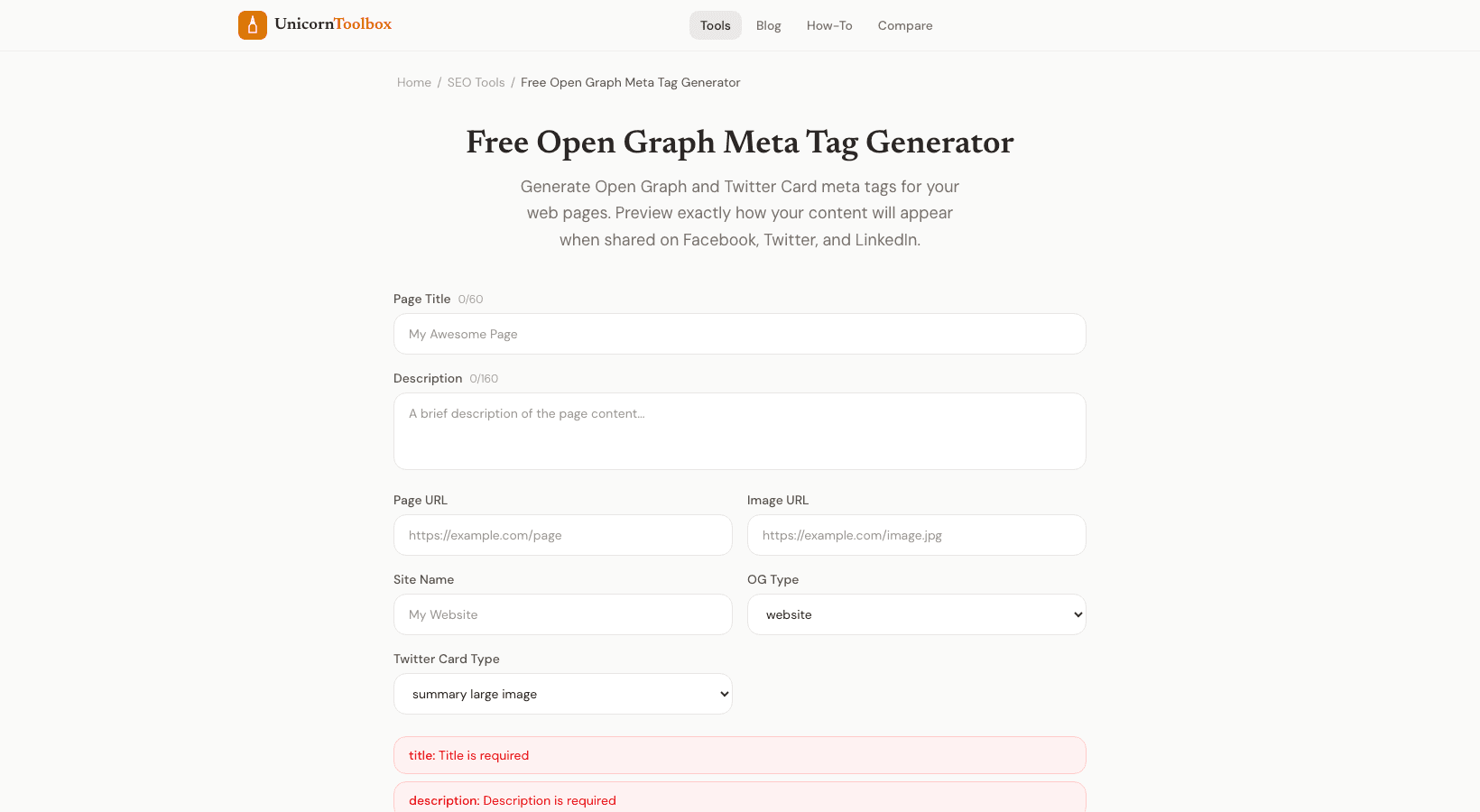
Fill in your page details and the tool generates all the tags you need:
- og:title — The headline shown in the preview card
- og:description — The summary text below the title
- og:image — The preview image (this is the most important one for clicks)
- og:url — The canonical URL for the page
- og:type — Whether it's an article, website, product, etc.
- Twitter Card tags — twitter:card, twitter:title, twitter:description, twitter:image
You also get a live preview showing exactly how your link will look on Facebook, Twitter, and LinkedIn. No more publishing and hoping for the best.
Image Tips
The OG image is where most people mess up. Use an image that's at least 1200×630 pixels for the best results across all platforms. Keep important text and graphics in the center since different platforms crop differently. And make sure the image is hosted on a publicly accessible URL — social platforms can't read images behind authentication.
Quick Setup
Copy the generated tags and paste them into your page's <head> section. If you're using WordPress, Webflow, or similar platforms, there are usually fields in the SEO settings for this. After adding them, use Facebook's Sharing Debugger or Twitter's Card Validator to verify everything looks right.