QR Code Wi-Fi Generator: Share Your WiFi Instantly
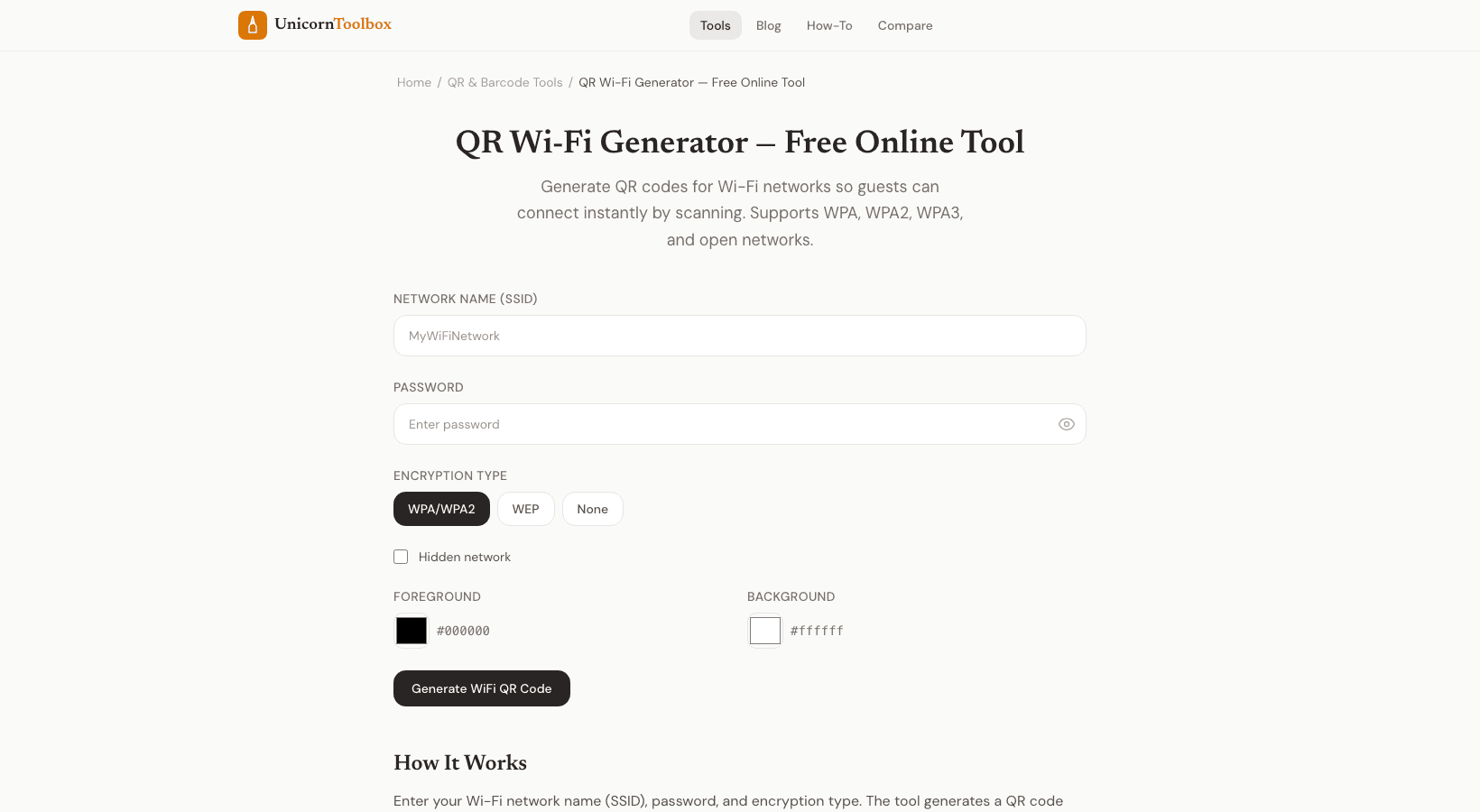
You know that awkward moment when someone asks for your WiFi password and you have to spell out some ridiculous string of characters? "It's uppercase B, lowercase r, the number 7, an exclamation point..." A WiFi QR code generator solves this forever. Guests just scan the code and they're connected. Done.
How WiFi QR Codes Work
The QR code encodes your network name (SSID), password, and security type into a standard format that smartphones understand natively. When someone scans it with their phone camera, it automatically offers to connect to the network. No typing, no "was that a zero or the letter O" confusion.
Both iPhone (iOS 11+) and Android phones support this out of the box — no special app needed. Just point the camera at the code and tap the notification.
Setting It Up
The WiFi QR code generator needs three things from you:
- Network name (SSID) — Exactly as it appears in your WiFi settings. Case-sensitive, so double-check.
- Password — Your WiFi password. The tool shows/hides it so you can verify you typed it correctly.
- Security type — Usually WPA/WPA2 for home networks. If you're not sure, check your router settings (it's almost always WPA2).
Hit generate and you get a QR code ready to print or display.
Where to Put It
I've seen people get creative with this. Some popular spots:
- Frame it near the front door — Guests scan it when they arrive
- Print it on a card — Leave it on the guest bedroom nightstand
- Stick it on the fridge — Because that's where everyone ends up at house parties
- Restaurants and cafes — Print it on table tents or stick it on the wall. Way better than that "ask your server for the password" routine
- Airbnb listings — Put it in the welcome guide. Guests love it
- Office reception areas — Professional and practical
Is It Secure?
The QR code contains your password, so anyone who can see the code can connect to your network. That's the same as writing the password on a sticky note, which is basically what most people already do. If you're concerned, consider setting up a guest network on your router with a separate password — then use the QR code for the guest network only.
You can also regenerate the QR code anytime you change your password. It takes about ten seconds.
Customization Options
The generator lets you change the QR code colors and add a small logo in the center. Nice touches if you're printing it for a business or want it to match your decor. You can download the code as PNG or SVG for print-quality output.