SQL Formatter: Beautify and Format SQL Queries Online
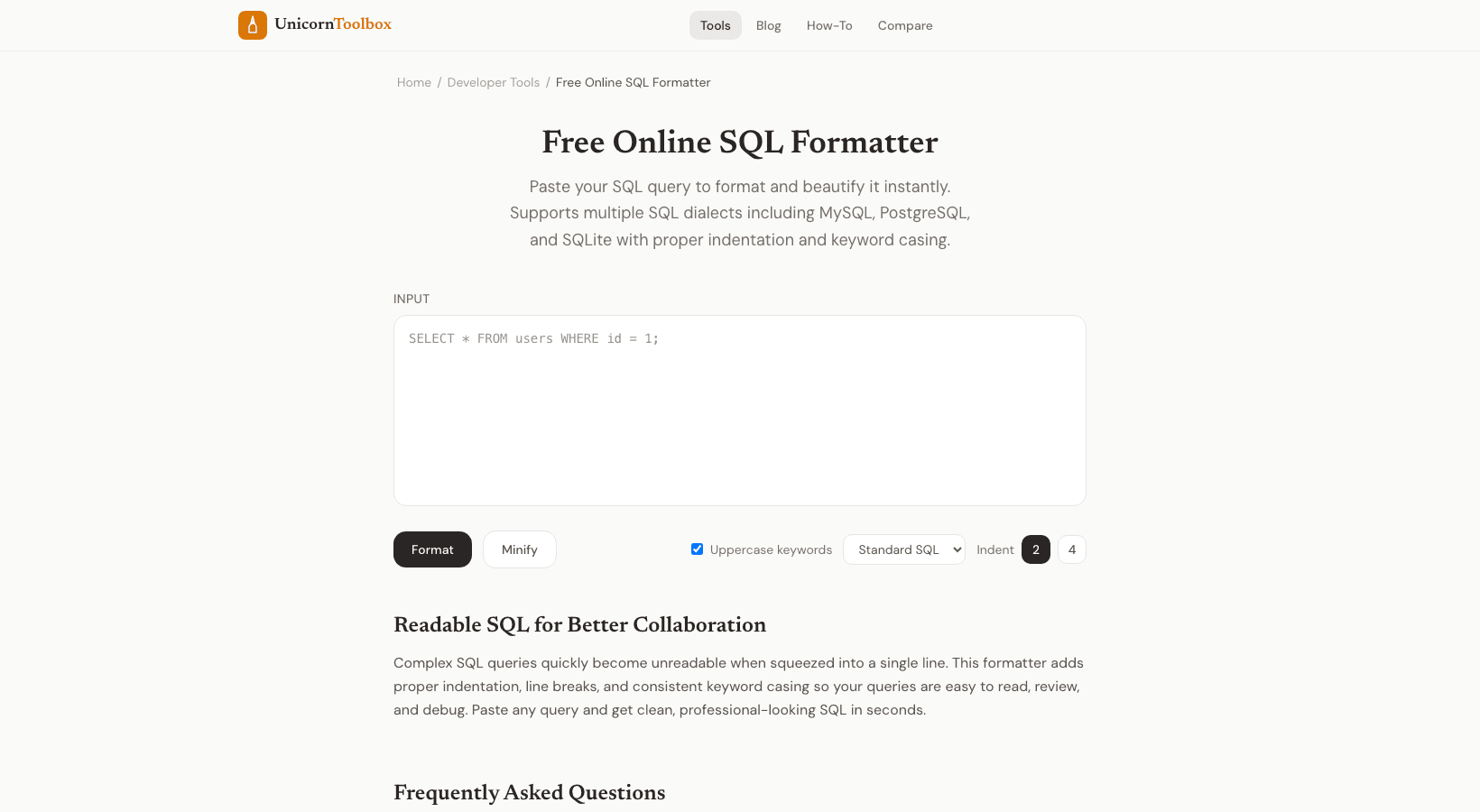
We've all inherited that one SQL query — a 500-character single line with no formatting, no indentation, and definitely no comments. Reading it feels like decoding a secret message. A SQL formatter turns that mess into clean, readable code in one click.
Why Format Your SQL?
Readable SQL is maintainable SQL. When a query is properly formatted with indentation and line breaks, you can quickly spot issues: missing JOINs, wrong WHERE conditions, typos in column names. When it's all crammed on one line, good luck finding anything.
I format my SQL before every code review, and I format it every time I pull a query from a log file or monitoring tool. It takes two seconds and makes the difference between understanding the query immediately vs. squinting at it for five minutes.
What the Formatter Does
Paste your messy SQL and the SQL formatter applies consistent styling:
- Keywords uppercased — SELECT, FROM, WHERE, JOIN, ORDER BY all stand out visually
- Proper indentation — Subqueries and nested conditions get indented logically
- Line breaks — Each clause starts on its own line for easy scanning
- Aligned columns — Column lists and conditions line up neatly
- Consistent spacing — No more random extra spaces or missing spaces around operators
Database Support
SQL isn't perfectly standardized (surprise, surprise). Different databases have different syntax quirks. The formatter recognizes dialect-specific syntax for MySQL, PostgreSQL, SQL Server, SQLite, and Oracle. Pick your database and it'll handle the syntax correctly.
Configuration Options
You can adjust the formatting to match your team's style preferences. Tab size (2 or 4 spaces), keyword case (UPPER, lower, or Title), comma placement (trailing or leading), and whether to expand column lists onto separate lines. If your team has a style guide, you can probably match it.
Real-World Usage
Here's how I use this in practice. I pull a slow query from our monitoring dashboard — it's a single-line monster. I paste it into the formatter, and suddenly I can see the three unnecessary JOINs and the missing index hint. Fixed the query, performance improved 10x. Couldn't have spotted the issue without formatting it first.
It's also great for documentation. Formatted SQL in your wiki pages and runbooks makes life so much easier for the next person who needs to understand your queries.