YAML Formatter and JSON-YAML Converter Online
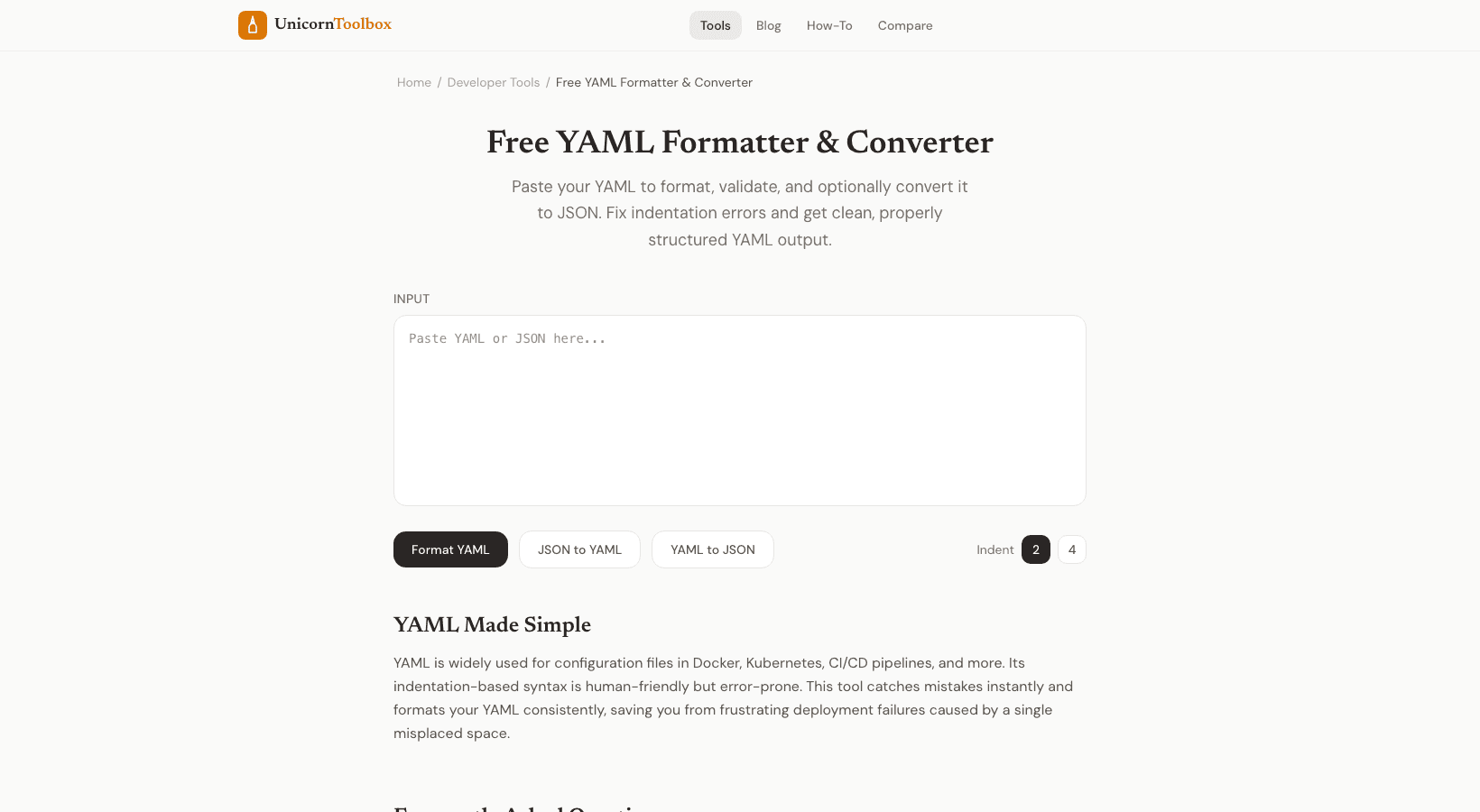
You know how one wrong indentation can ruin your whole day if you work with YAML config files like Kubernetes manifests, Docker Compose files, and CI/CD pipelines. This YAML formatter finds those mistakes before they take you an hour to fix.
What is the purpose of the YAML Formatter
When you paste in your YAML, the tool does three things. First, it checks your syntax and tells you exactly where the mistakes are. Second, it changes the formatting of your YAML so that the indentation is correct and consistent. Third, it can change JSON to YAML and vice versa.
Honestly, I use that last one the most. I will get a JSON API response and need to change it into a YAML config block. I just paste, click convert, and copy the result instead of doing it by hand, which would have messed up the indentation. Why YAML Formatting Is Important YAML cares about spaces.
In JSON, you use braces and brackets to show structure, but in YAML uses spaces to show structure. If you put an extra space or tab where a space should be, your whole configuration could break. I once spent 45 minutes trying to fix a Kubernetes deployment that wouldn't work, only to find that one line was indented with a tab instead of spaces. A YAML formatter would have caught that in two seconds.
YAML to JSON (and Back) The converter works well in both directions. You can get YAML by pasting JSON. Put YAML in and get JSON out. It keeps your data types the same.
For example, numbers stay numbers, booleans stay booleans, and nested objects stay nested. This is very useful when you have APIs that return JSON but your app needs YAML configuration. Or when you want to send a YAML config to someone who likes to read JSON. The Formatter Finds Common YAML Errors People often make mistakes when they use tabs instead of spaces, don't use the same amount of indentation for all lines, forget to put colons after keys, or forget to quote strings that have special characters like colons or hash marks.
The formatter shows you exactly where each error is and what line it is on, so you don't have to guess. You don't have to install anything to use it, though. Do you have a YAML file that needs to be cleaned up?